
Send WhatsApp broadcasts that start a sale
Launch automated and personalized WhatsApp marketing campaigns to engage customers, promote offers, and drive business growth.
Pre-approved WhatsApp Message Templates
Official WhatsApp Business API Integration
Bulk and Personalized Messaging
Targeted Campaigns for Segmented Contacts
CRM Integration and Contact Management
Campaign Scheduling and Automation
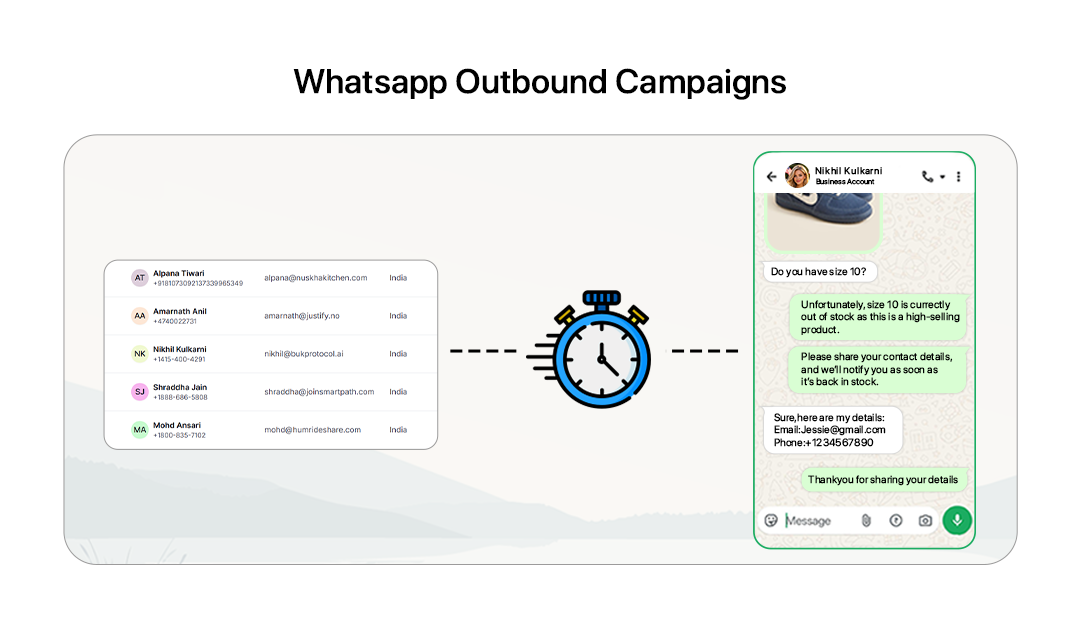
How to create a Whatsapp Campaign
Create, customize, and launch WhatsApp campaigns to reach your audience with automated messages.
Create a WhatsApp Campaign
Go to the 'Messages' section in your dashboard and click 'Create Campaign'.
Add Campaign Details
Enter your campaign name and basic information to set up the campaign.
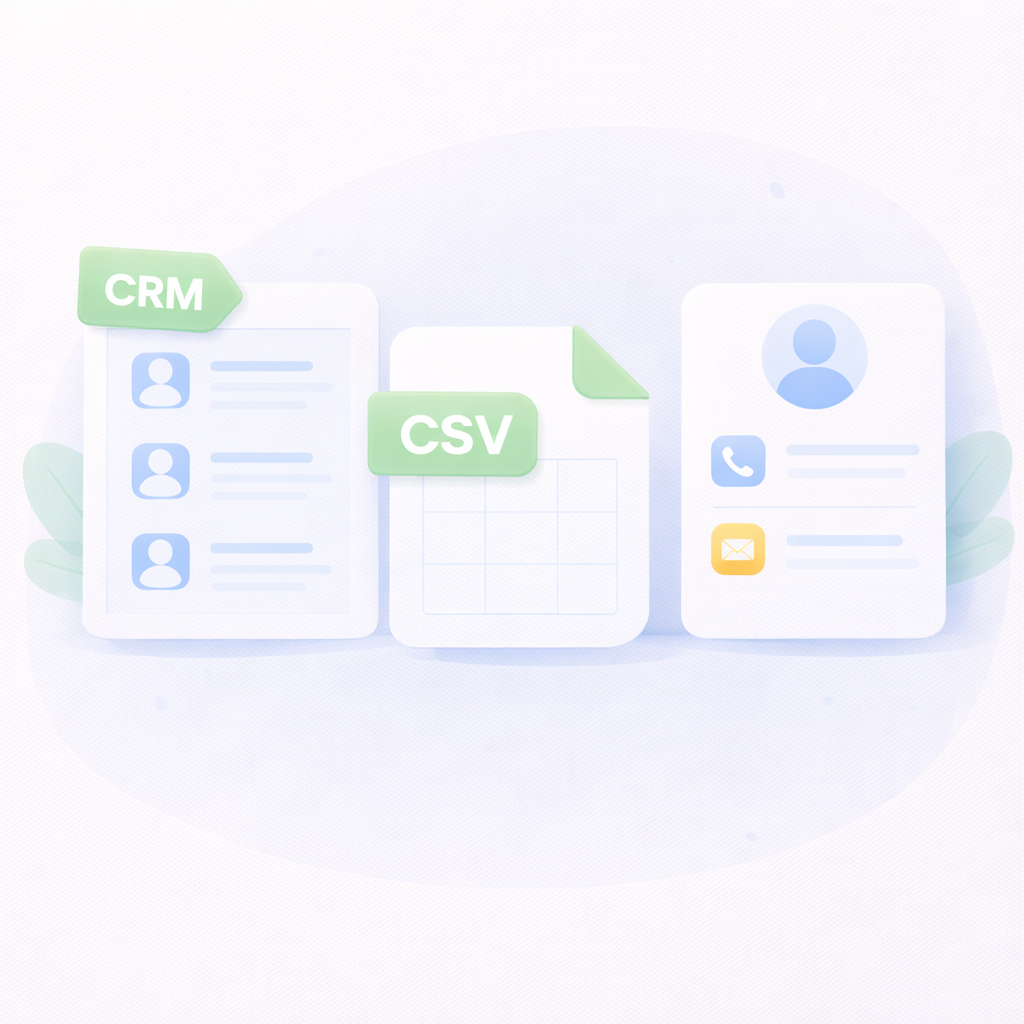
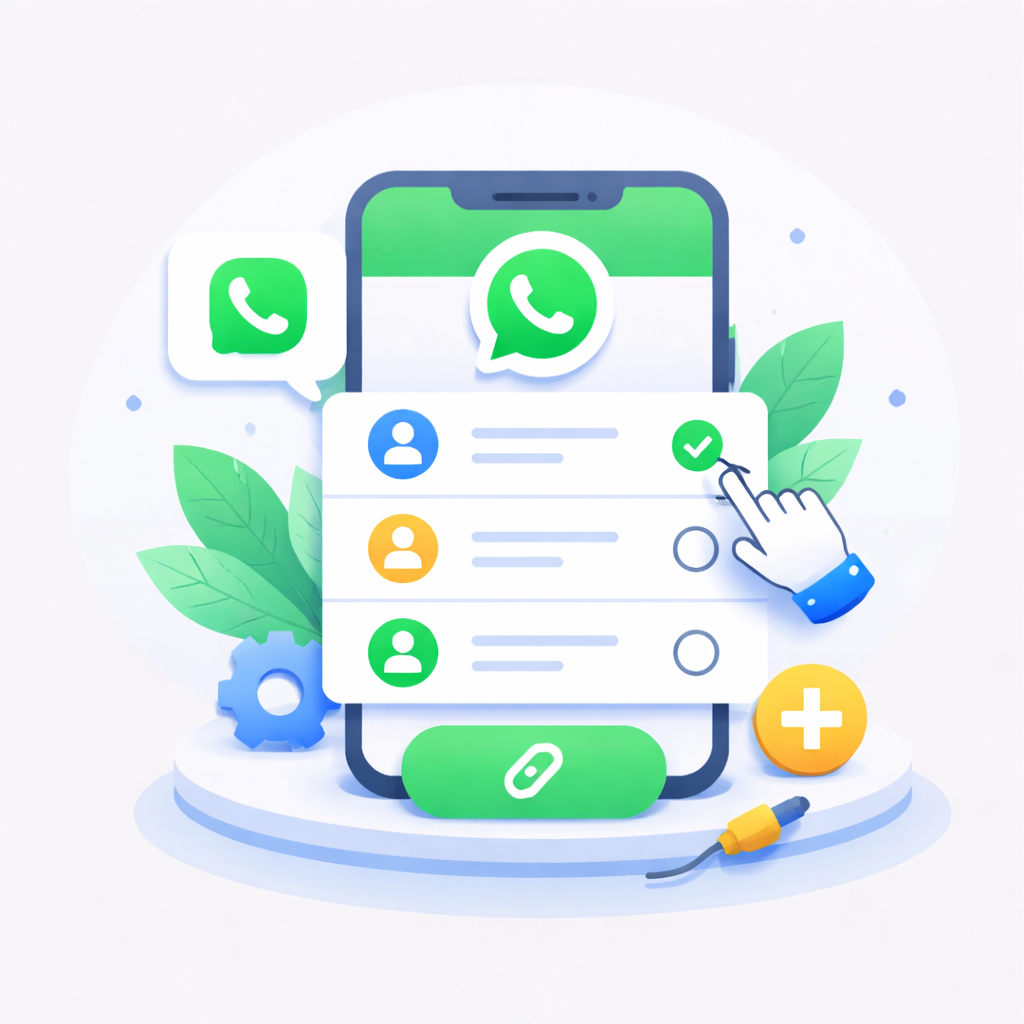
Add Contacts
Click 'Add Contact' and choose how you want to add contacts. You can select existing contacts from CRM, upload a CSV file, or manually enter contact details.
Choose a Sender
Select an existing WhatsApp sender or connect a new one by clicking 'Connect WhatsApp'.
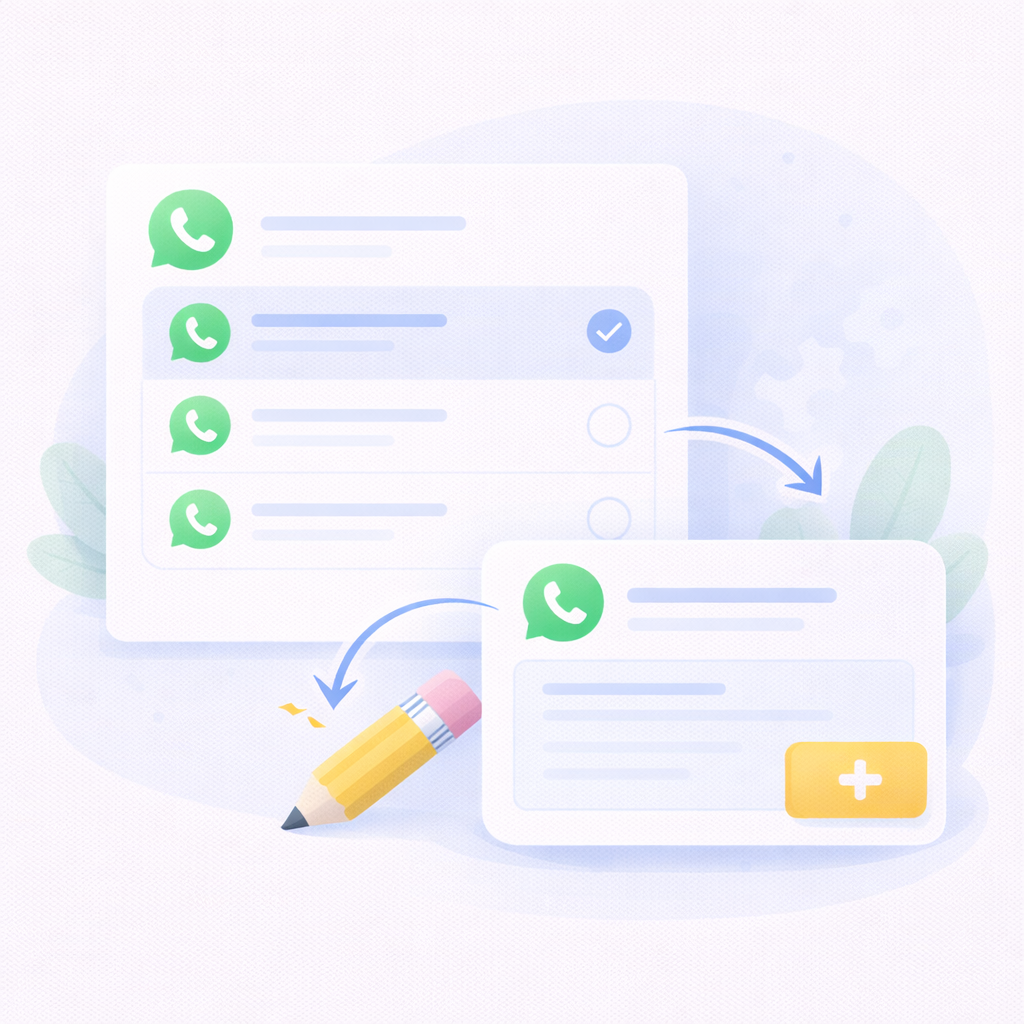
Choose a Template
Select an existing approved message template or create a new one by clicking 'New Template' and filling in the template details.
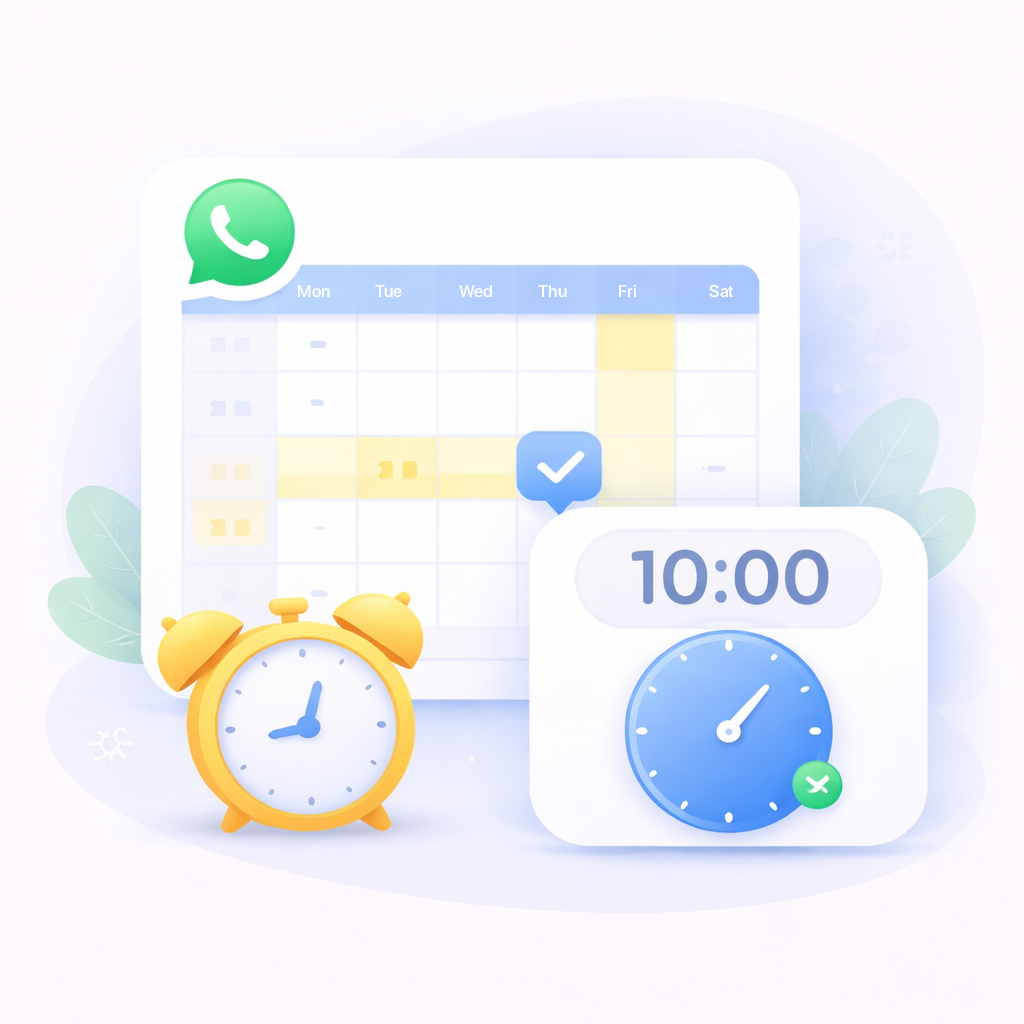
Schedule the Campaign
Set the date and time to schedule when your WhatsApp campaign will be sent.
Engage Your Audience with WhatsApp Campaigns
Reach customers instantly with automated and personalized WhatsApp campaigns. Send promotions, updates, and notifications to engage your audience and drive meaningful interactions.
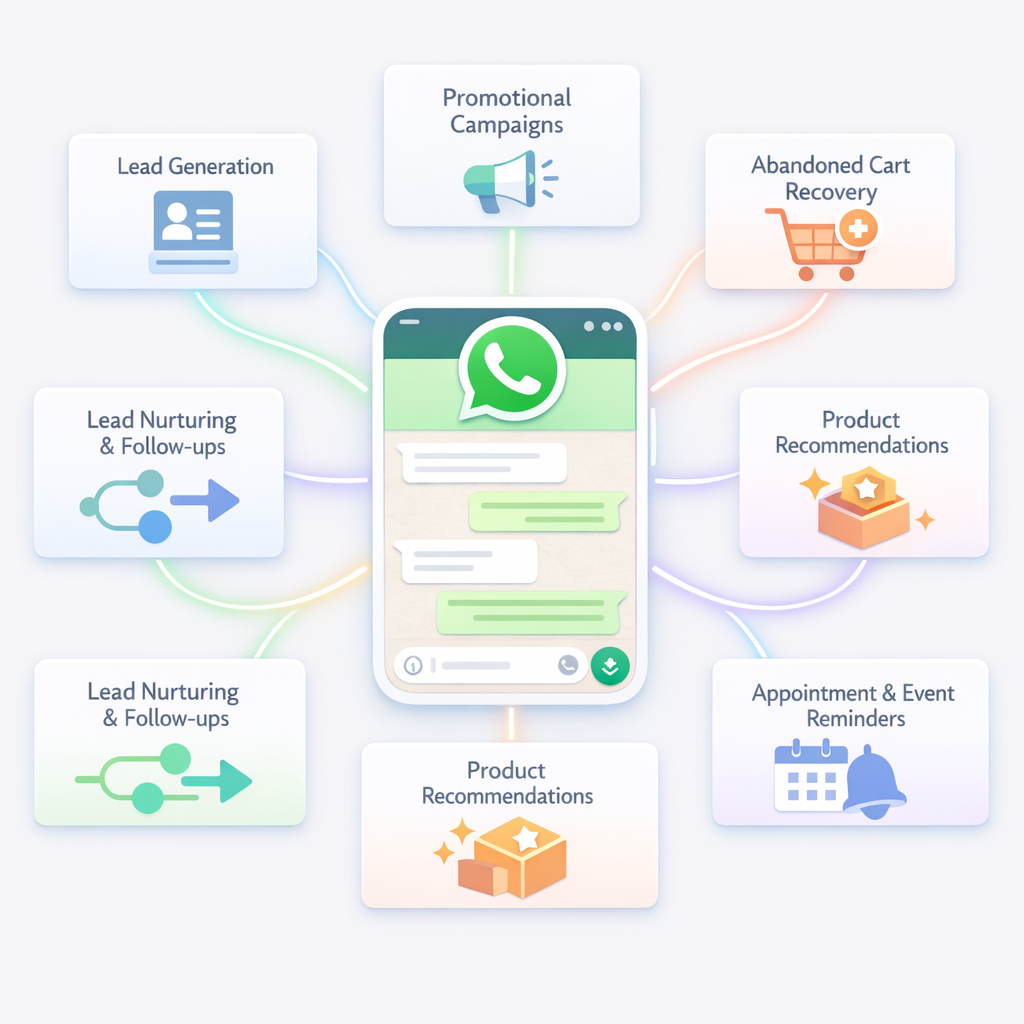
Lead Generation
Capture potential customers directly through WhatsApp conversations. Automatically collect user details like name, phone number, and business information.
Promotional Campaigns
Send targeted promotional messages about offers, discounts, and product launches to drive immediate sales and engagement.
Abandoned Cart Recovery
Remind customers about products left in their cart and encourage them to complete the purchase with personalized messages or special offers.
Lead Nurturing & Follow-ups
Automatically follow up with interested prospects, share product information, and guide them through the buying journey.
Product Recommendations
Suggest relevant products based on customer interests, previous purchases, or browsing behavior to increase conversions.
Appointment & Event Reminder
Send reminders for appointments, webinars, demos, or bookings to reduce no-shows and improve attendance.
Customer Re-engagement
Reconnect with inactive customers by sending personalized offers, updates, and new product announcements.
Frequently Asked Questions
What is a WhatsApp outbound campaign?
It allows businesses to send proactive messages to customers using WhatsApp Business API templates.
Is WhatsApp marketing allowed?
Yes, as long as customers have opted in and messages follow WhatsApp policies.
What messages can be sent in campaigns?
Promotions, product updates, reminders, event invites, and follow-up messages.
Can messages be personalized?
Yes. Campaigns can include customer name, product details, and custom offers.
Can customers reply to campaign messages?
Yes. Customers can reply, and businesses can respond via chatbot or human agents
Can I send messages to many users at once?
Yes. WhatsApp campaigns allow sending messages to thousands of contacts simultaneously.
Can I track campaign performance?
Yes. You can track delivery, reads, replies, and conversions