
AI bot handoff to human via voice call
Escalate conversations from AI chatbot to you or your team instantly via voice calls for faster and more personal interaction
In-chat call option
Smart escalation triggers
Seamless AI to human switch
Real-time human interaction
Multi-channel communication
Instant voice call handoff
How voice handoff works
Switch from chatbot to voice conversation in seconds

User starts conversation
Visitors begin chatting with your AI chatbot on your website or messaging platforms.

AI handles initial queries
AI responds instantly and understands user intent.

Detect need for voice interaction
When conversations become complex or important, the system identifies the need for a voice call.

Offer voice call option
Users are given an option to connect with you or your team via a voice call directly in chat.

You join the call
You or your team can instantly join and speak with the user in real-time.

Resolve faster and continue
Resolve complex queries quickly through voice and continue the conversation seamlessly.
Real-time voice interaction with human control
Combine AI automation with direct human voice conversations to deliver faster and more personal support.
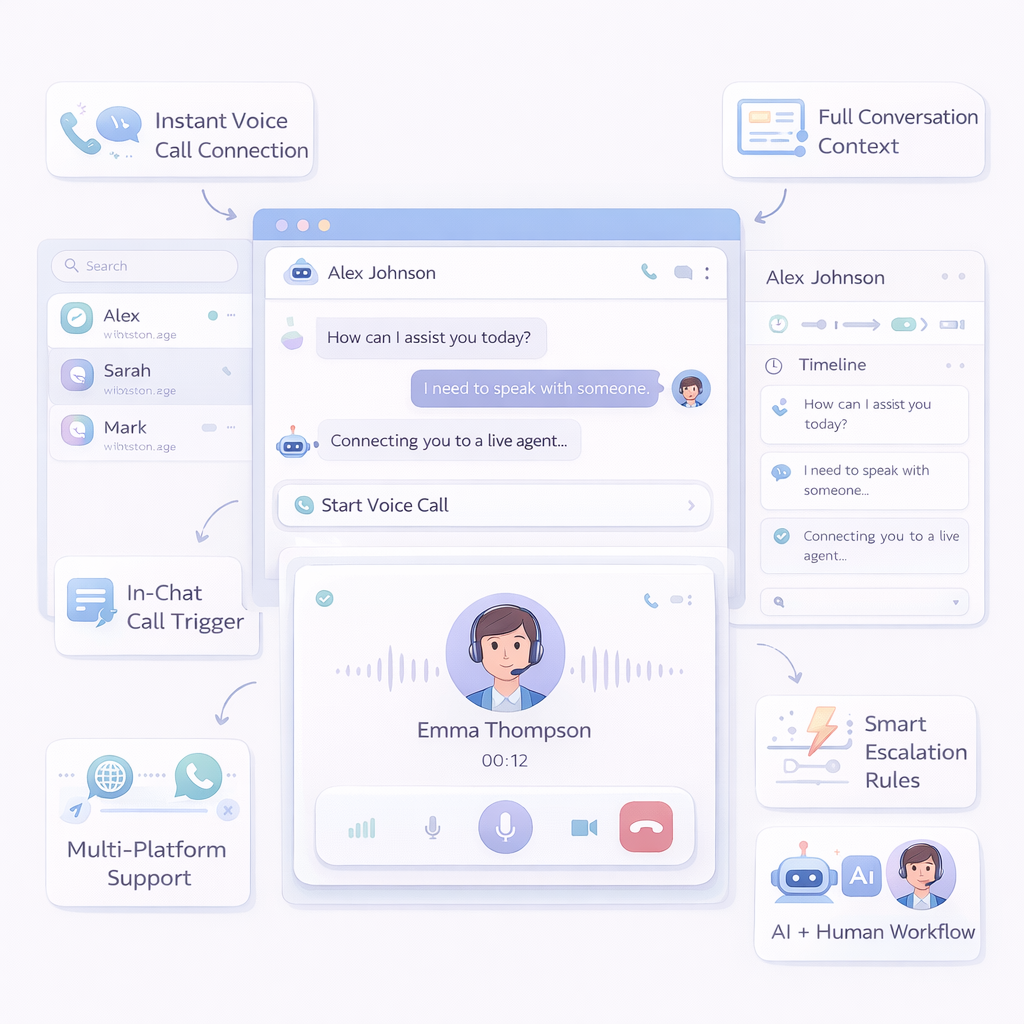
Multi-Platform Support
Enable voice handoff across website and messaging platforms.
AI + Human Workflow
Let AI assist before and after the voice conversation.
In-Chat Call Trigger
Offer voice call options directly within the chatbot conversation.
Instant Voice Call Connection
Connect with users instantly through voice calls when needed.
Full Conversation Context
View previous messages before joining the call.
Smart Escalation Rules
Automatically trigger voice handoff based on user intent or complexity.
Frequently Asked Questions
Do I need coding skills?
No, you can set up voice handoff using a no-code interface.
What is AI voice handoff?
AI voice handoff allows you or your team to take over a chatbot conversation via a voice call.
When should voice handoff be used?
It is useful for complex queries or when personal interaction is needed.
Who joins the voice call?
You or your team members can directly join and speak with users.
Can I see chat history before calling?
Yes, you can view the full conversation before joining the call.
Does it work on mobile?
Yes, voice handoff works across both desktop and mobile devices.