
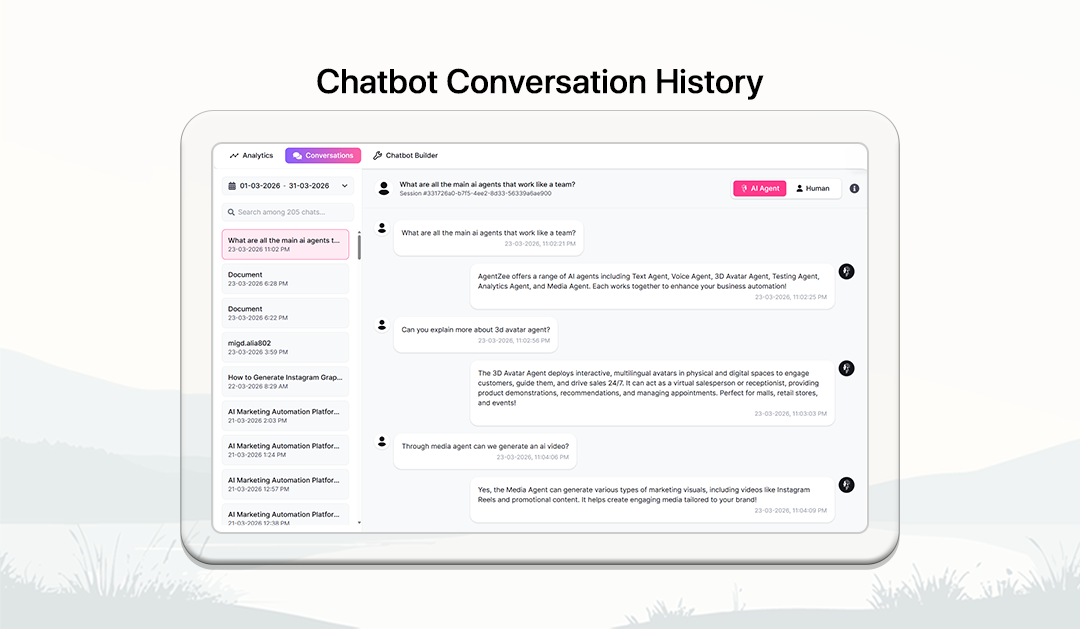
Chatbot conversations
View, manage, and respond to user conversations across all connected platforms in one place
Session insights and user info
Multi-platform conversations
Search and filter chats
Real-time chat responses
AI and human mode switching
Unified chat inbox
How chatbot conversations work
Access and manage conversations in a few simple steps
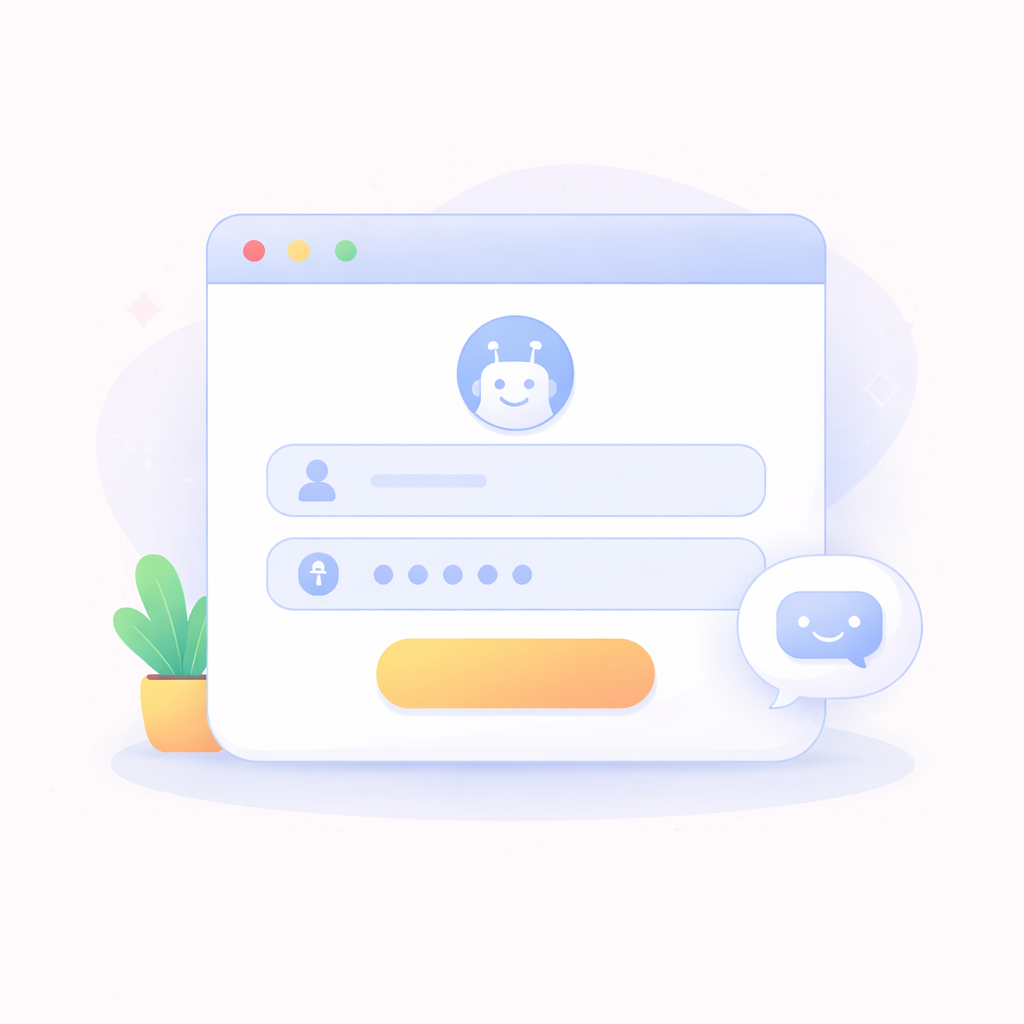
Sign in to your account
Log in or sign up to access your chatbot conversations dashboard.
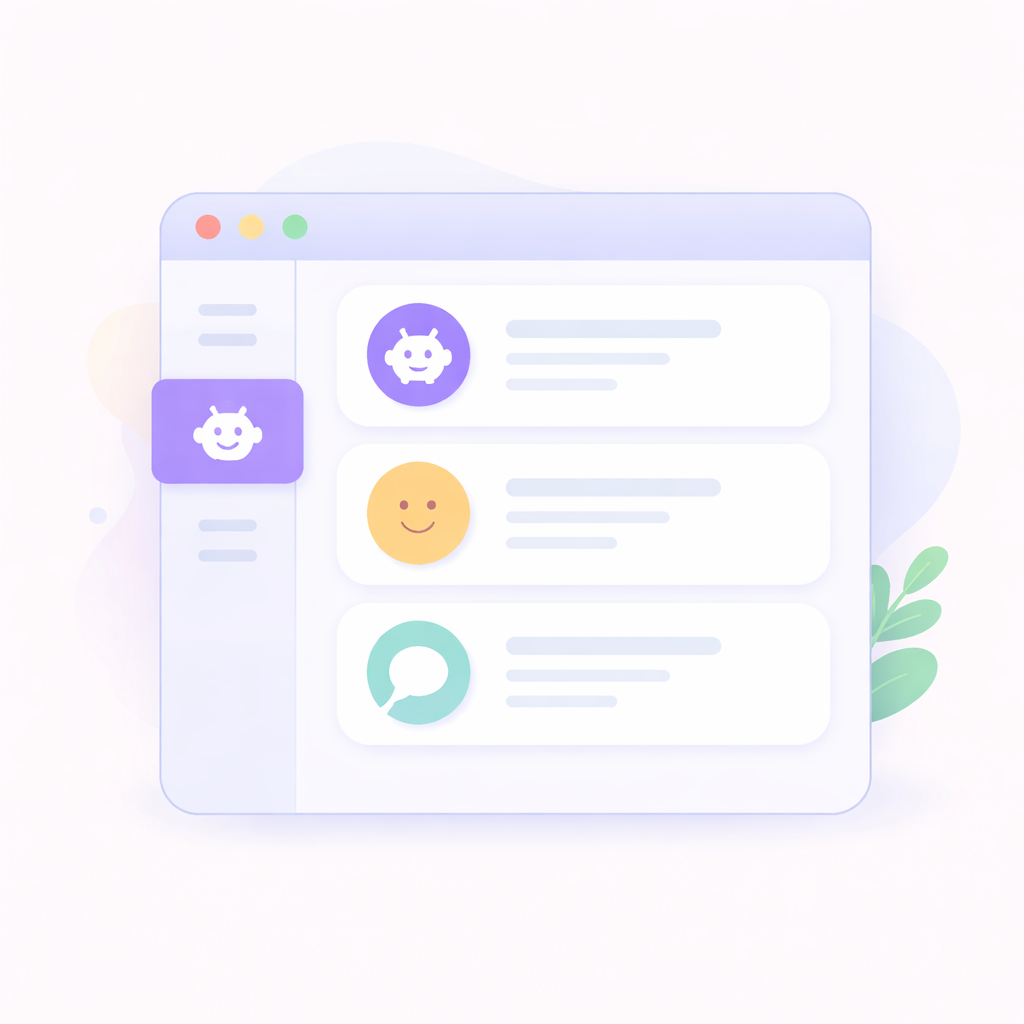
Go to chatbot section
Navigate to the chatbot section where all your chatbots are listed.
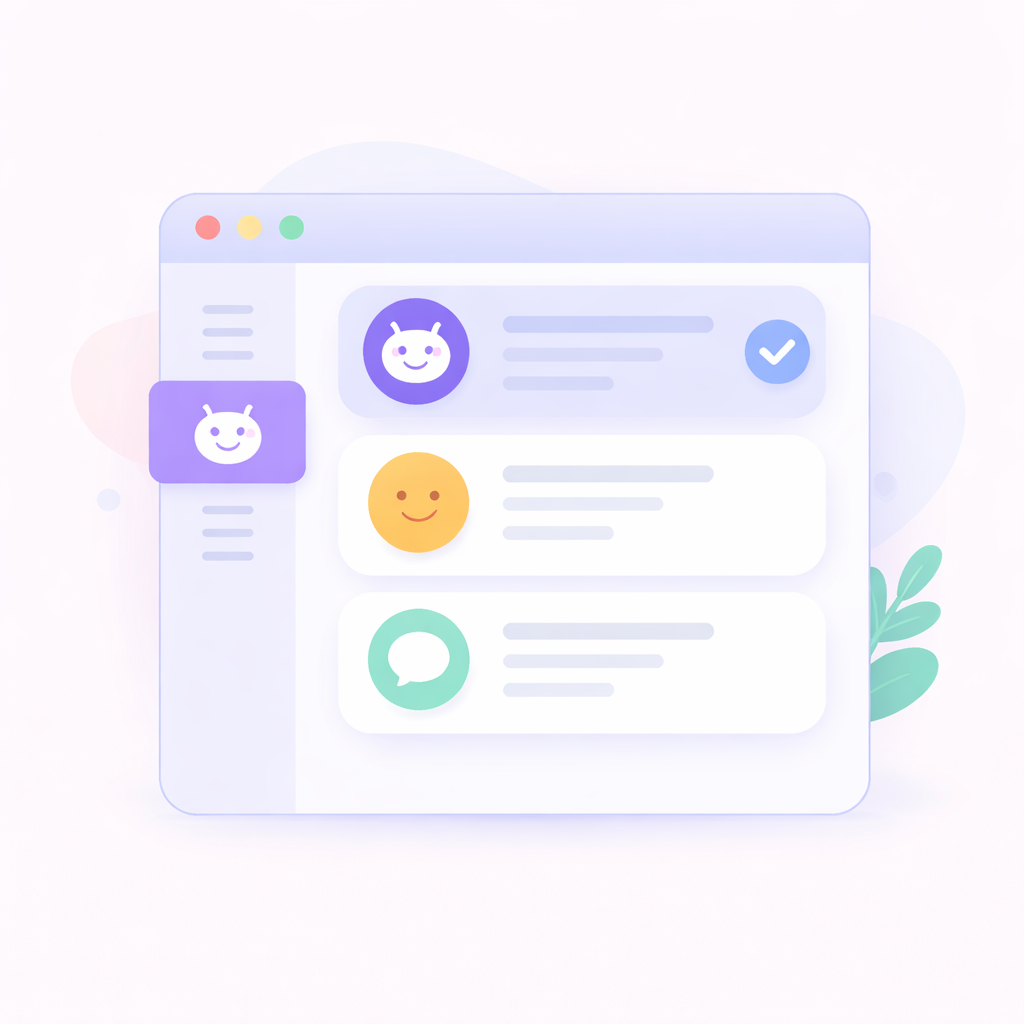
Select a chatbot
Choose a chatbot to view its conversations. By default, the first chatbot is selected.
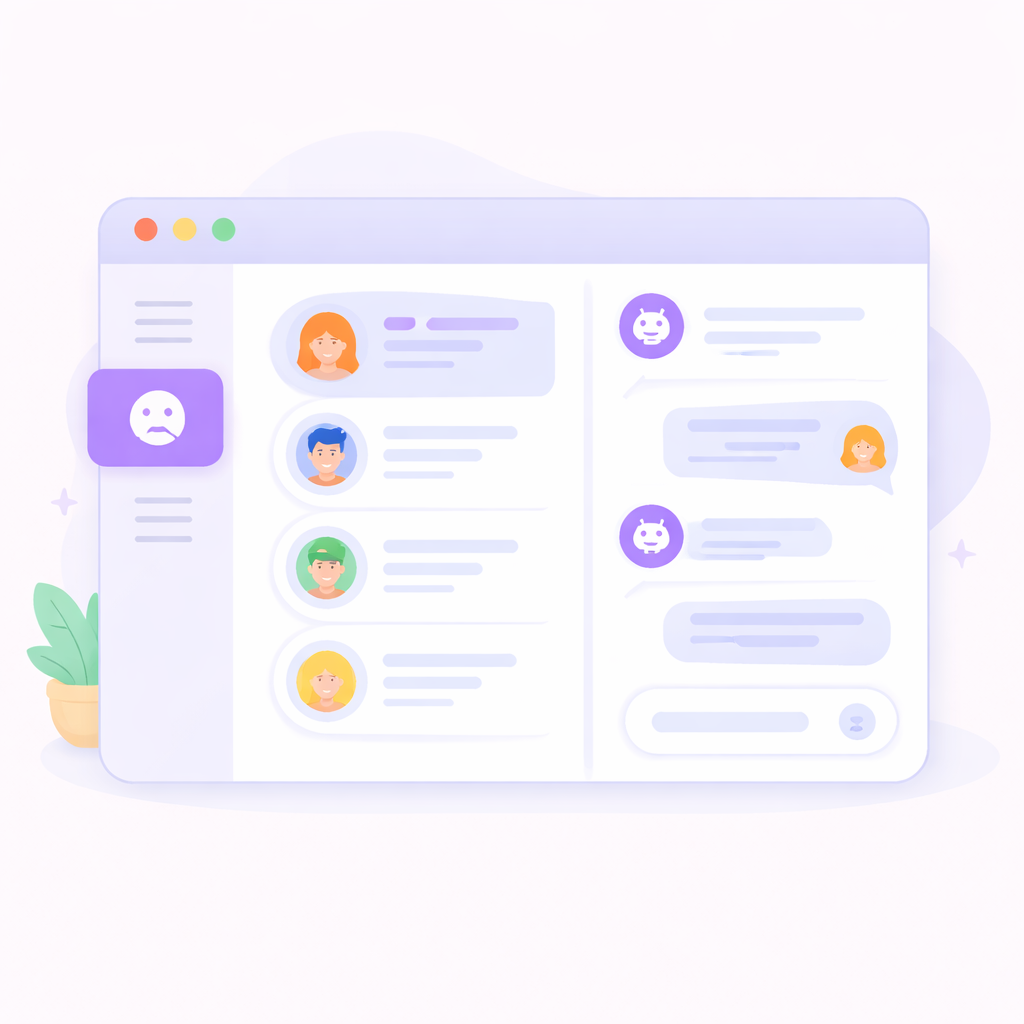
View chat sessions
Browse all chat sessions from connected platforms and select a conversation to view details.

Switch between AI and Human mode
Toggle between AI Agent mode for automated replies or Human mode to manually respond to users.
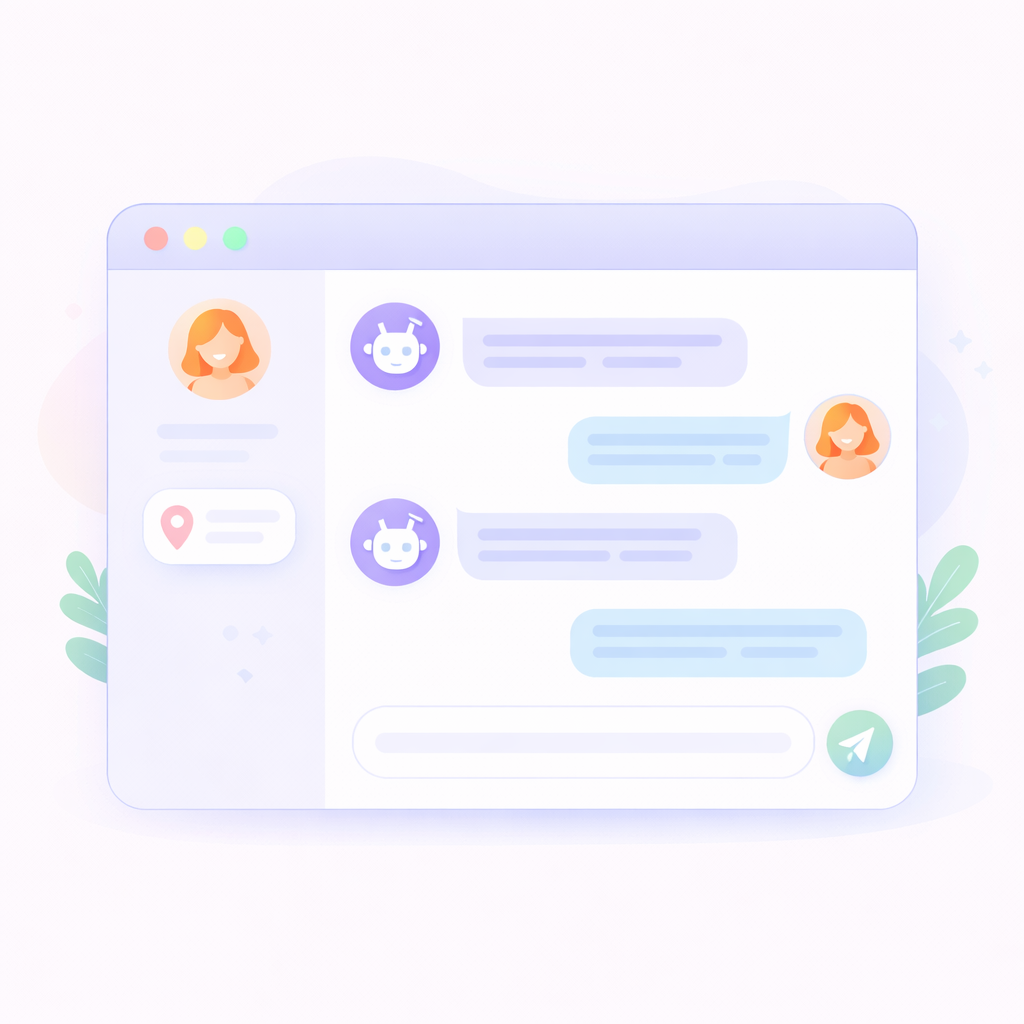
Analyze and respond
View conversation history, check session details like user location, and reply to users in real-time.
Everything you need to manage conversations
Handle chats efficiently with AI automation and human support in a unified inbox.
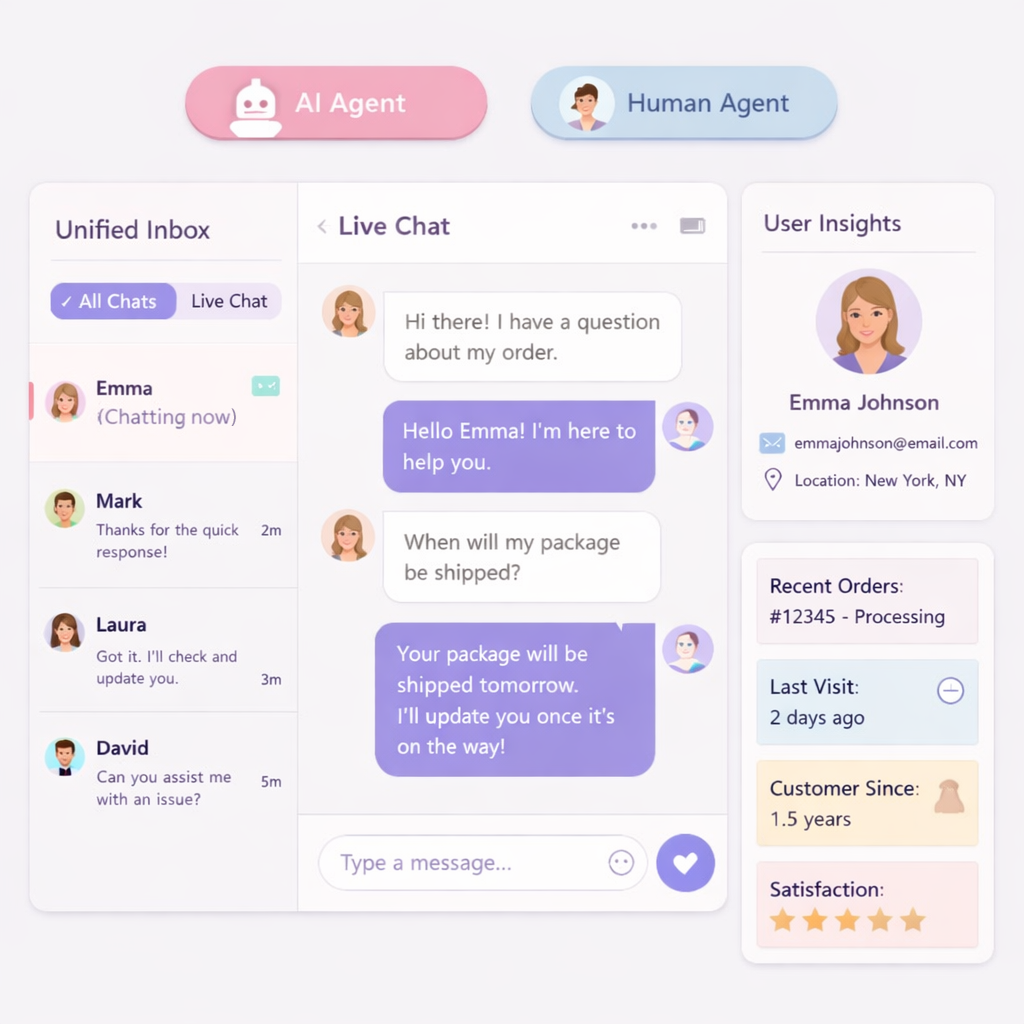
Session Insights
View user details such as location, session data, and interaction history.
AI Agent Mode
Let AI automatically respond to user queries with intelligent answers.
Human Mode Replies
Take control and manually reply to conversations just like a live chat agent.
Real-time Messaging
Respond instantly to users and maintain seamless communication.
Unified Chat Inbox
View all conversations from multiple platforms in one centralized dashboard.
Search and Filters
Quickly find conversations using search and filter by date or activity.
Frequently Asked Questions
Can I manage chats from multiple platforms?
Yes, all conversations from connected platforms are available in one inbox.
Do I need to log in to access conversations?
Yes, you must sign in to view and manage chatbot conversations.
Can I reply manually to chats?
Yes, you can switch to Human mode and reply to users manually.
Can I see user details?
Yes, you can view session details like user location and interaction data.
What is AI mode?
AI mode allows the chatbot to automatically respond to user queries.
Can I search conversations?
Yes, you can search and filter chats easily.