
Contact Management
Organize and manage all your customer contacts in one centralized CRM. Store detailed contact information, add custom attributes, and quickly access customer data when you need it.
Centralized Contact Database
Custom Contact Attributes
Quick Contact Search
Contact Profile Management"
Location & Contact Details
Edit and Update Contacts
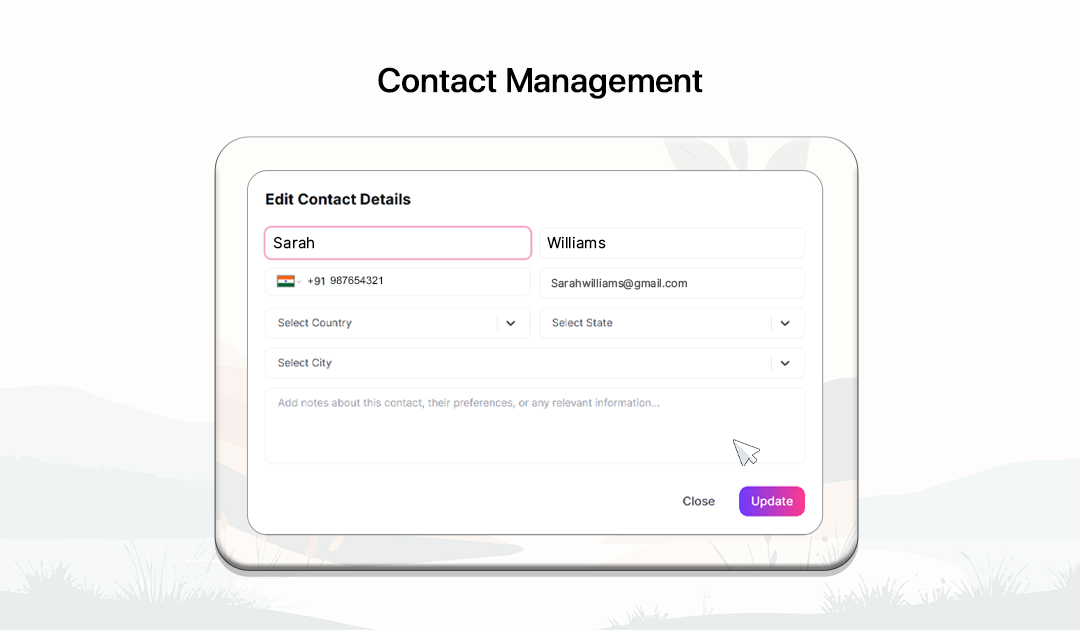
How Contact Management Works
Store, organize, and manage customer contact information in a centralized CRM system.

Open Contacts Dashboard
Navigate to the CRM section and open the Contacts dashboard to view all stored contacts.

Add a New Contact
Click the 'Add Contact' button and enter the customer's basic details such as name, phone number, and email.

Add Location Details
Include additional information like country, state, and city to keep your contact database organized.

Use Custom Attributes
Create custom fields such as company name, role, or industry to store extra contact information.

Search and Manage Contacts
Use the search feature to quickly find contacts and update or edit their information.
Powerful Contact Management Tools
Keep your contact database organized with flexible tools designed to manage customer information efficiently.
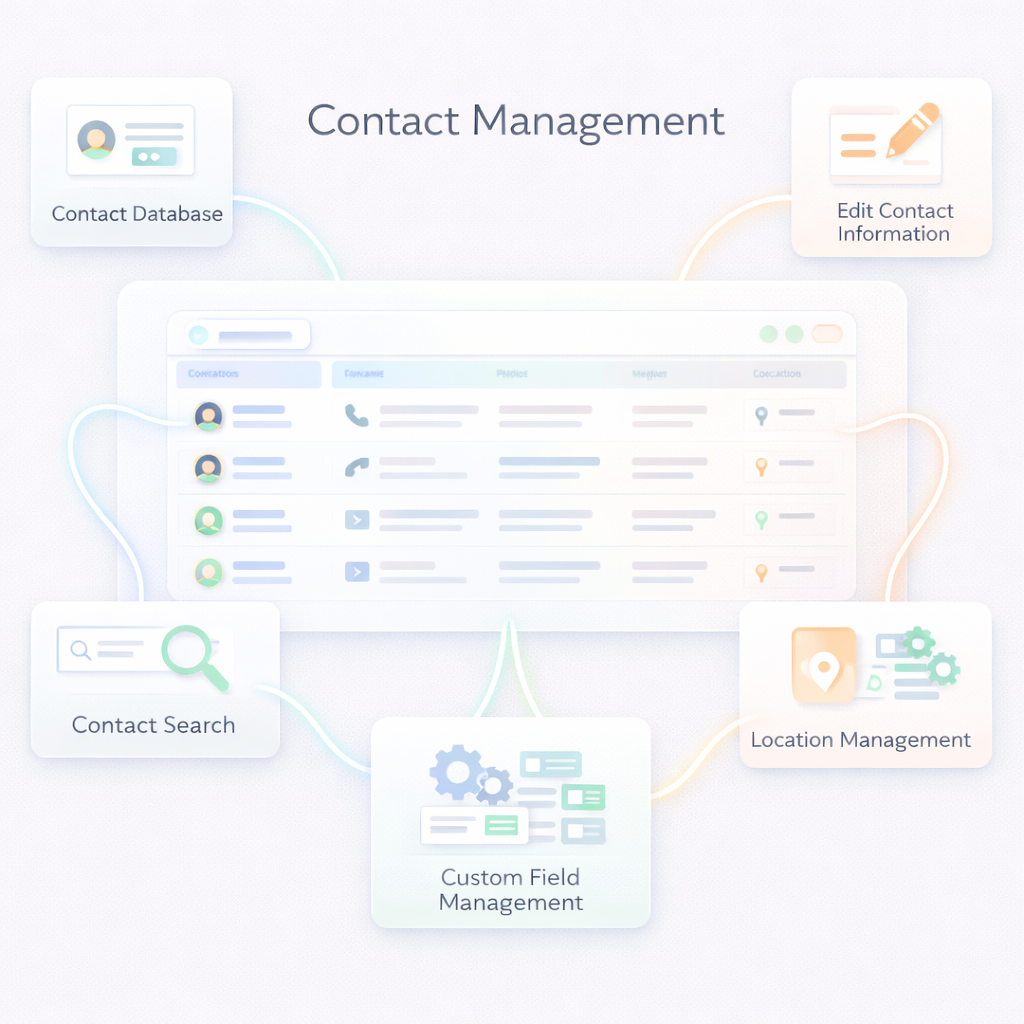
Custom Field Management
Easily create, edit, or delete custom attributes to adapt your CRM contact database to your business needs.
Custom Attributes
Create custom contact fields to store additional data such as company name, job role, industry, or other business details.
Location Management
Store location details such as country, state, and city to better understand your customer base.
Edit Contact Information
Update contact details anytime to ensure your CRM database stays accurate and up to date.
Contact Database
Store and manage all customer contact information including name, phone number, email, and location.
Contact Search
Quickly search contacts by name, phone number, or email using the built-in search feature.
Frequently Asked Questions
Can I edit or delete contacts?
Yes. Contacts can be edited or removed anytime to keep your CRM database updated.
What are custom attributes?
Custom attributes are custom fields that allow you to store additional information about contacts, such as company name, role, or industry.
Can I search for contacts quickly?
Yes. You can search contacts using their name, phone number, or other stored information.
Why is contact management important?
Contact management helps businesses maintain organized customer information, improve communication, and build stronger customer relationships.
What is contact management?
Contact management is the process of storing, organizing, and managing customer contact information in a centralized system.
What information can I store for a contact?
You can store name, phone number, email, country, state, city, and additional custom attributes.