
Reminder Management
Set reminders for follow-ups, meetings, and important tasks. Stay organized and ensure no lead or customer interaction is missed.
Lead & Contact Reminders
Follow-up Notifications
Task Scheduling
Meeting Reminders
Timely Alerts
Activity Tracking
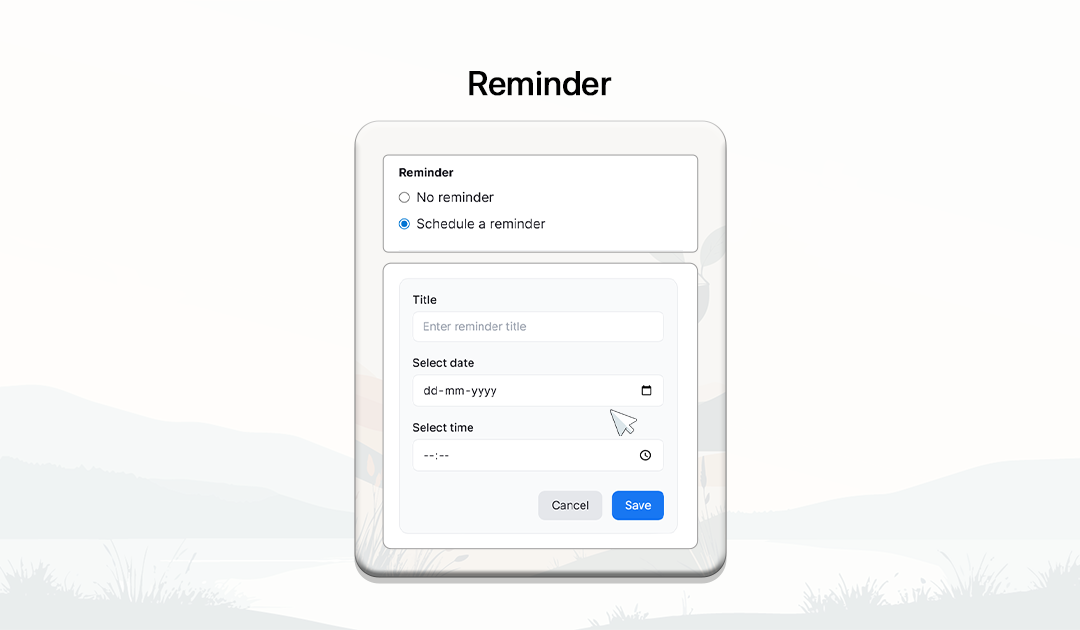
How Reminders Work
Schedule reminders for important tasks and follow-ups to keep your sales process organized.

Open Lead or Contact Profile
Navigate to the contact or lead profile where you want to set a reminder.
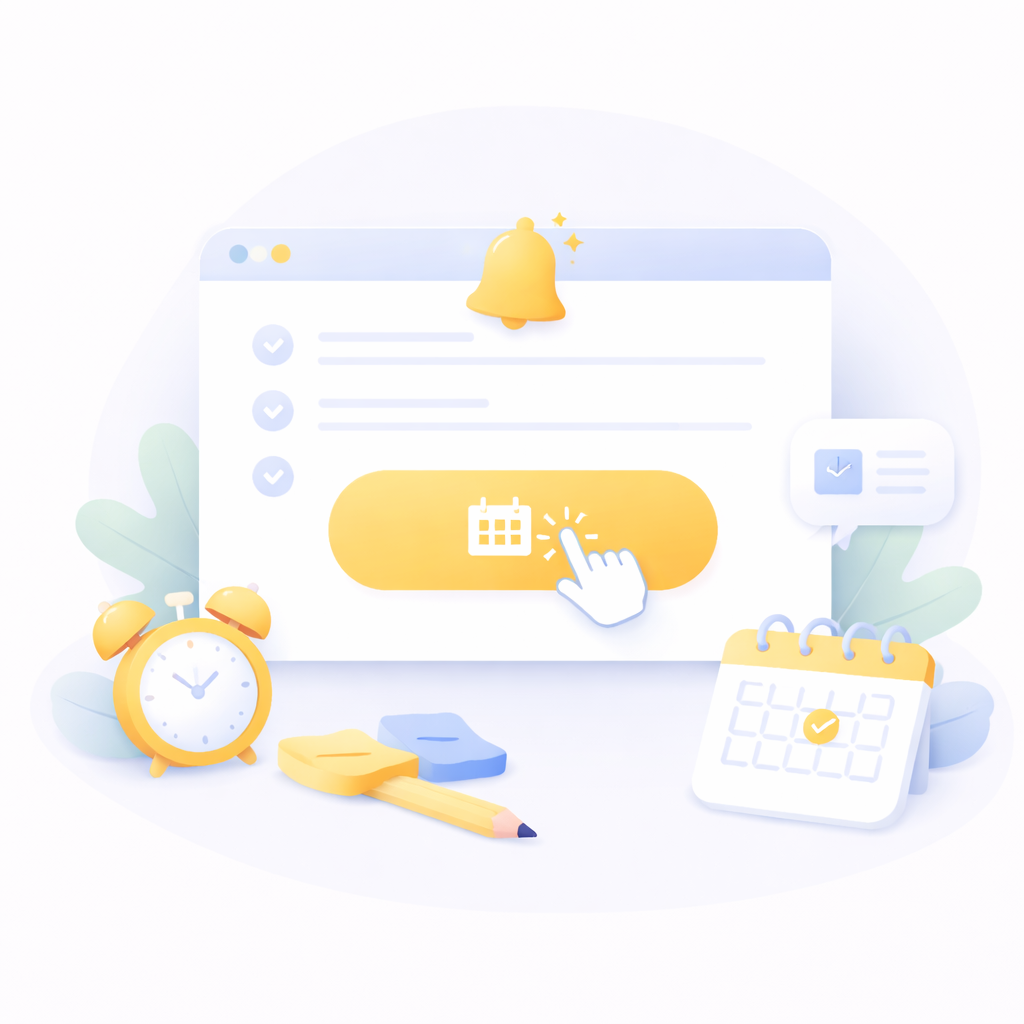
Create a Reminder
Click the 'Create Reminder' option to schedule a follow-up task or meeting.
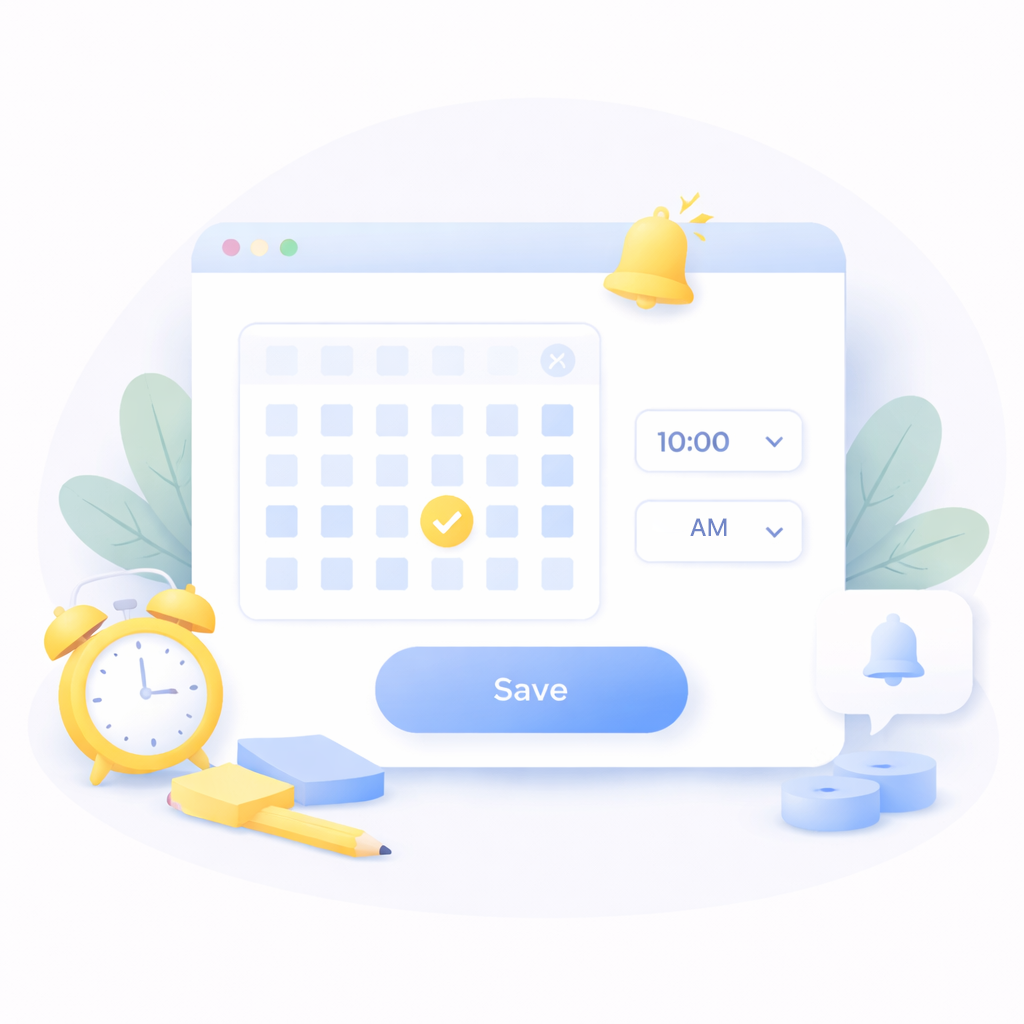
Set Date and Time
Choose the date and time for the reminder to receive alerts when the task is due.
Add Reminder Details
Include notes or instructions about the task to provide more context.
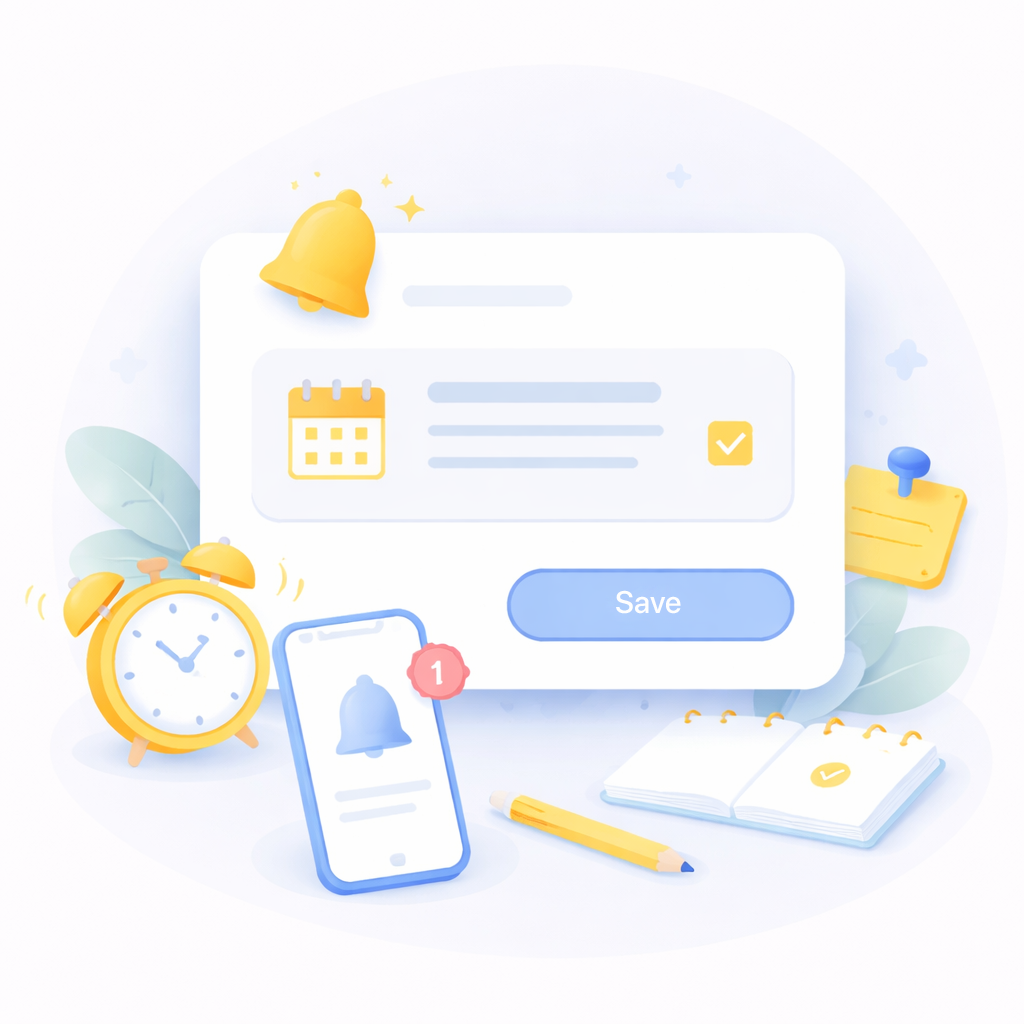
Receive Notification
Get notified when the reminder is due so you can take action at the right time.
Stay on Top of Every Follow-up
Use reminders to ensure timely communication with leads and customers.
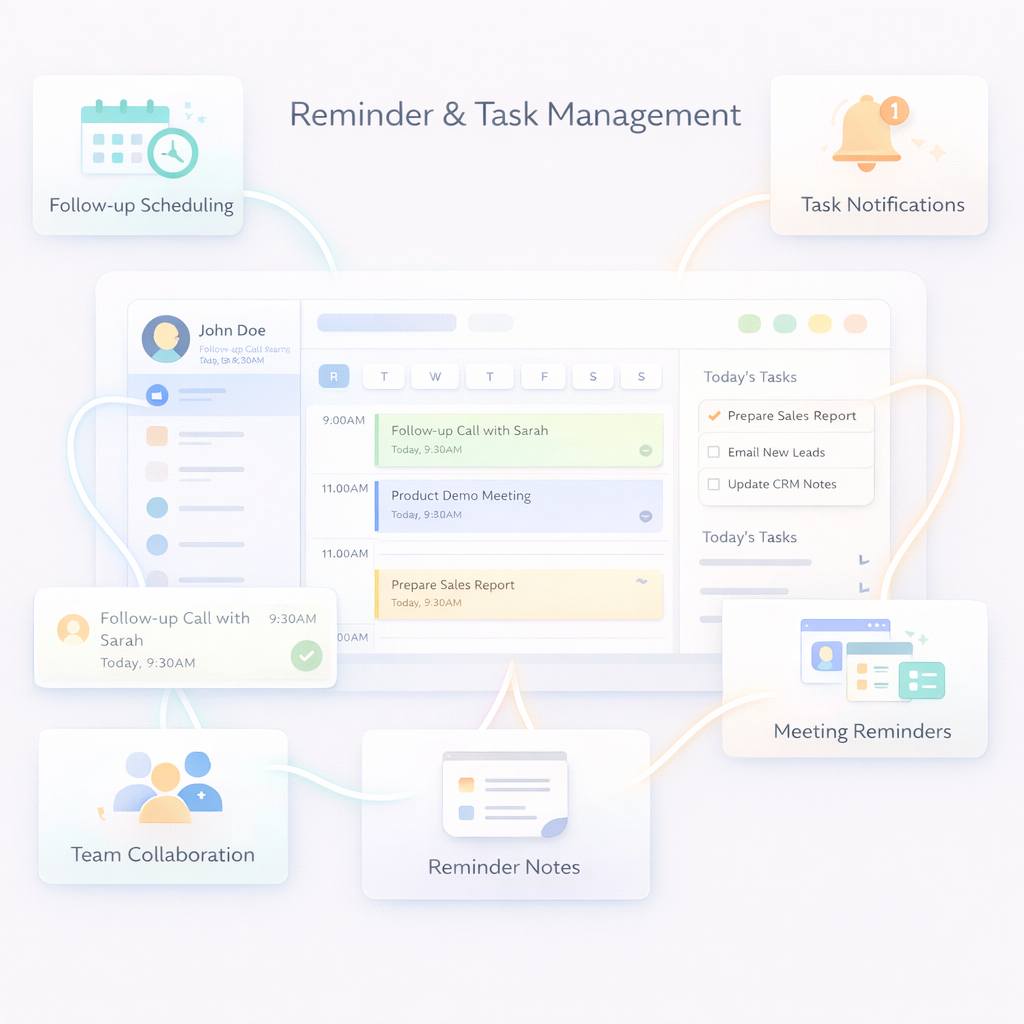
Activity Timeline
View reminders and completed tasks within the activity timeline.
Meeting Reminders
Set reminders for appointments, demos, and scheduled meetings.
Lead Follow-up Tracking
Keep track of follow-up tasks related to leads and ensure consistent engagement.
Reminder Notes
Add context to reminders by including notes or instructions for the task.
Task Notifications
Receive timely alerts so you never miss an important task or customer interaction.
Follow-up Scheduling
Schedule reminders for calls, meetings, and follow-ups with leads and customers.
Frequently Asked Questions
Why are reminders important in CRM?
Reminders ensure that important follow-ups and customer interactions are never missed.
What are CRM reminders?
CRM reminders help users schedule follow-ups, meetings, and tasks related to leads and contacts.
Can I set reminders for leads and contacts?
Yes. You can create reminders directly from lead or contact profiles.
Will I receive notifications for reminders?
Yes. The system sends notifications when a reminder is due.
Can I edit or delete reminders?
Yes. Reminders can be updated or removed anytime.