
Excel Data Import
Import structured data from Excel files to power your chatbot with accurate, data-driven responses.
Auto Updates
Bulk Data Handling
Structured Data Parsing
Spreadsheet Support
Dynamic Query Handling
Data Mapping
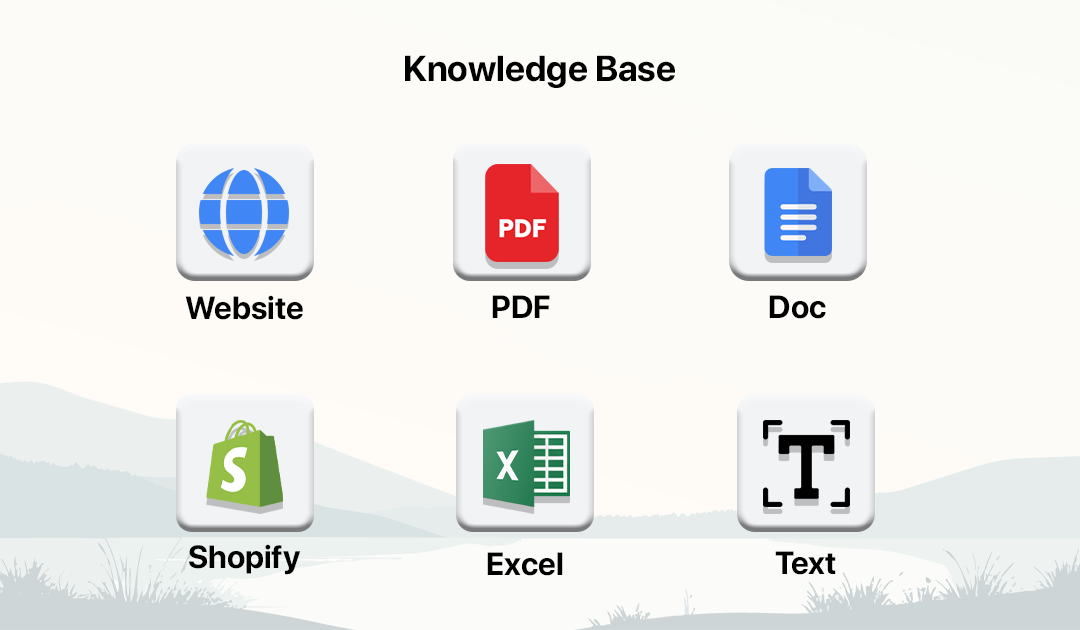
How Excel Data Import Works
Upload your Excel files and let the system process structured data for accurate chatbot responses.
Open Knowledge Base
Go to Knowledge Base from dashboard or chatbot builder.

Click Add Knowledge
Start adding a new data source.
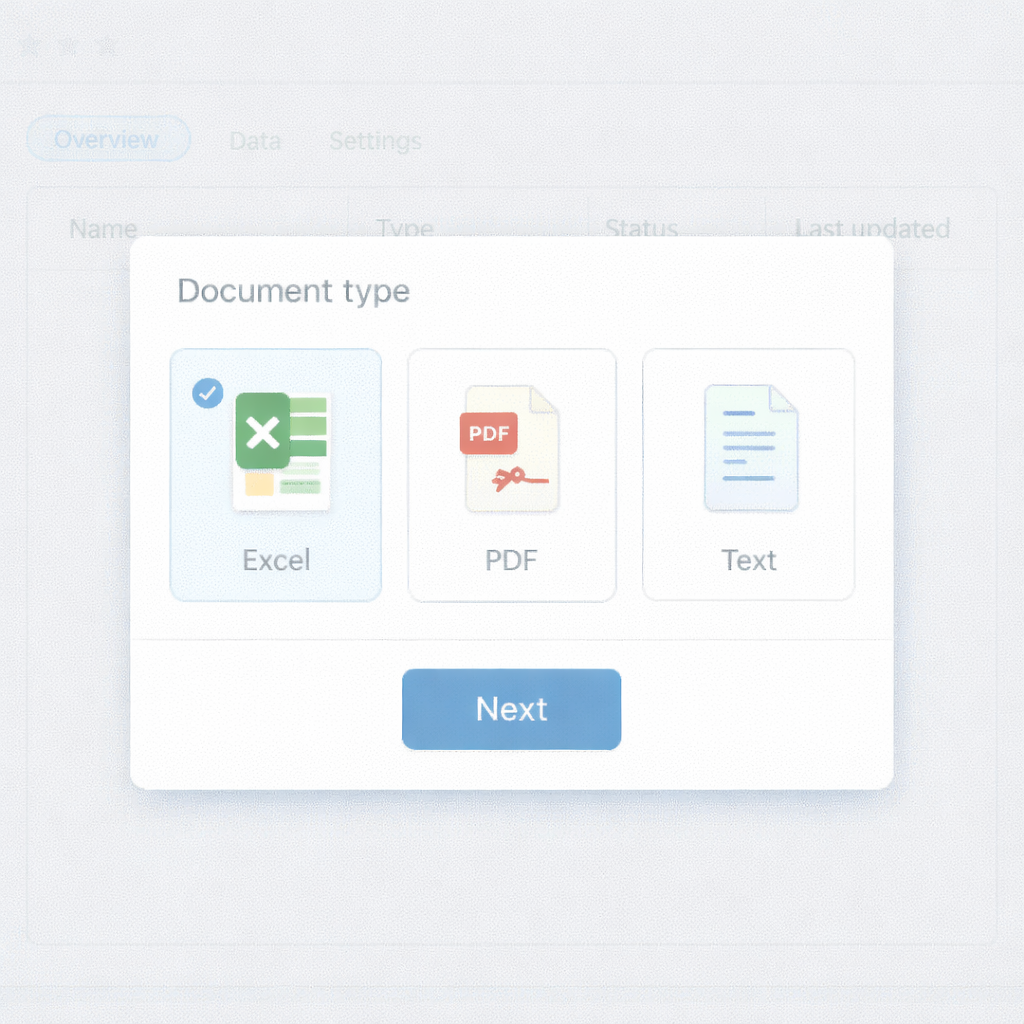
Select Document Type
Choose Document to upload Excel files.
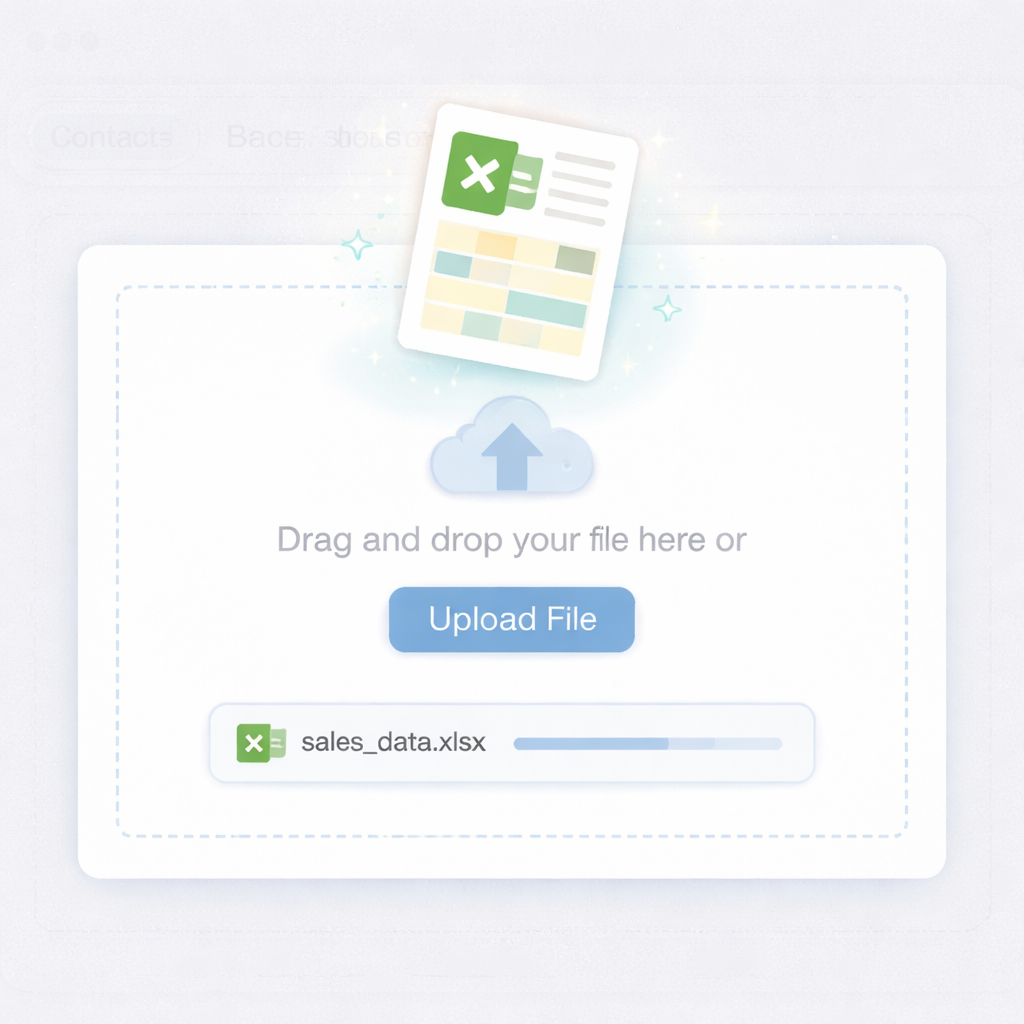
Upload Excel File
Upload XLS or XLSX file containing structured data.

Map Data
AI processes rows and columns for chatbot queries.

Use in Chatbot
Chatbot answers dynamically using Excel data.
Excel Data Import Features
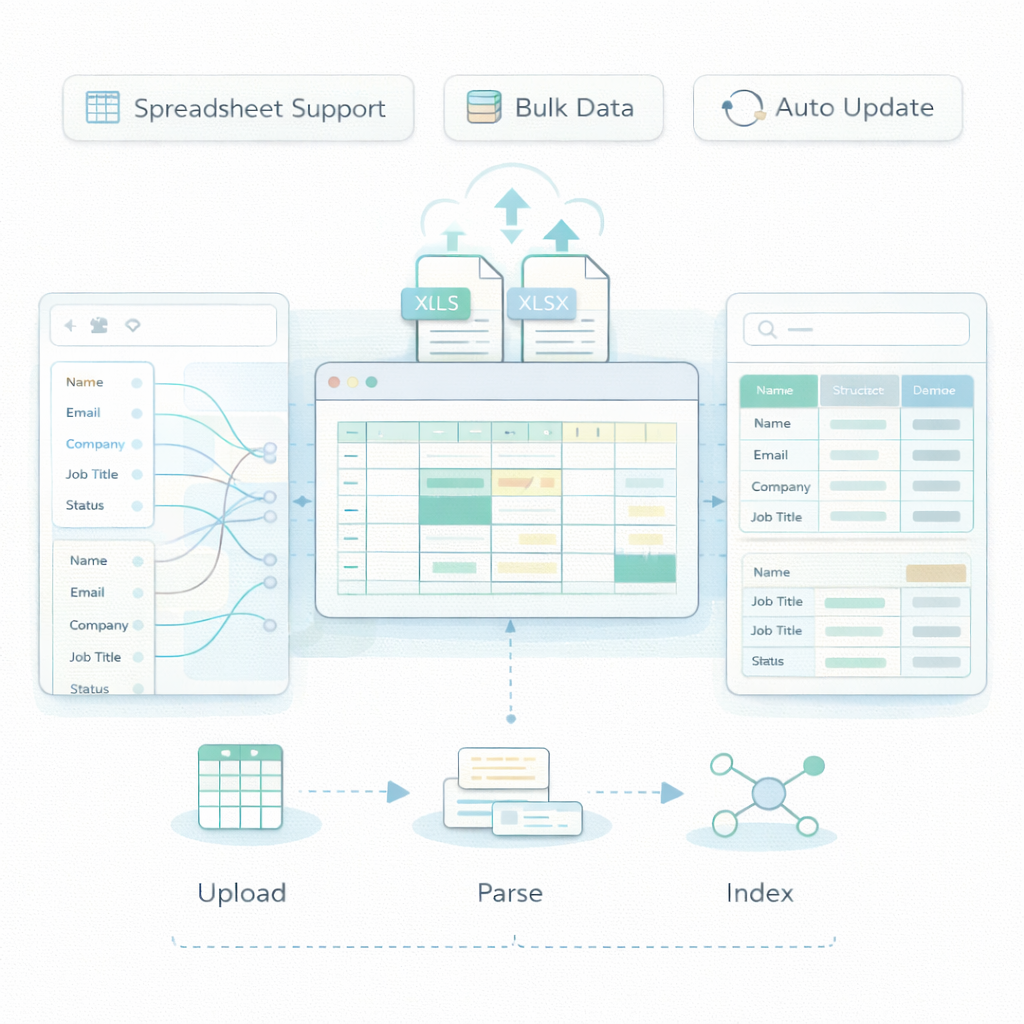
Dynamic Query Handling
Answer questions based on structured data.
Auto Updates
Update chatbot knowledge with new Excel uploads.
Spreadsheet Support
Upload XLS and XLSX files.
Data Mapping
Map fields to chatbot responses.
Bulk Data Handling
Process large datasets efficiently.
Structured Data Parsing
Understand rows, columns, and tables.
Frequently Asked Questions
Is data secure?
Yes. Files are securely stored.
Can chatbot read tables?
Yes. It understands rows and columns.
Can I map fields?
Yes. You can configure data mapping.
Can chatbot answer dynamically?
Yes. It responds based on structured data.
Does it support large datasets?
Yes. It handles large spreadsheets.
What file formats are supported?
XLS and XLSX formats.
Can I update the data?
Yes. Upload updated files anytime.