
Notes Management
Capture important information about your contacts and leads with notes. Keep track of conversations, follow-ups, and key details in one place.
Contact & Lead Notes
Conversation History
Quick Note Creation
Organized Information"
Team Collaboration
Activity Tracking
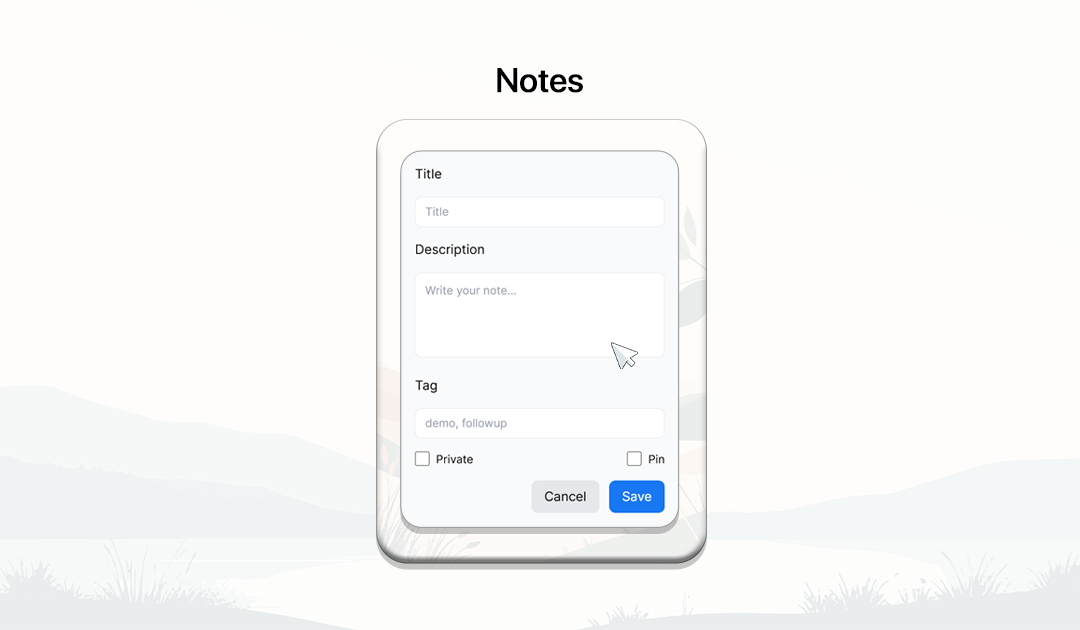
How Notes Work
Record important information about leads and contacts to keep your team informed and organized.

Open Contact or Lead Profile
Navigate to a lead in your CRM dashboard to view their details.

Add a Note
Click the 'Add Note' button to record important information about the interaction.
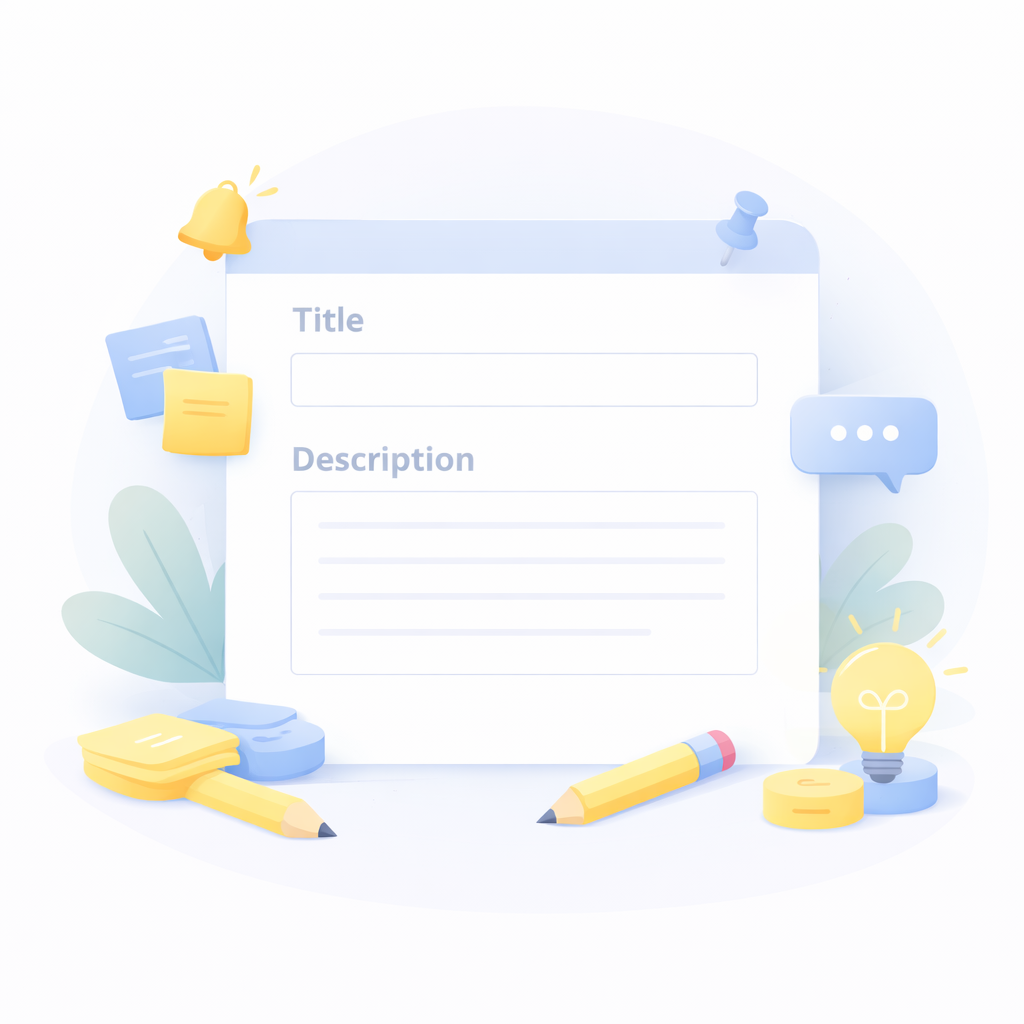
Enter Note Details
Write a title and description to document meetings, conversations, or follow-ups.

Save the Note
Save the note to store it in the contact or lead activity history.

View Note History
Review all notes associated with the contact to understand previous interactions.
Capture Important Customer Information
Keep your CRM organized by recording important conversations, follow-ups, and insights with notes.
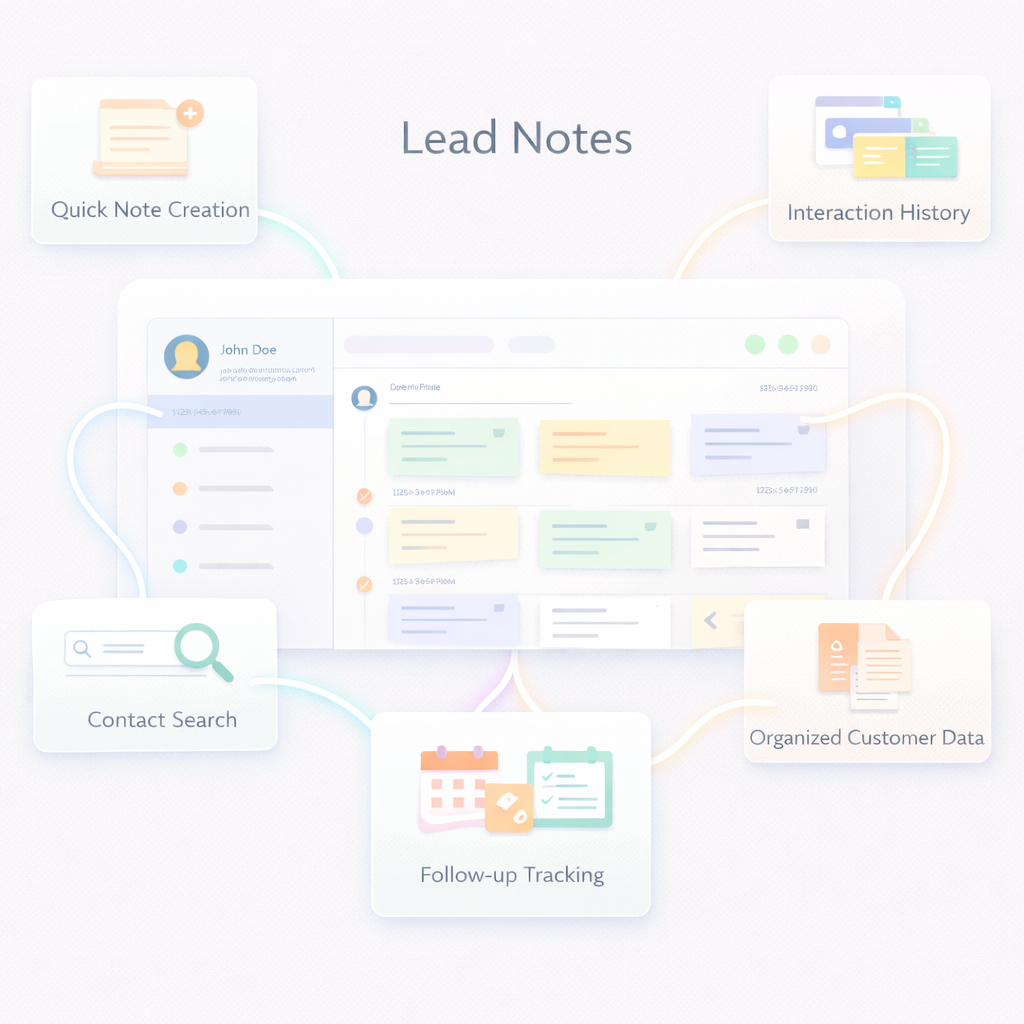
Follow-up Tracking
Record follow-up tasks and reminders within notes to maintain consistent communication.
Organized Customer Data
Store important details in one place to ensure your team always has the right information.
Centralized Activity Logs
Keep all activity notes in one place to track customer relationships effectively.
Interaction History
Maintain a complete record of conversations and activities related to each contact.
Team Collaboration
Allow team members to view notes and stay updated on customer interactions.
Quick Note Creation
Easily create notes to document meetings, calls, and customer interactions.
Frequently Asked Questions
What are CRM notes?
CRM notes allow users to record important details about customer interactions, meetings, and follow-ups.
Can I add notes to contacts and leads?
Yes. Notes can be added to both contacts and leads to maintain a history of interactions.
Can I edit or delete notes?
Yes. Notes can be updated or removed whenever needed.
Can my team see the notes?
Yes. Notes are visible to authorized team members to ensure collaboration and shared knowledge.
Why are notes important in CRM?
Notes help teams track customer conversations and maintain organized information for better relationship management.