
Lead Analytics
Track and analyze your leads with powerful analytics. Monitor lead sources, engagement, and conversions to optimize your marketing and sales performance.
Advanced Lead Search
Notes and Interaction History
Pipeline-Based Lead Tracking
Smart Follow-up Reminders
Customizable Lead Stages
Centralized Lead Contact Management
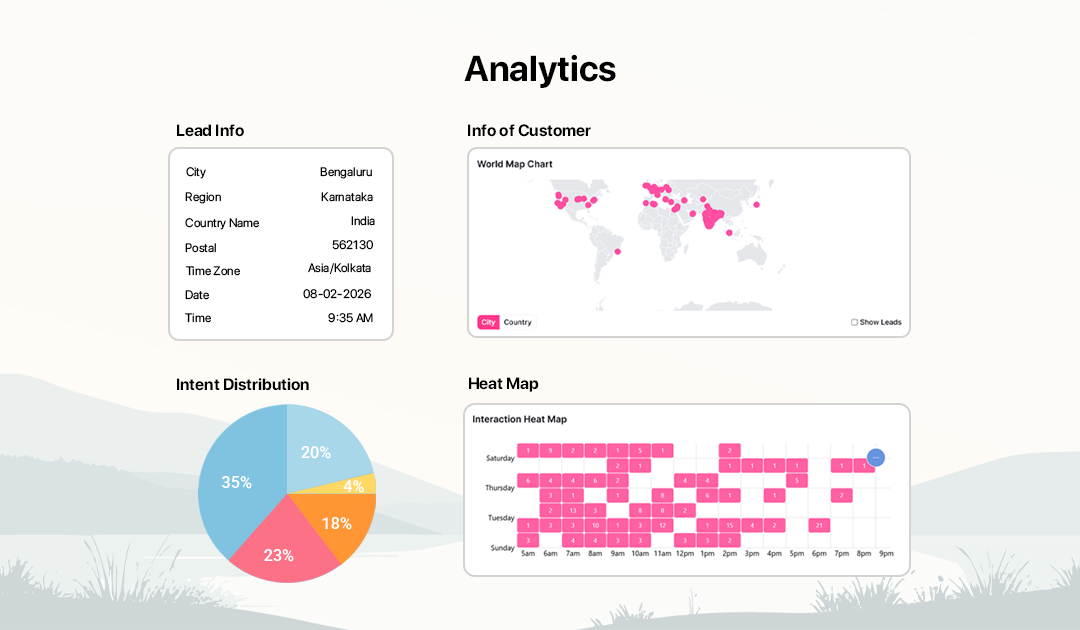
How Lead Analytics Works
Track, analyze, and understand your leads to improve marketing performance and sales conversions.
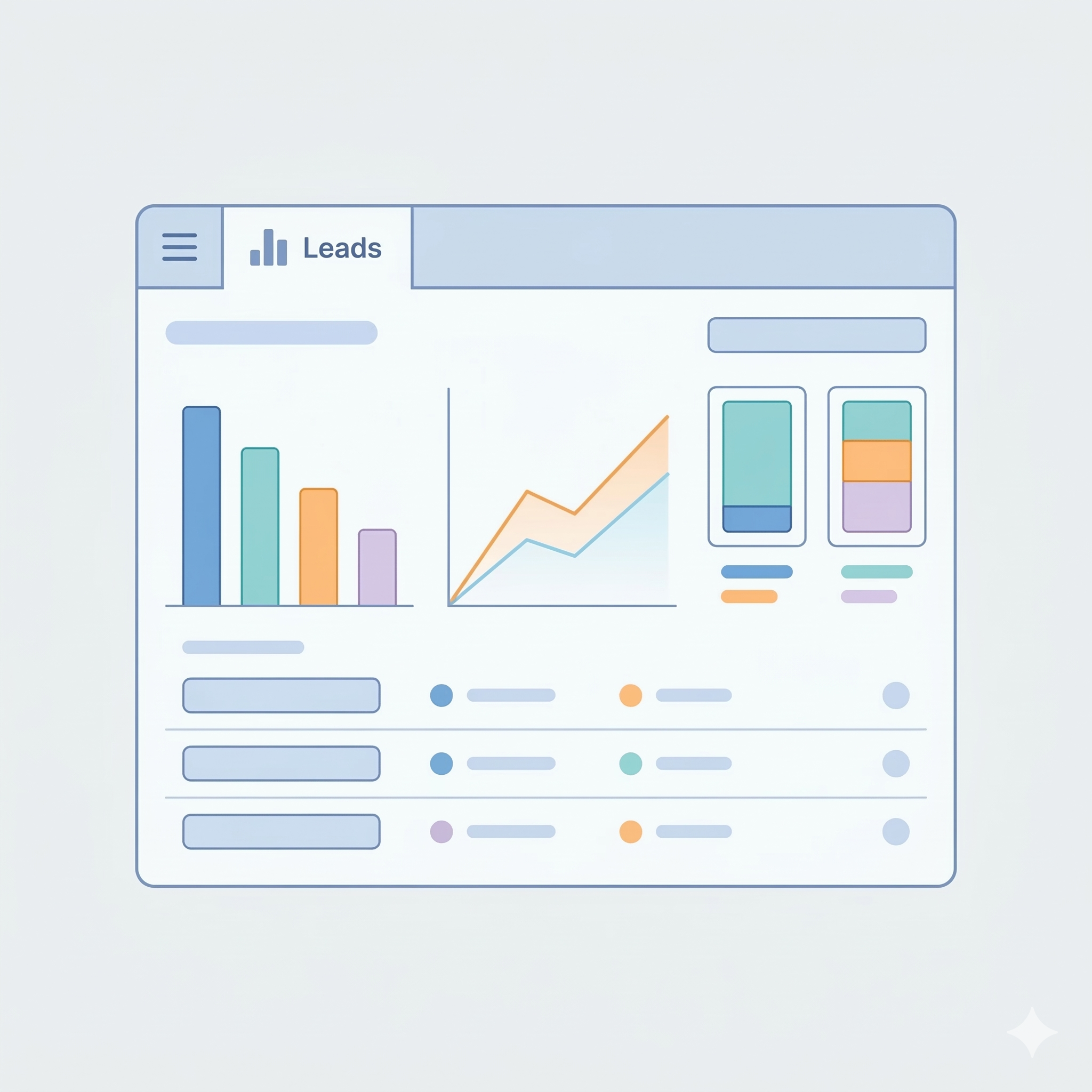
Open the Lead Dashboard
Go to the 'CRM' section in your dashboard and click on 'Leads' to open the lead analytics dashboard.
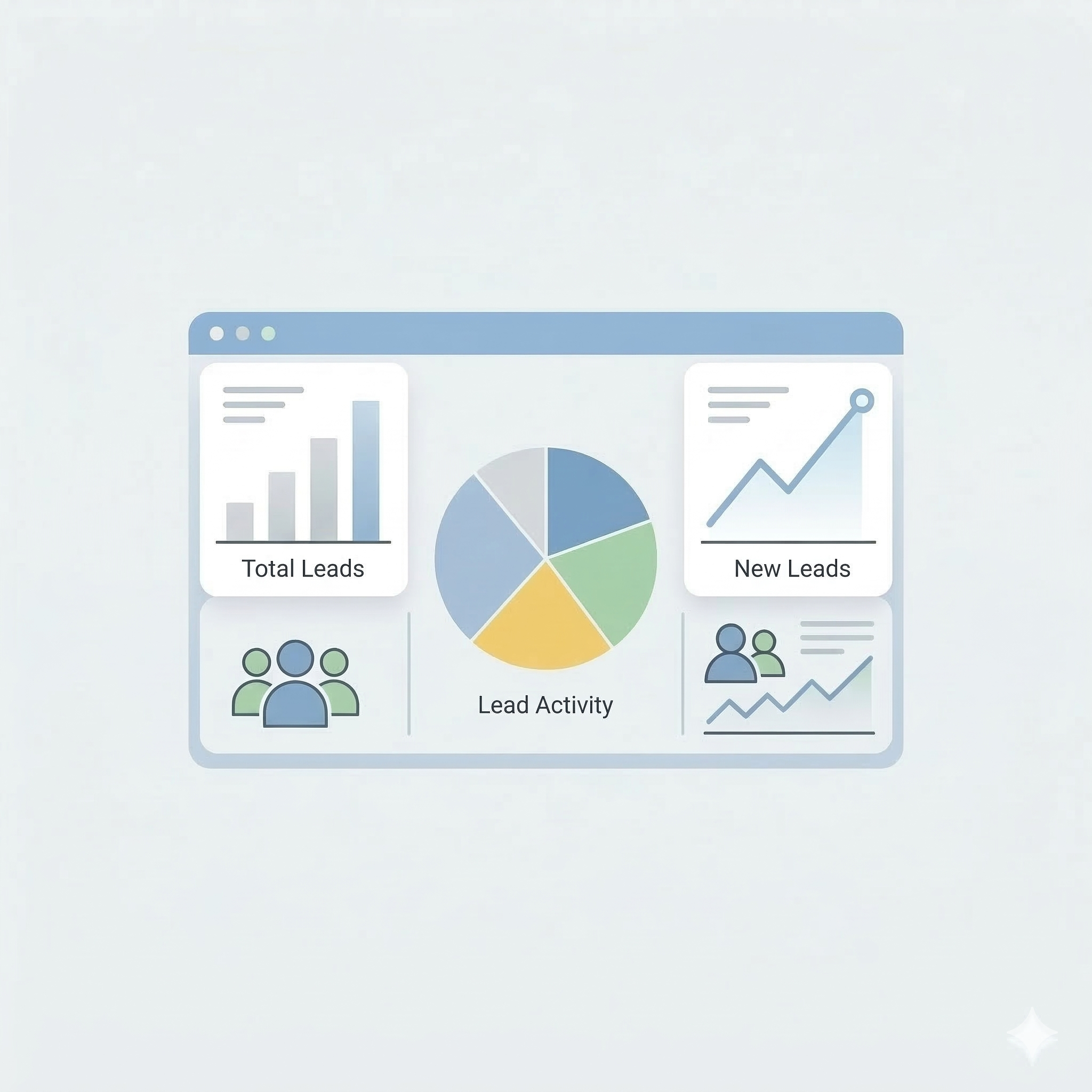
View Lead Overview
See a summary of total leads, new leads, and lead activity to quickly understand your lead performance.
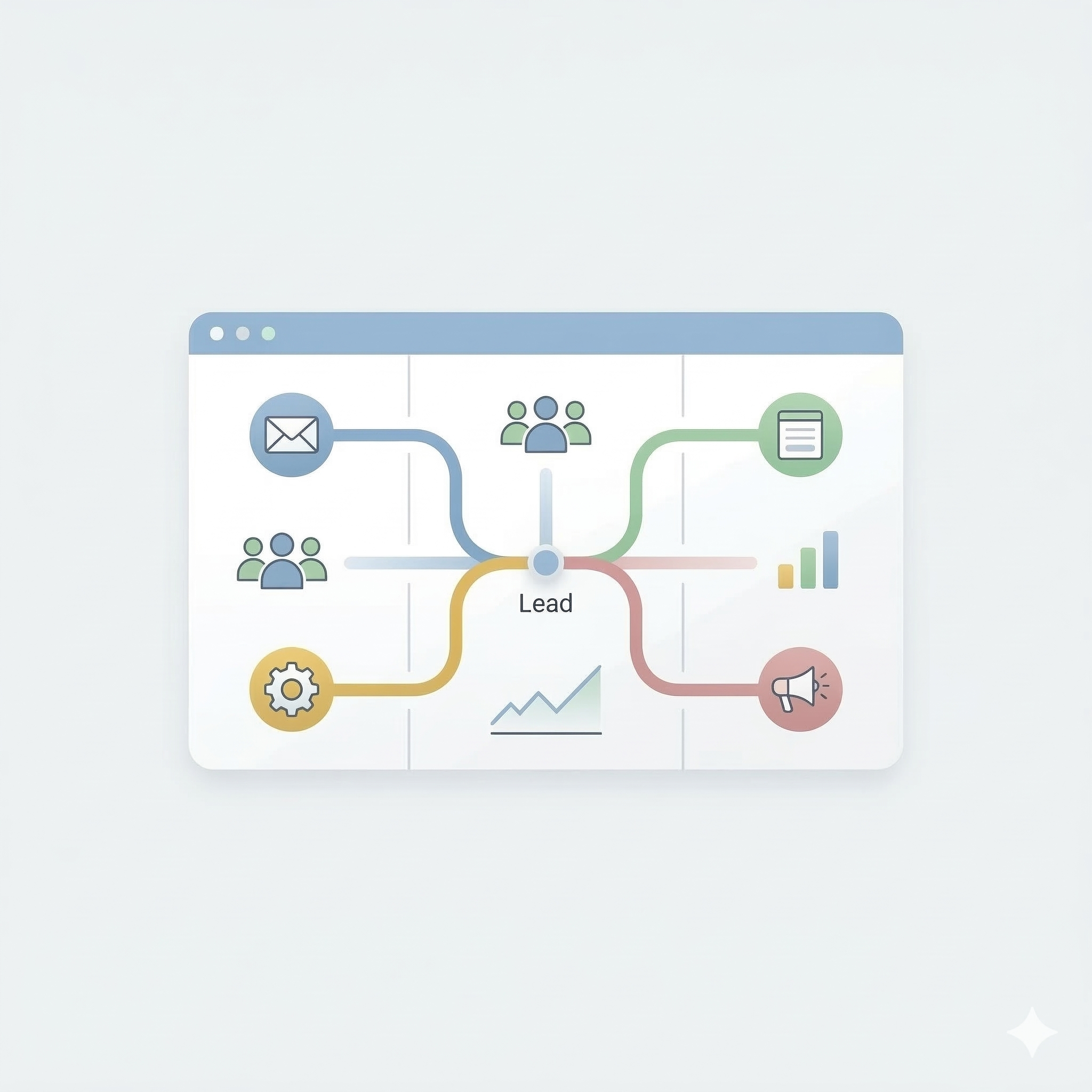
Track Lead Sources
Identify where your leads are coming from, such as campaigns, forms, or integrations.

Analyze Engagement
Monitor how leads interact with your messages, campaigns, and other communications.
Measure Conversions
Track how many leads convert into customers and evaluate campaign performance.

Optimize Your Strategy
Use lead insights and analytics to improve your marketing strategy and increase sales results.
Track and Manage Your Leads with Powerful Analytics
Monitor, organize, and analyze your leads using a visual pipeline dashboard. Manage lead stages, track interactions, schedule reminders, and capture notes to improve sales performance.
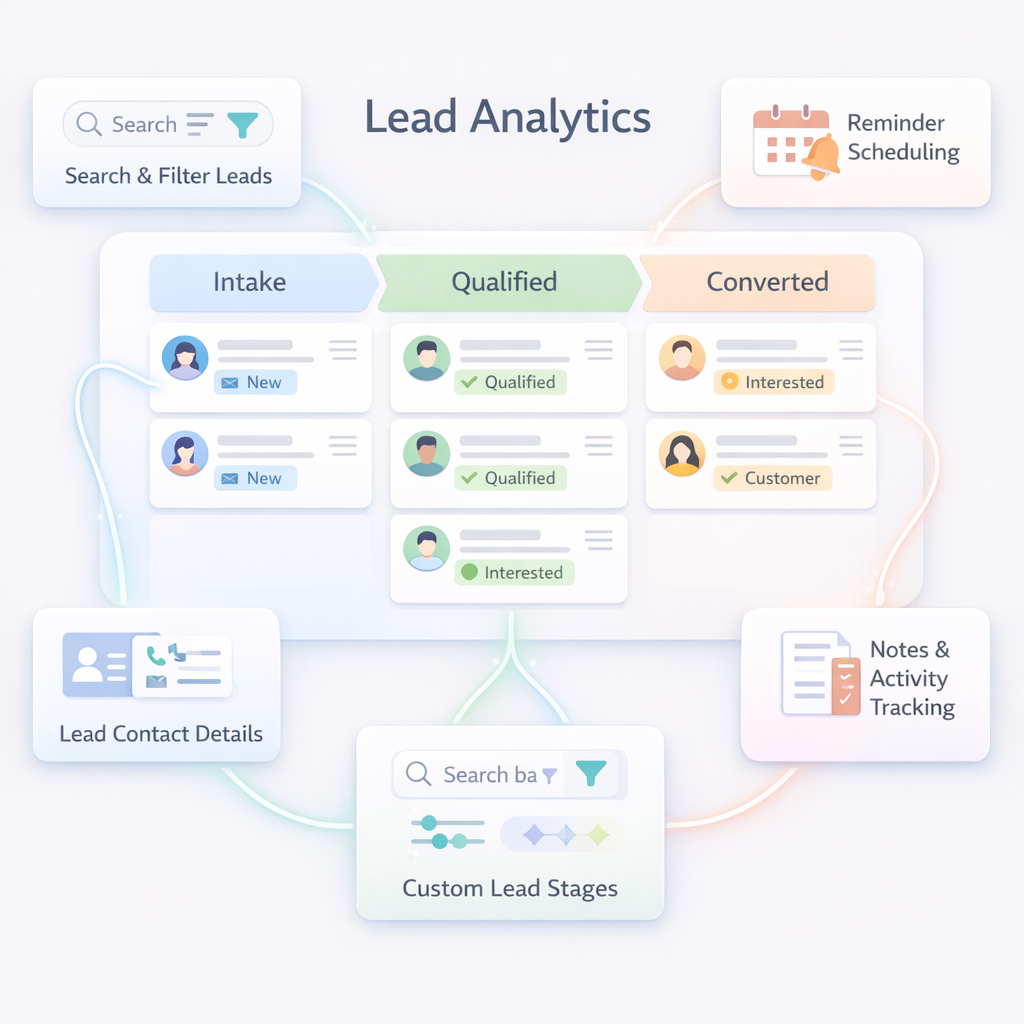
Notes and Activity Tracking
Add notes and track important interactions with each lead to maintain a clear history of communication.
Search and Filter Leads
Quickly find leads using search and filters based on name.
Visual Lead Pipeline
Organize leads across customizable stages like Intake, Qualified, and Converted using an intuitive pipeline view.
Reminder Scheduling
Set reminders for follow-ups and important tasks to ensure no lead opportunity is missed.
Lead Contact Details
View and manage lead information including phone number, email, and labels directly from the lead profile panel.
Custom Lead Stages
Create and manage custom pipeline stages to match your sales workflow and track progress easily.
Frequently Asked Questions
What is Lead Analytics?
Lead Analytics helps businesses track, organize, and analyze potential customers throughout the sales pipeline to improve conversions and sales performance.
Can I search for specific leads?
Yes. You can search leads by name, to quickly find the right contact.
Can I create custom lead stages?
Yes. You can create custom stages to match your sales process and manage leads according to your workflow.
Can I add reminders for leads?
Yes. You can schedule reminders for follow-ups, calls, meetings, or other important actions related to each lead.
Can I track lead conversions?
Yes. Lead analytics shows how leads move across stages and which ones convert into customers.
Can I store notes for each lead?
Yes. The platform allows you to add notes and maintain a history of interactions for every lead.
What is a lead pipeline?
A lead pipeline is a visual representation of different stages that leads move through, such as intake, qualification, and conversion.