
Document Import
Import documents from various formats to build a powerful knowledge base for your AI chatbot.
Version Control
Multiple File Formats
Easy Upload & Management
Bulk Import Support
Fast Indexing
Content Structuring
How Document Import Works
Upload your documents and let the system automatically process and use them for your chatbot.
Access Knowledge Base
Navigate to Knowledge Base from dashboard or chatbot builder.
Add New Knowledge
Click Add Knowledge Base to import documents.
Choose Document Type
Select Document for DOC, DOCX, or TXT files.
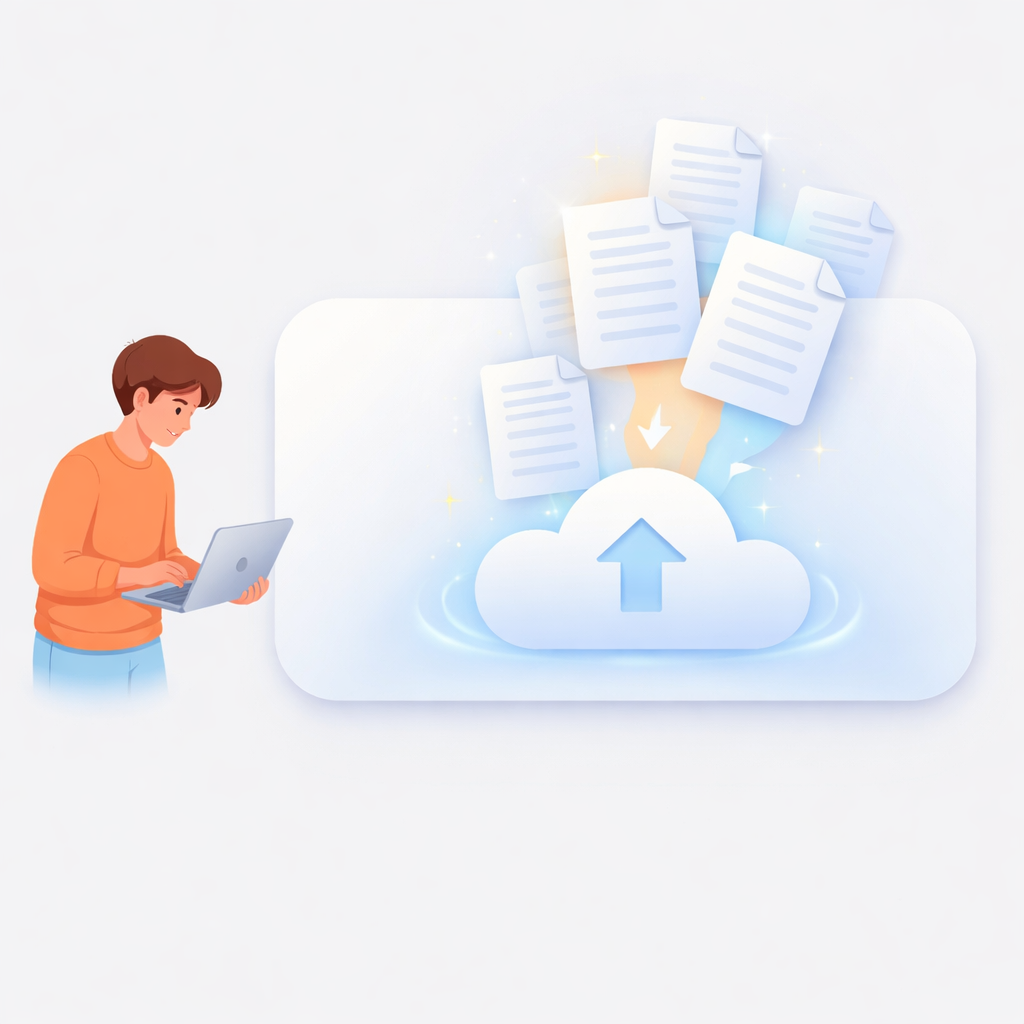
Upload Files
Upload one or multiple documents easily.

AI Processing
System analyzes and organizes document content.

Enable Chatbot Access
Imported content is now available for chatbot responses.
Document Import Features
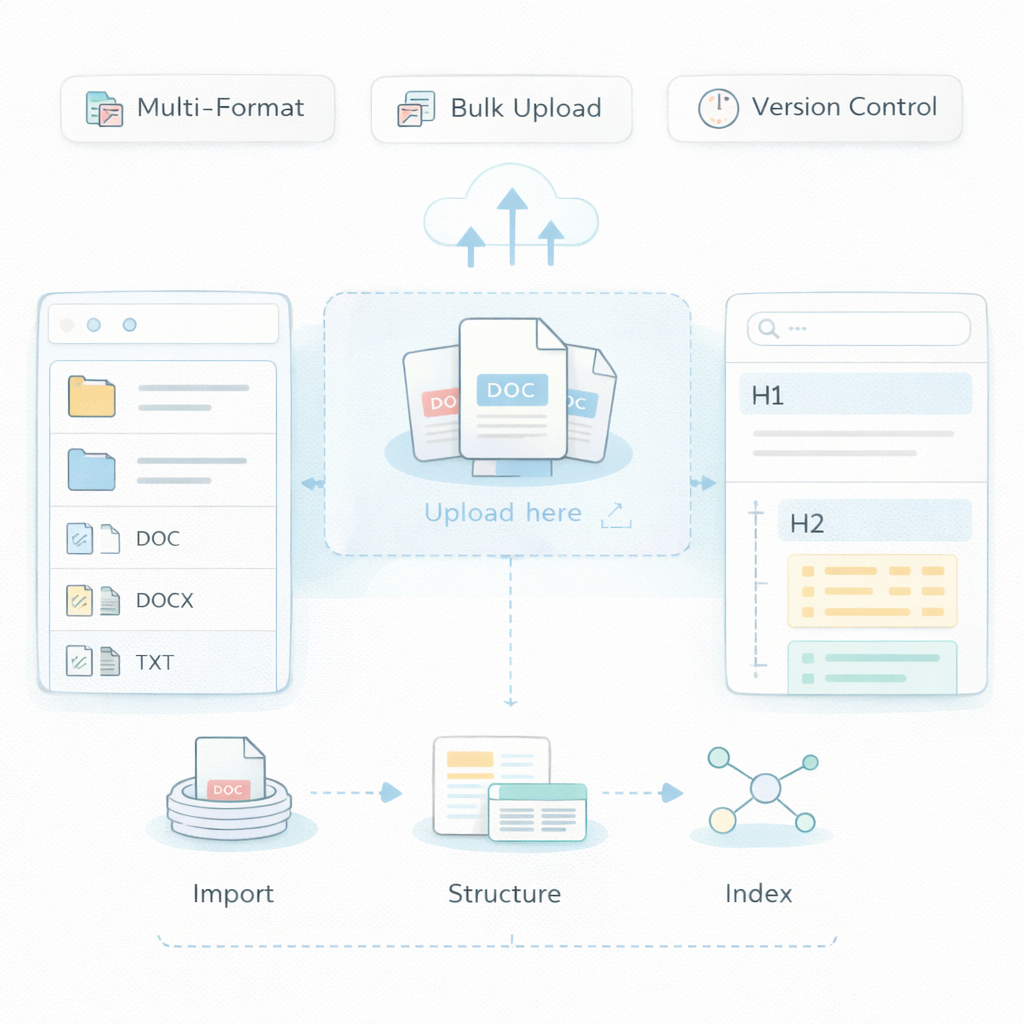
Multiple File Formats
Support for DOC, DOCX, TXT, and more.
Fast Indexing
Quickly convert documents into chatbot-ready data.
Version Control
Update and manage document versions.
Easy Upload & Management
Upload and organize documents seamlessly.
Content Structuring
Understand sections and formatting.
Bulk Import Support
Upload multiple documents at once.
Frequently Asked Questions
Is data secure?
Yes. All files are securely stored.
Can I upload multiple documents?
Yes. Bulk uploads are supported.
Can I edit documents later?
Yes. You can update or replace files.
What formats are supported?
DOC, DOCX, TXT, and other common formats.
Can chatbot answer from documents?
Yes. Imported content is used for responses.
Is formatting preserved?
Yes. Structure is maintained as much as possible.
How fast is processing?
Documents are processed quickly after upload.