
Chatbot customization
Personalize your chatbot's design, branding, and chat experience to match your business perfectly
Color and style customization
Full UI customization
Live preview of chatbot
Easy script integration
Branding and profile personalization
Chat interface control
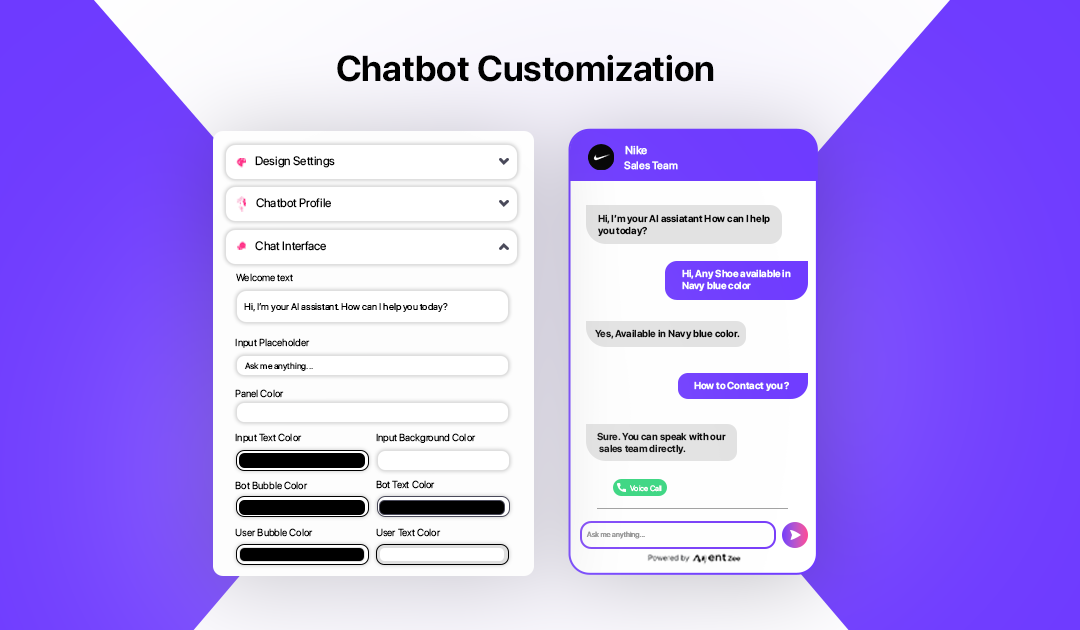
How chatbot customization works
Access and customize your chatbot from the builder in a few steps
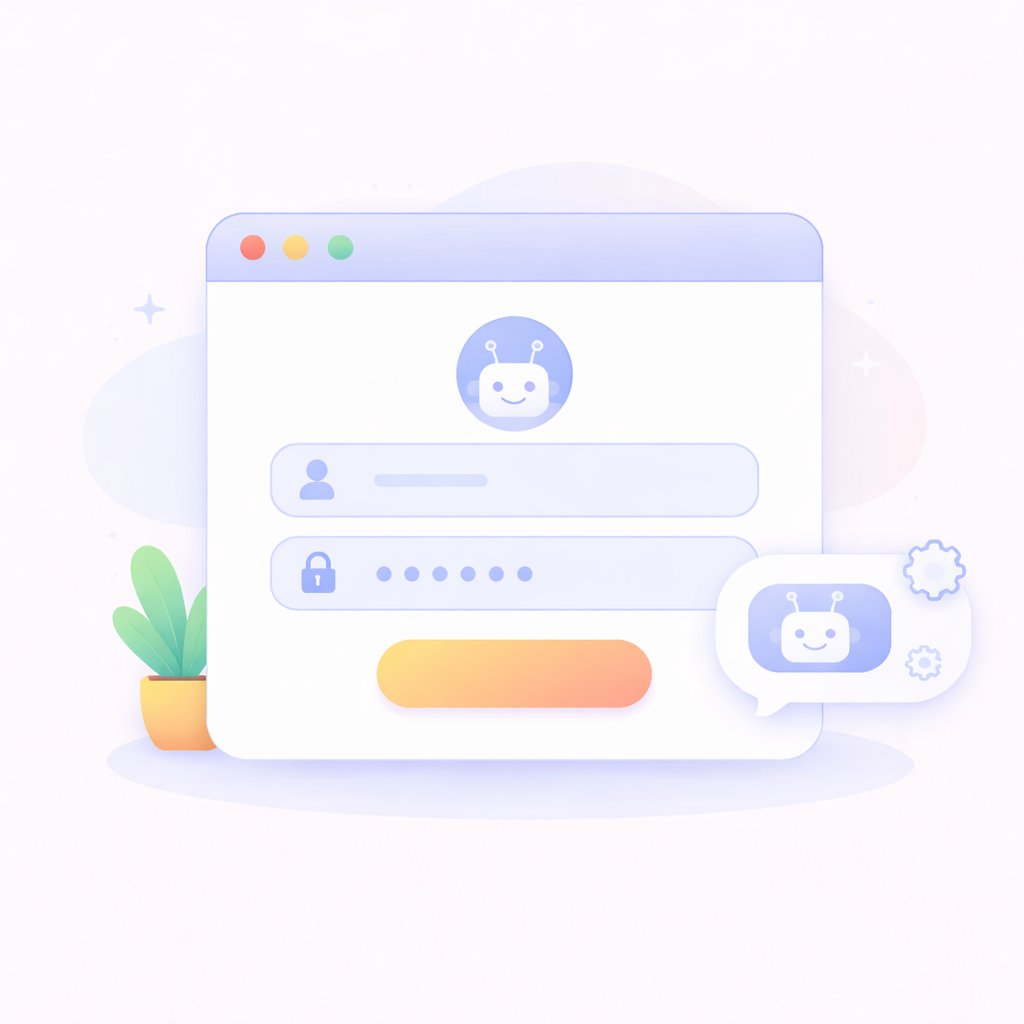
Sign in to your account
Log in or sign up to access your chatbot dashboard.
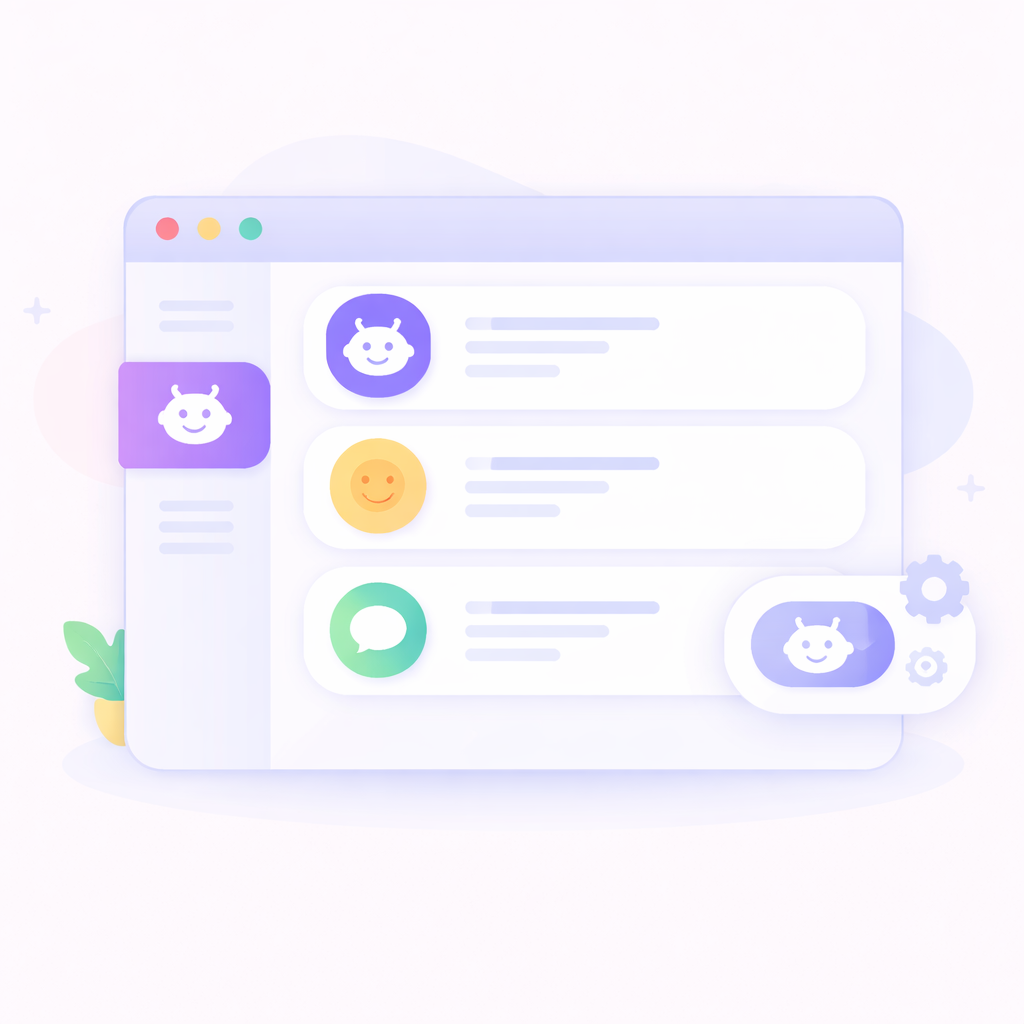
Go to chatbot section
Navigate to the chatbot section where all your chatbots are listed.
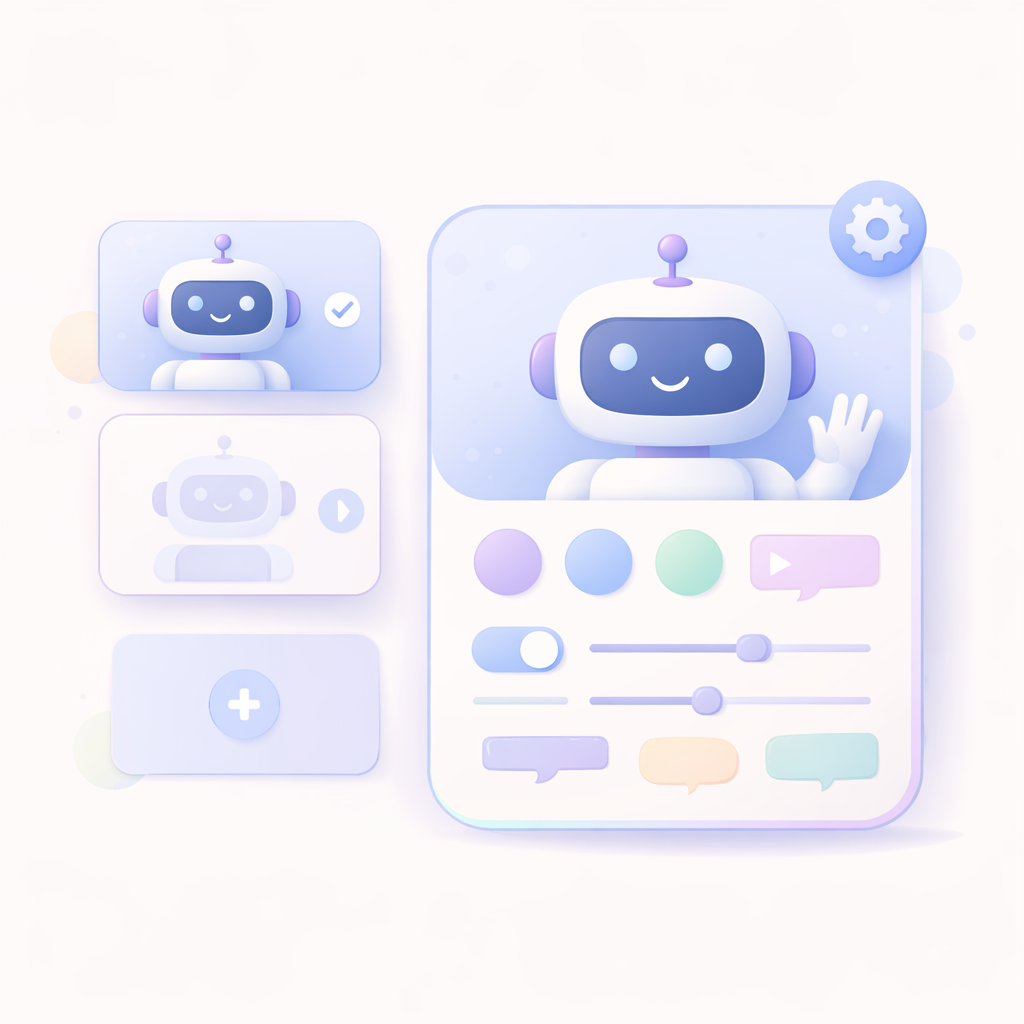
Create or select a chatbot
Choose an existing chatbot to customize or create a new chatbot to get started.
Open chatbot builder
Go to the chatbot builder and proceed to the customization step.
Customize your chatbot
At step 3 of the builder, customize design settings, chatbot profile, and chat interface with full control over UI and behavior.
Preview and publish
Use live preview to verify changes, then copy the script and deploy your chatbot.
Complete control over your chatbot experience
Design every aspect of your chatbot to match your brand and deliver a seamless user experience.
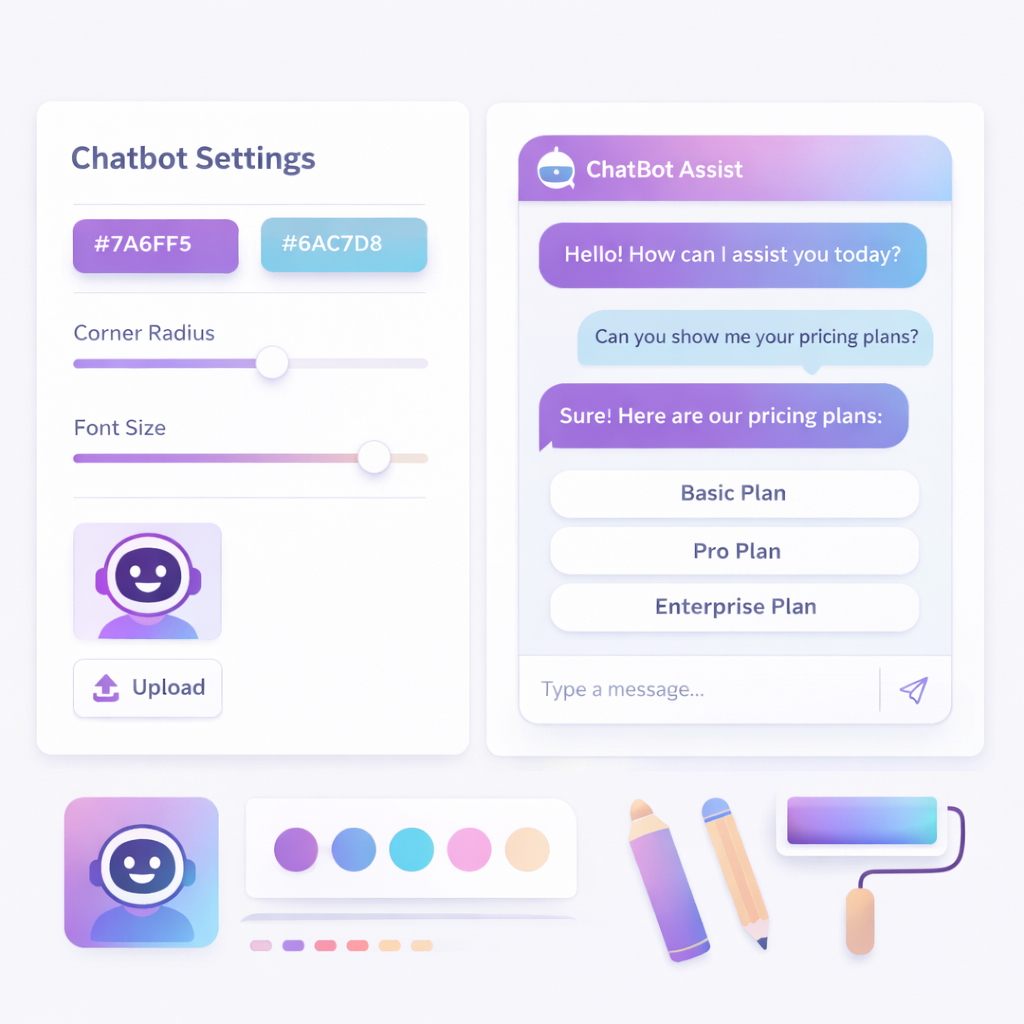
Chat Interface Customization
Control welcome text, input placeholders, panel colors, and chat UI elements.
Live Preview and Script Integration
Preview changes in real-time and install your chatbot using a simple script tag.
Gradient and Button Controls
Set icon gradients, enable send button, and optionally enable microphone input.
Bubble and Text Styling
Customize bot and user bubble colors, text colors, and improve readability.
Design Settings
Customize font family, border radius, box shadow, background color, and enable simple chat mode.
Chatbot Profile Customization
Set profile picture, name, title, and customize header colors and background styles (color, image, video).
Frequently Asked Questions
Can I enable or disable features like mic or buttons?
Yes, you can toggle features like send button and microphone input.
Is live preview available?
Yes, you can see all changes instantly using the live preview panel.
How do I install the chatbot?
You can copy the script tag and paste it into your website to install the chatbot.
Can I customize the chatbot design?
Yes, you can fully customize fonts, colors, layout, and UI elements.
Can I add my own branding?
Yes, you can set profile image, name, title, and colors to match your brand.
Can I customize chat messages and inputs?
Yes, you can modify welcome text, placeholders, and chat interface elements.