
Chatbot analytics
Track performance, monitor conversations, and measure leads generated by your chatbot
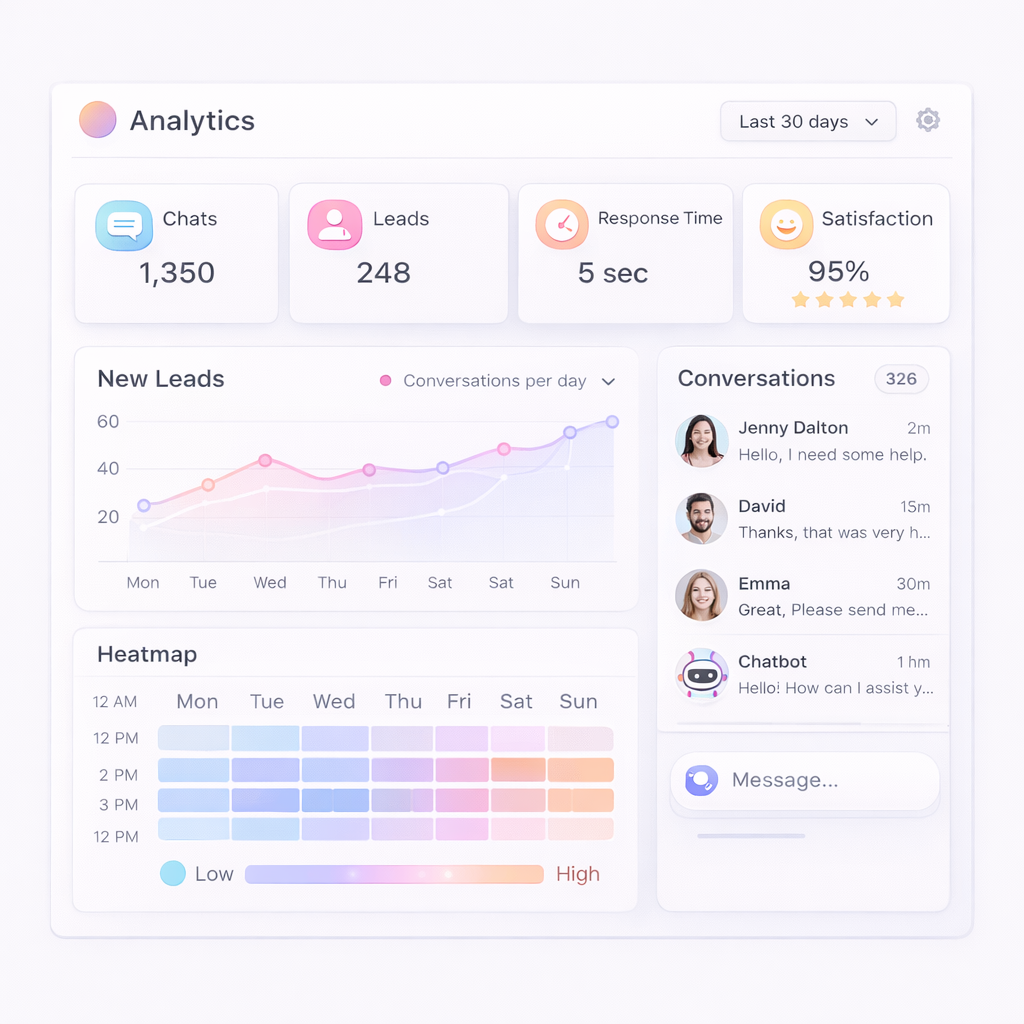
Average response time insights
Customer satisfaction metrics
Customer leads monitoring
Total chats and engagement tracking
Recent conversations overview
Interaction heatmap analysis
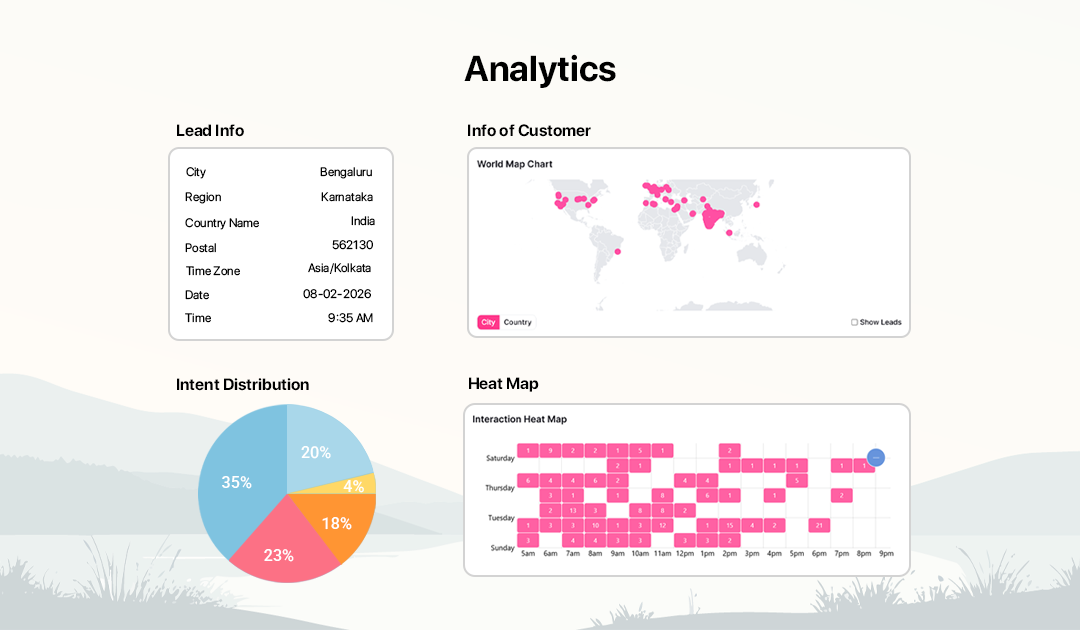
How chatbot analytics works
Access and understand your chatbot performance in a few steps
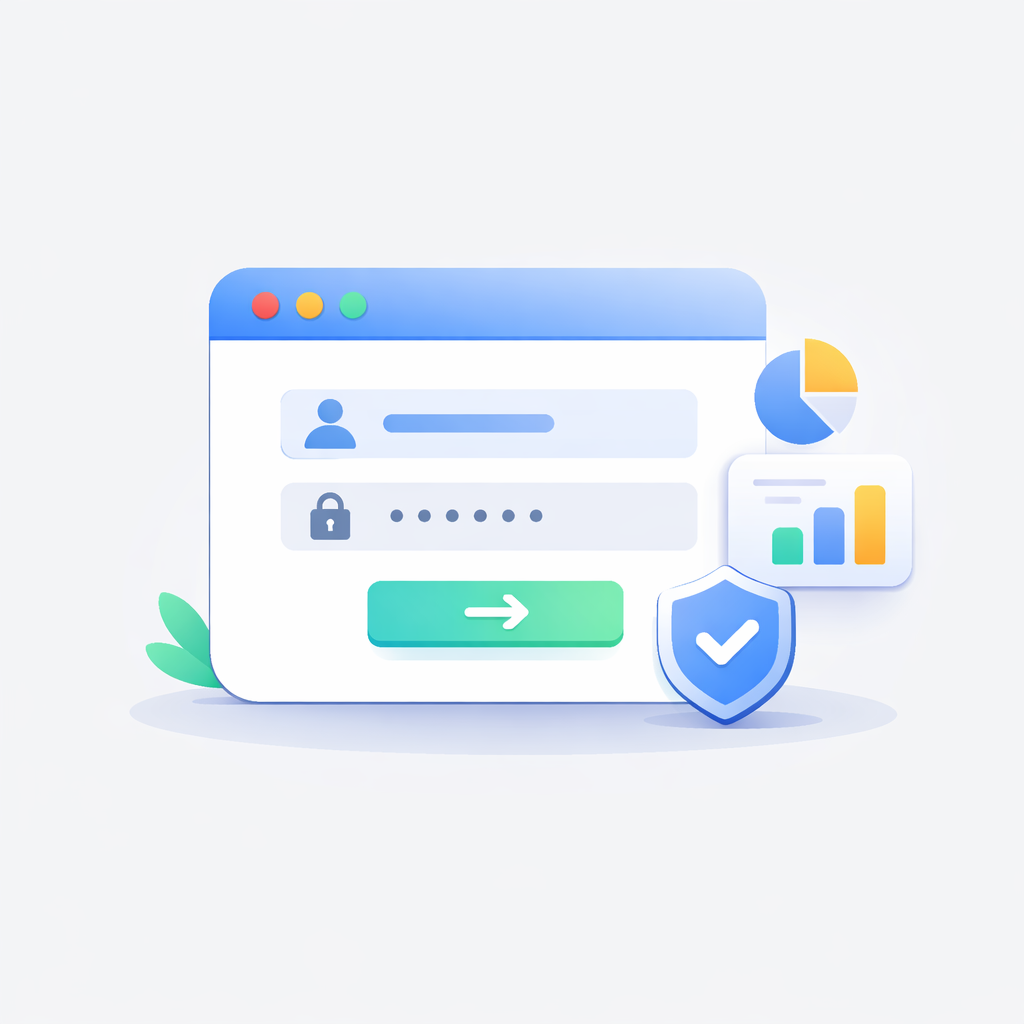
Sign in to your account
Log in or sign up to access your chatbot dashboard and analytics.
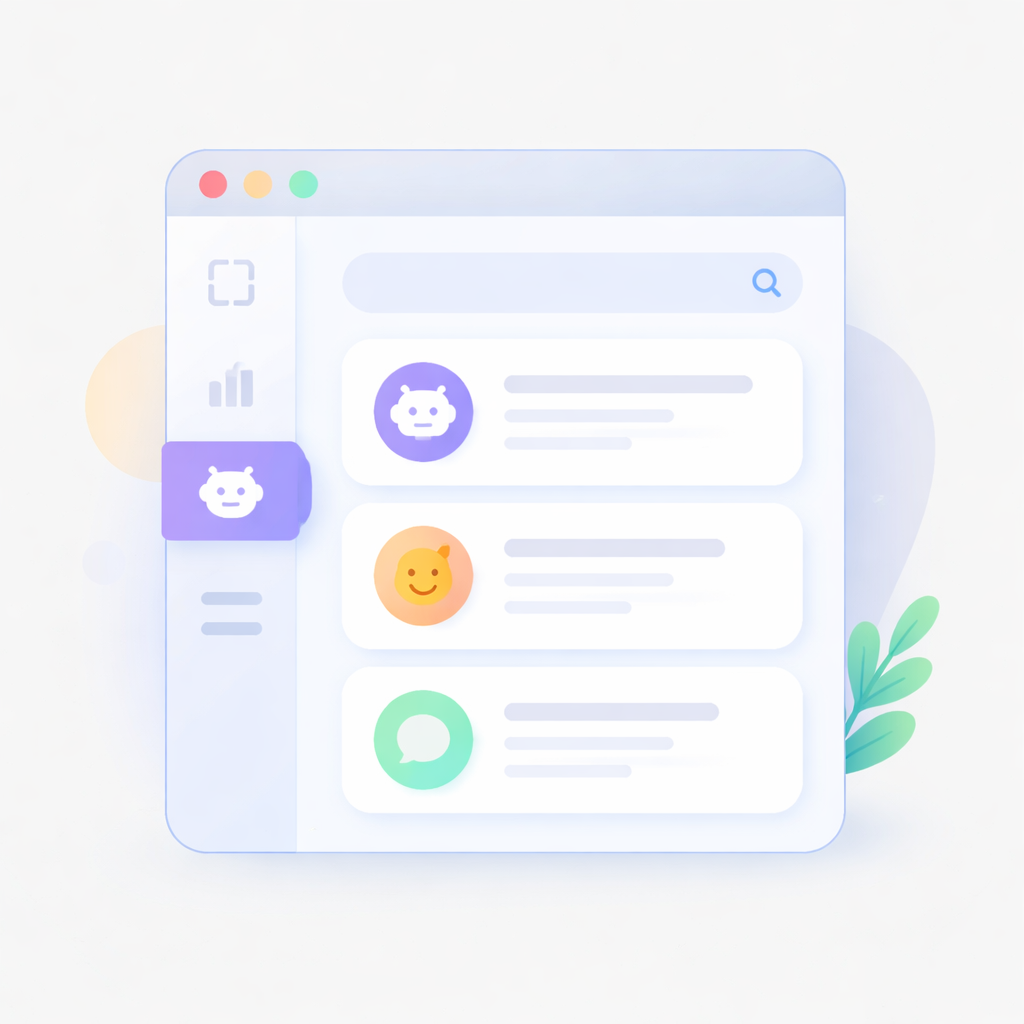
Go to chatbot section
Navigate to the chatbot section where all your created chatbots are listed.

Select a chatbot
Choose a chatbot from the list to view its analytics. By default, the first chatbot is selected.
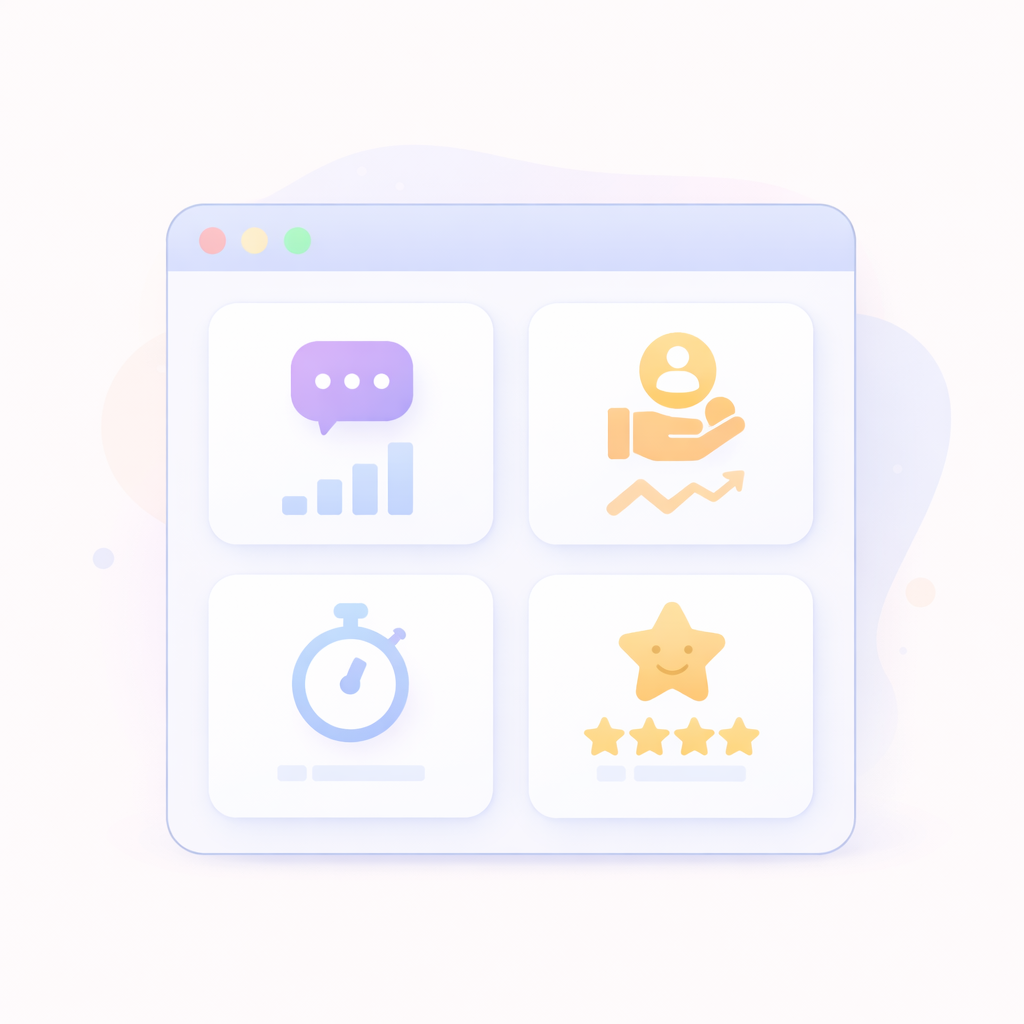
View performance metrics
Analyze total chats, leads generated, average response time, and customer satisfaction.

Explore detailed insights
Use interaction heatmaps, recent chats, and date filters to understand user behavior and engagement patterns.
Everything you need to measure chatbot performance
Gain complete visibility into conversations, engagement, and lead generation with powerful analytics tools.
Customer Satisfaction
Measure user satisfaction and overall chatbot performance.
Interaction Heatmap
Visualize when users interact with your chatbot across different days and times.
Total Chats Tracking
Monitor the total number of conversations handled by your chatbot.
Average Response Time
Analyze how quickly your chatbot responds to user queries.
Leads Analytics
Track how many leads your chatbot generates and measure conversion performance.
Recent Conversations
View recent chats to understand user queries and chatbot responses.
Frequently Asked Questions
How do I select a chatbot?
Go to the chatbot section and choose a chatbot from the list. The first chatbot is selected by default.
What is the interaction heatmap?
It shows when users interact with your chatbot across different days and times.
Do I need to log in to view analytics?
Yes, you need to sign in or sign up to access chatbot analytics.
Can I view recent chats?
Yes, you can see recent conversations to understand user behavior and queries.
Can I track leads?
Yes, chatbot analytics includes lead tracking and performance insights.
What metrics are available?
You can view total chats, leads, average response time, and customer satisfaction.