
AI Voice Calling
Automate outbound calling with AI voice agents. Launch voice campaigns that can call multiple contacts simultaneously, qualify leads, and scale your outreach effortlessly.
Custom AI Voice & Script
CRM Contact Integration
Automated Cold Calling
High-Volume AI Calling
Smart Retry Logic
Campaign Scheduling
How AI Voice Calling Works
Create automated AI calling campaigns that allow your system to call multiple contacts at the same time.

Create Voice Campaign
Open the Calls section in your dashboard and click 'Create Campaign' to start a new AI voice calling campaign.

Configure Campaign Details
Enter campaign name and configure basic campaign settings for your AI calling workflow.
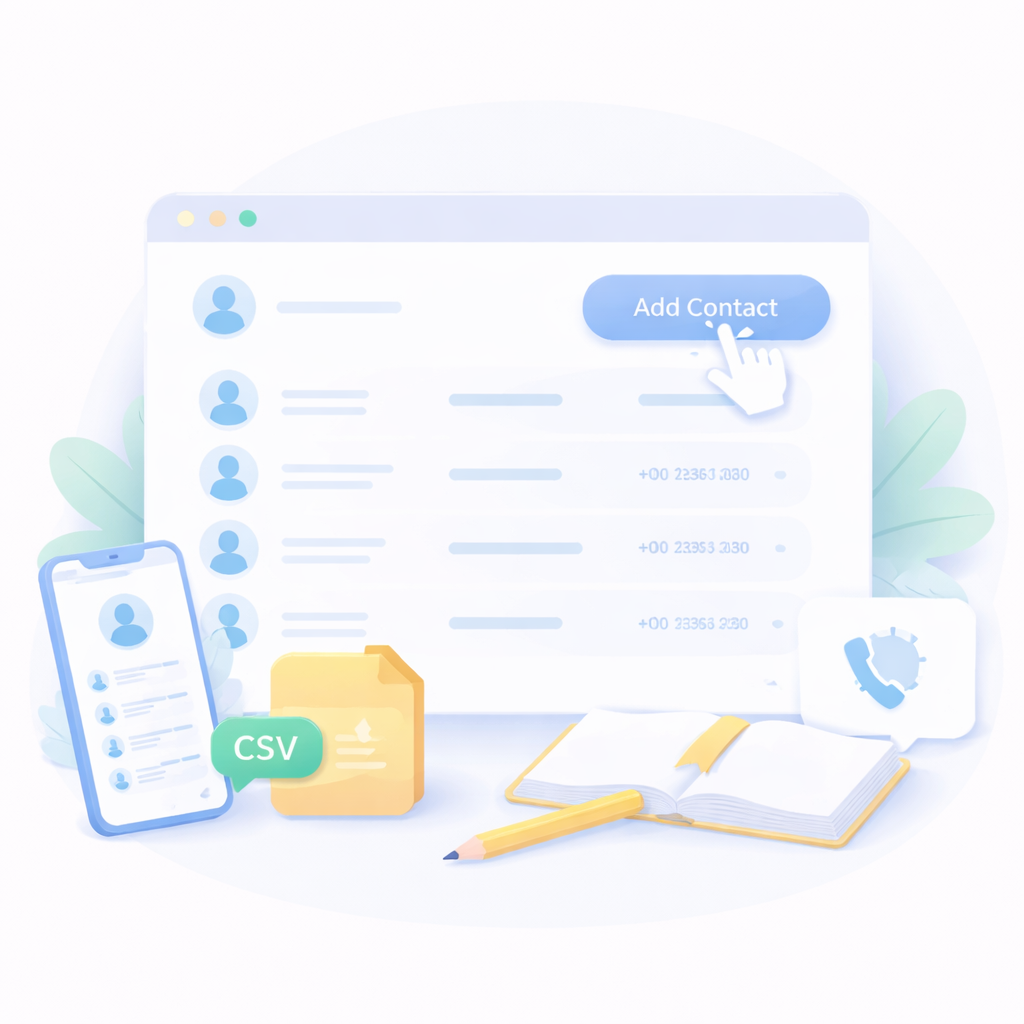
Add Contacts
Click 'Add Contact' and choose how you want to add contacts. You can select existing contacts from CRM, upload a CSV file, or manually enter contact details.

Select AI Voice & Script
Choose an AI voice and write the voice script the AI will speak during each phone call.
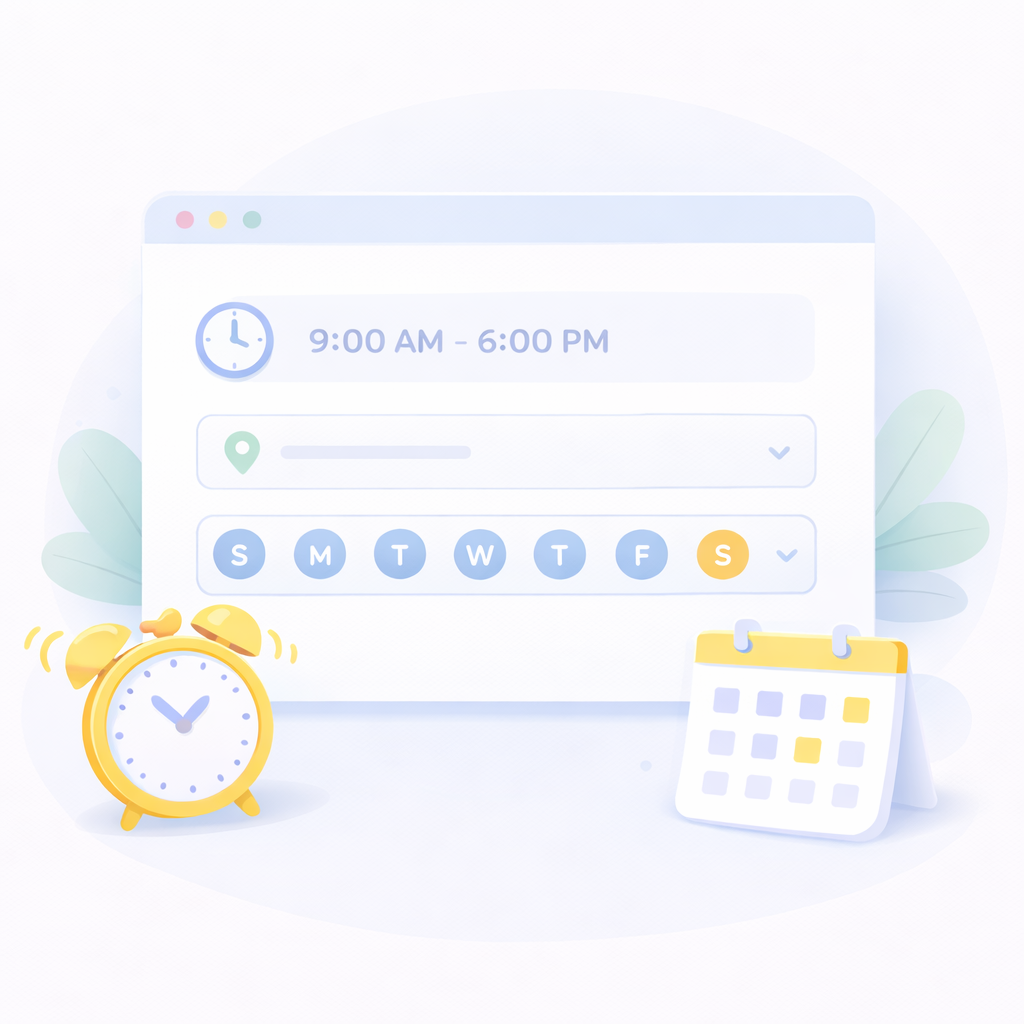
Define Calling Schedule
Set campaign start time, calling hours, timezone, and active days to control when calls are placed.
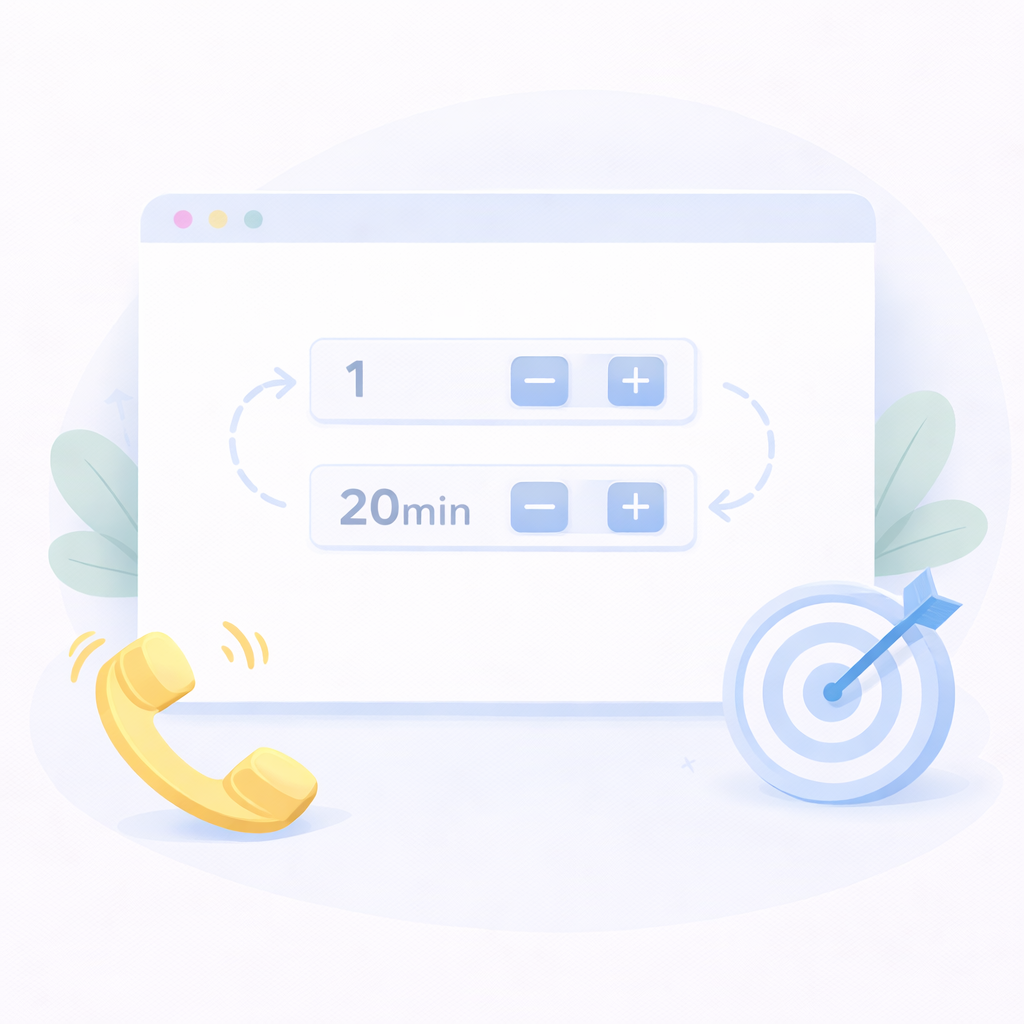
Configure Retry Settings
Define retry attempts and call intervals so the system automatically retries calls if contacts do not answer.
Powerful AI Voice Calling Capabilities
AI voice calling allows businesses to reach large contact lists instantly with automated phone calls powered by intelligent voice agents.
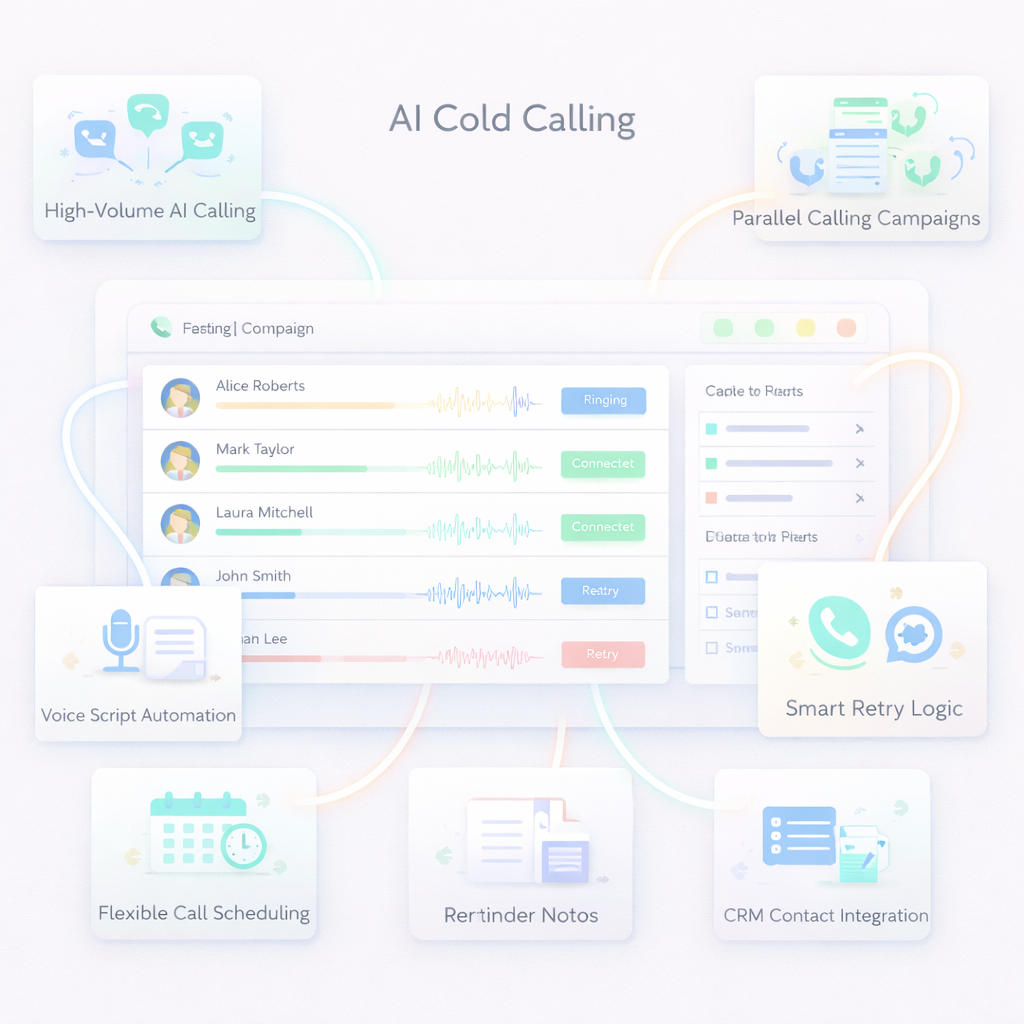
Flexible Call Scheduling
Control campaign timing with start dates, calling hours, and timezone settings.
Parallel Calling Campaigns
Place multiple AI phone calls simultaneously to maximize outreach speed and efficiency.
Smart Retry Logic
Automatically retry calls when contacts are unavailable, busy, or do not answer.
CRM Contact Integration
Import contacts from CRM systems or upload CSV lists to launch campaigns quickly.
Voice Script Automation
Create customizable voice scripts that the AI voice agent will speak during calls.
High-Volume AI Calling
Call multiple contacts automatically without manual dialing.
AI Voice Calling – Frequently Asked Questions
Can I upload contacts for AI calling?
Yes. You can upload contacts using CSV files or select contacts directly from your CRM.
Can AI call multiple numbers at the same time?
Yes. AI calling campaigns can dial multiple contacts simultaneously to scale outreach efficiently.
What happens if a contact does not answer?
The system will retry the call automatically based on the retry settings you configure.
Can I customize the voice script?
Yes. You can create a custom script that the AI voice agent will speak during each phone call.
What is AI voice calling?
AI voice calling uses artificial intelligence voice agents to automatically make phone calls and communicate with contacts.