
Text Knowledge Base
Manually add and manage text-based knowledge to train your AI chatbot with precise and custom information.
Flexible Content Creation
Centralized Knowledge Hub
Direct Text Input
Lightweight & Fast
Instant Updates
Custom Response Control
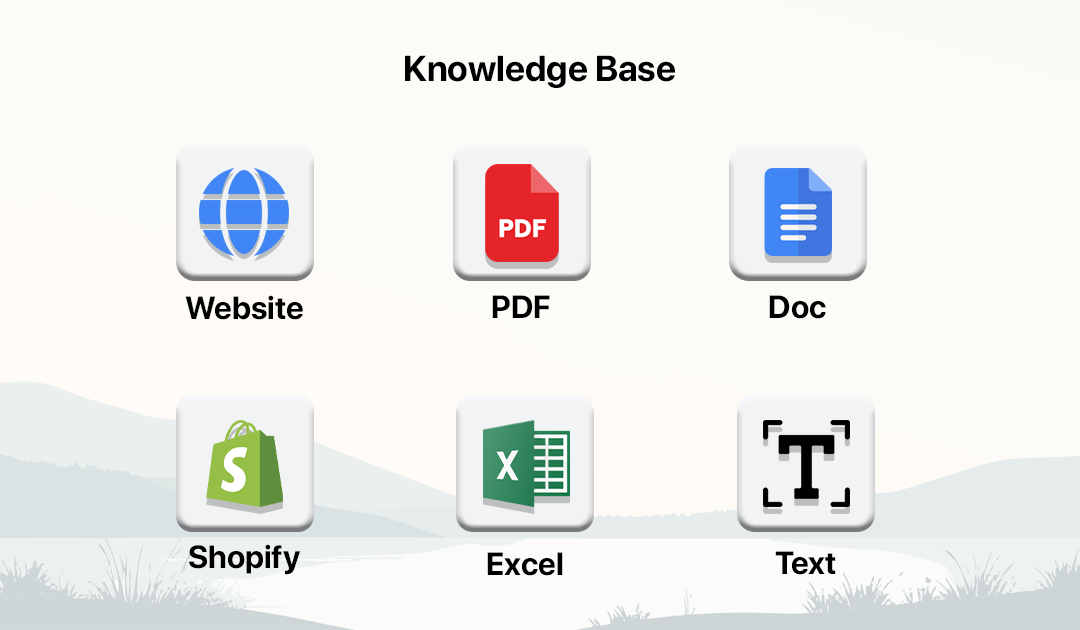
How Text Knowledge Base Works
Easily add and manage text-based knowledge to train your chatbot with custom responses.
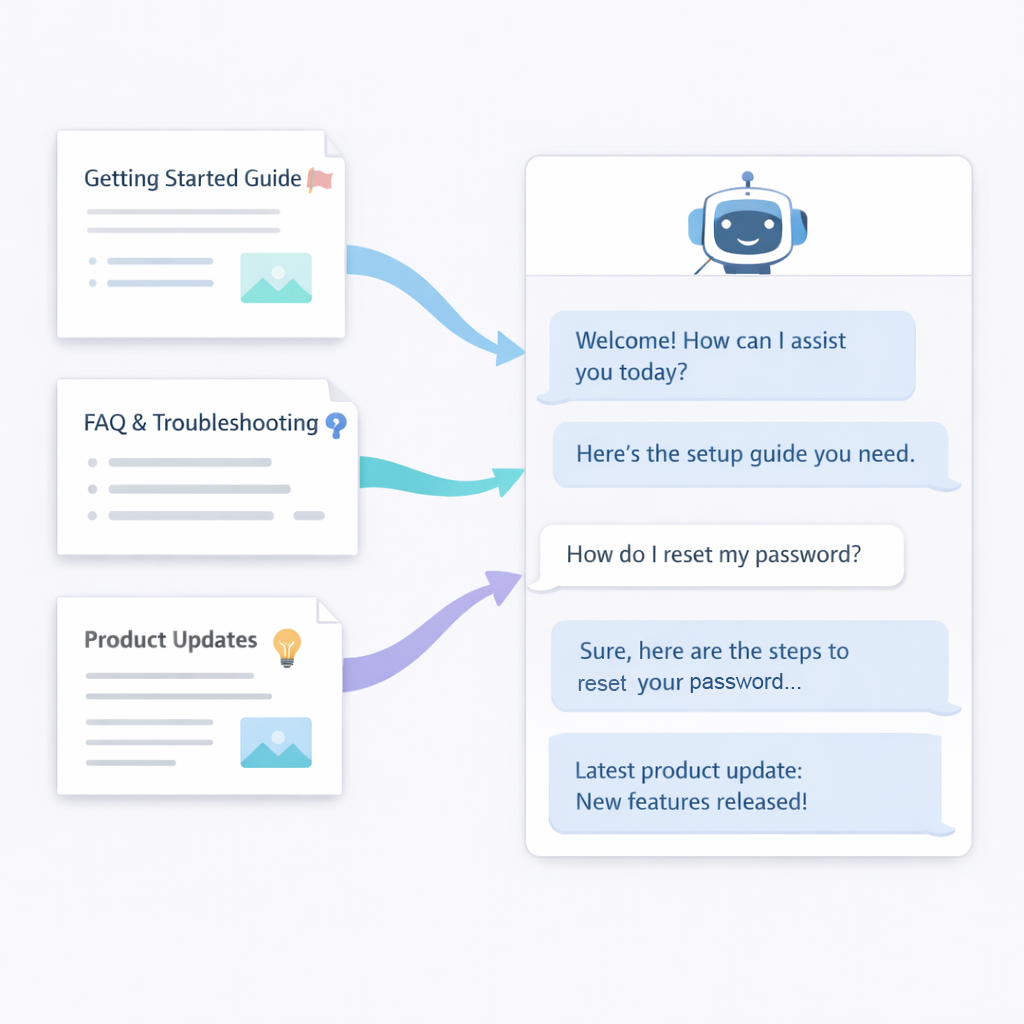
Go to Knowledge Base
Access Knowledge Base from dashboard or chatbot builder.
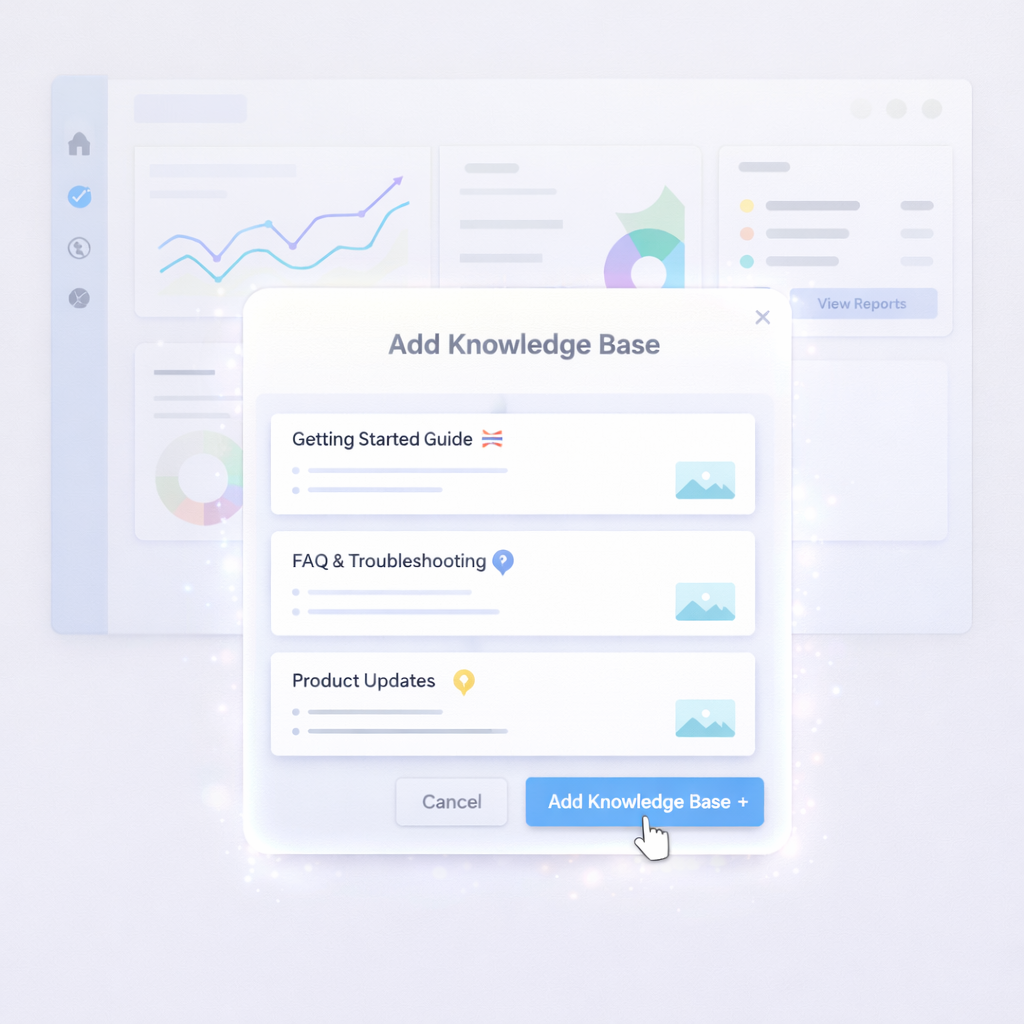
Add Knowledge
Click Add Knowledge Base to create new content.
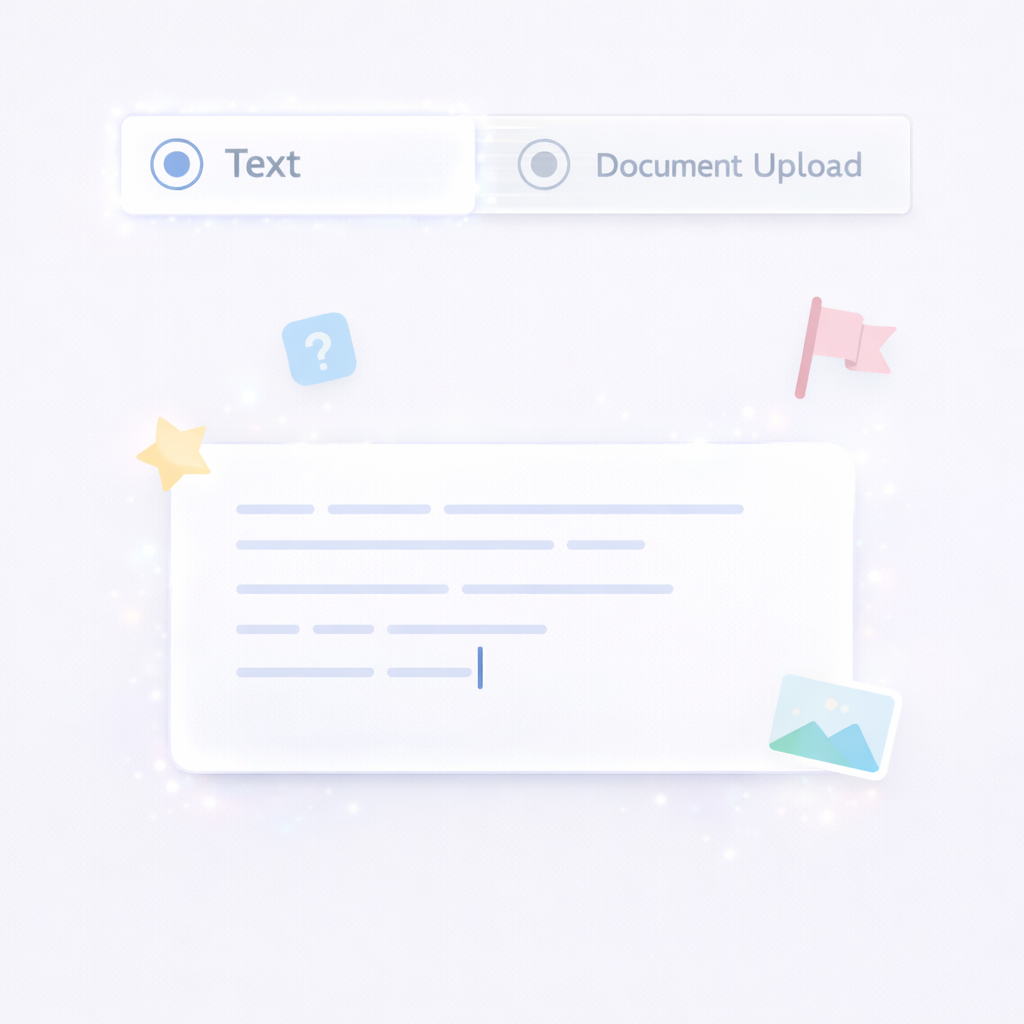
Select Text Option
Choose Text to manually enter knowledge.
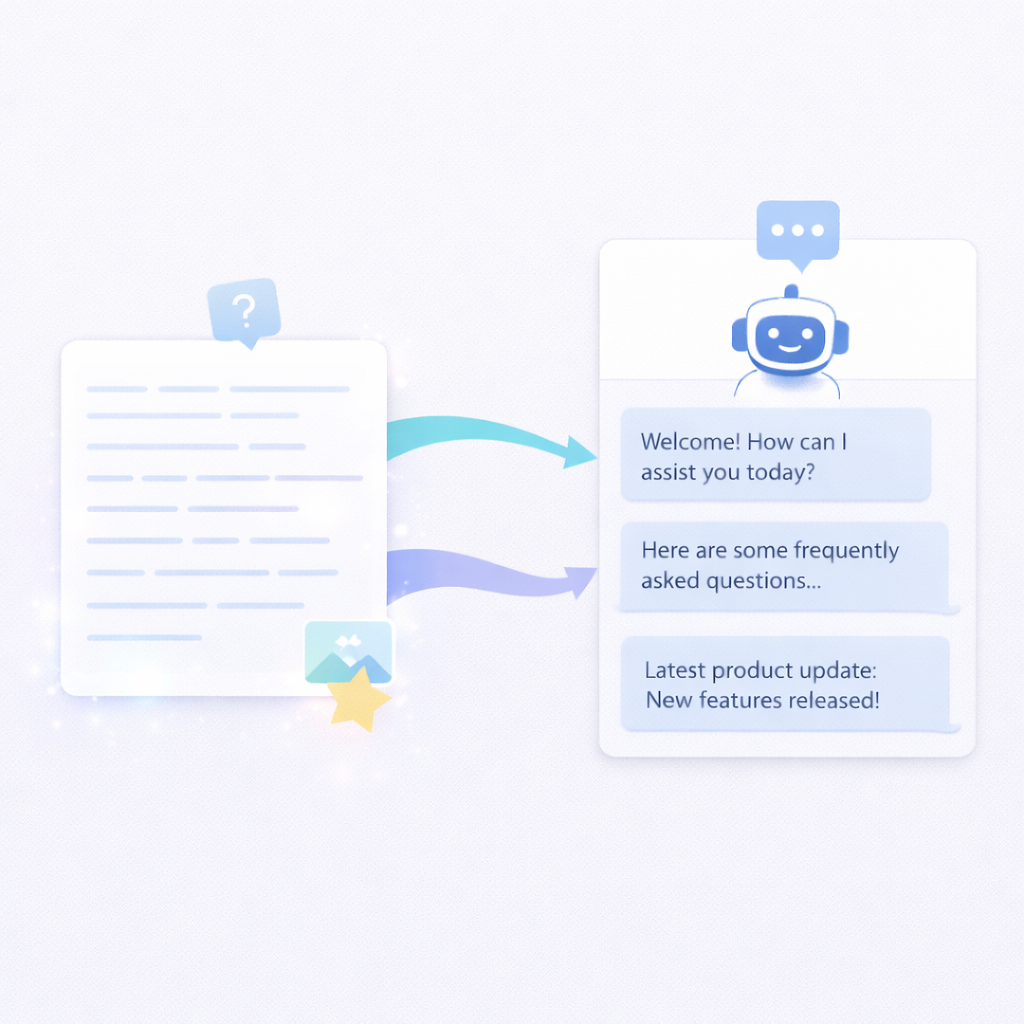
Enter Content
Add FAQs, answers, or custom business information.
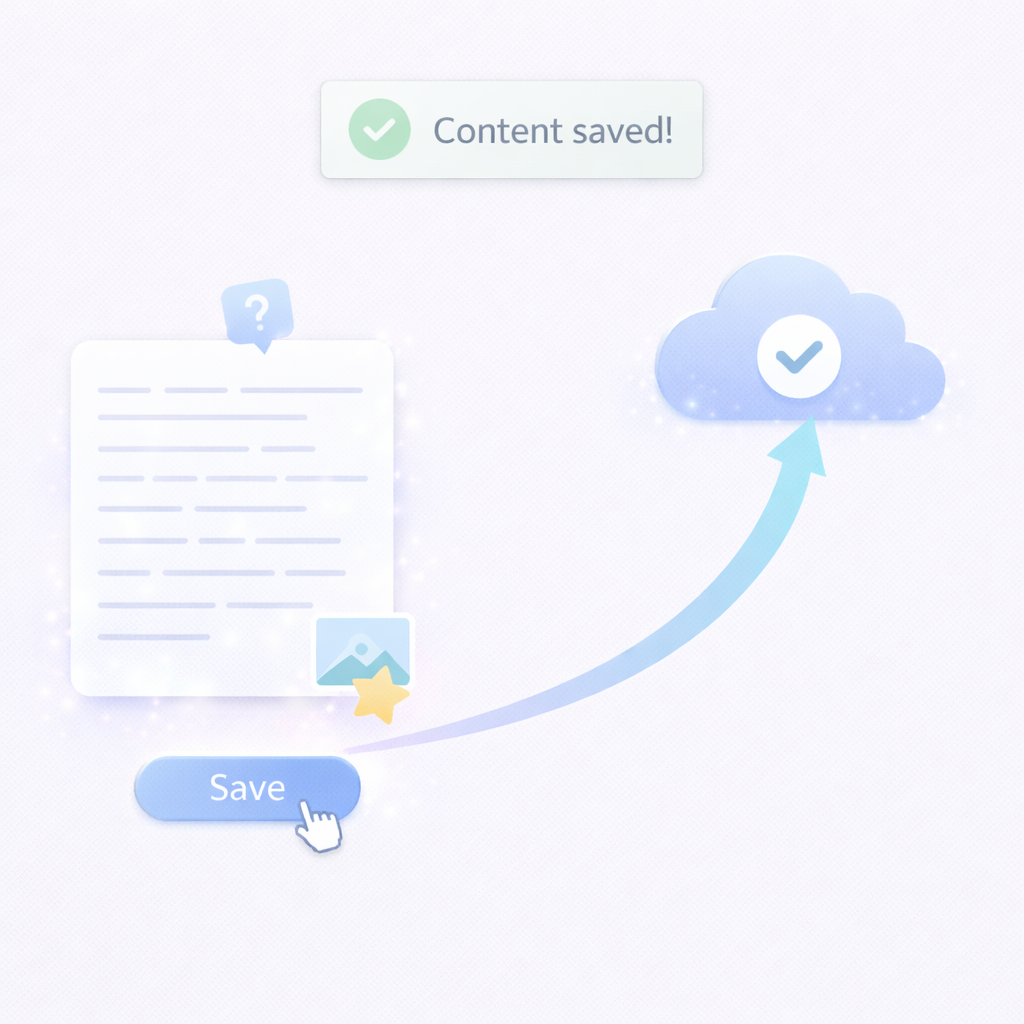
Save Knowledge
Save the content to make it available instantly.
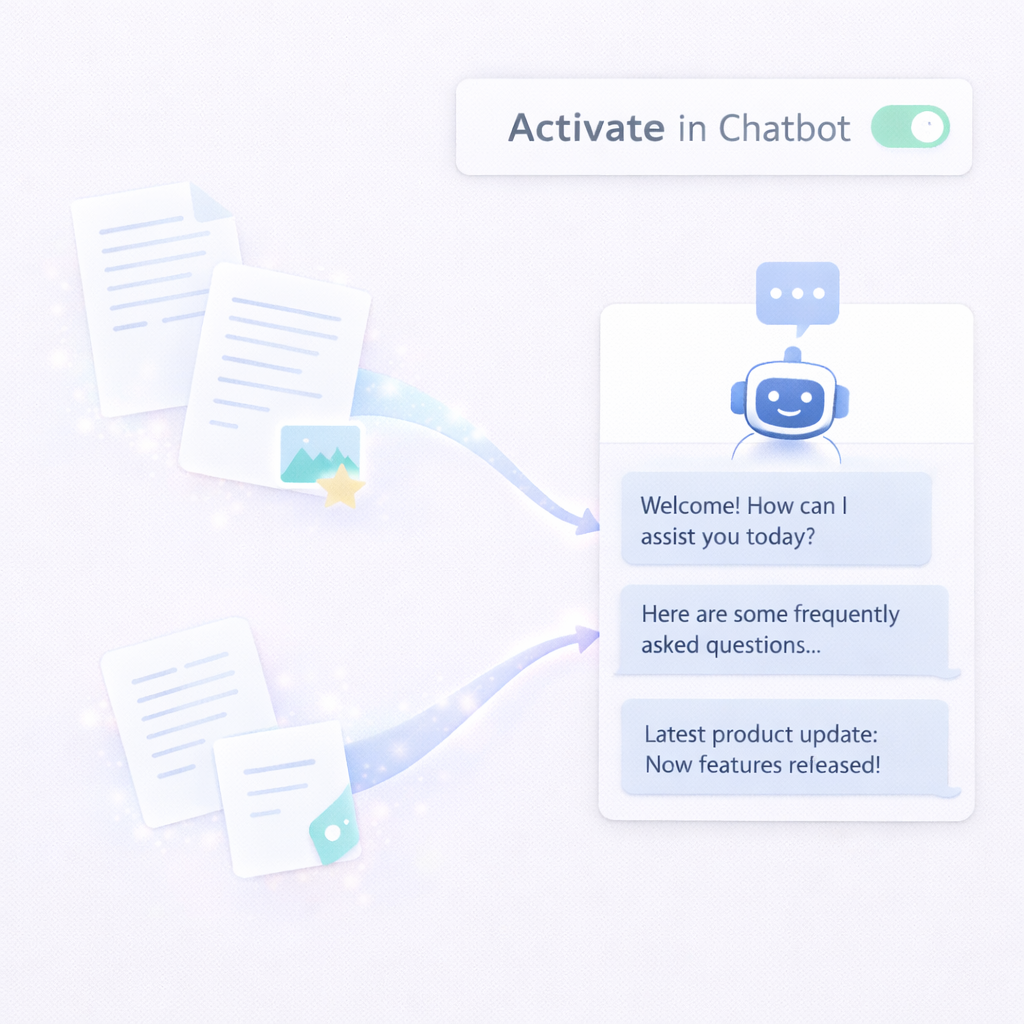
Activate in Chatbot
Chatbot uses this data to respond accurately.
Text Knowledge Base Features
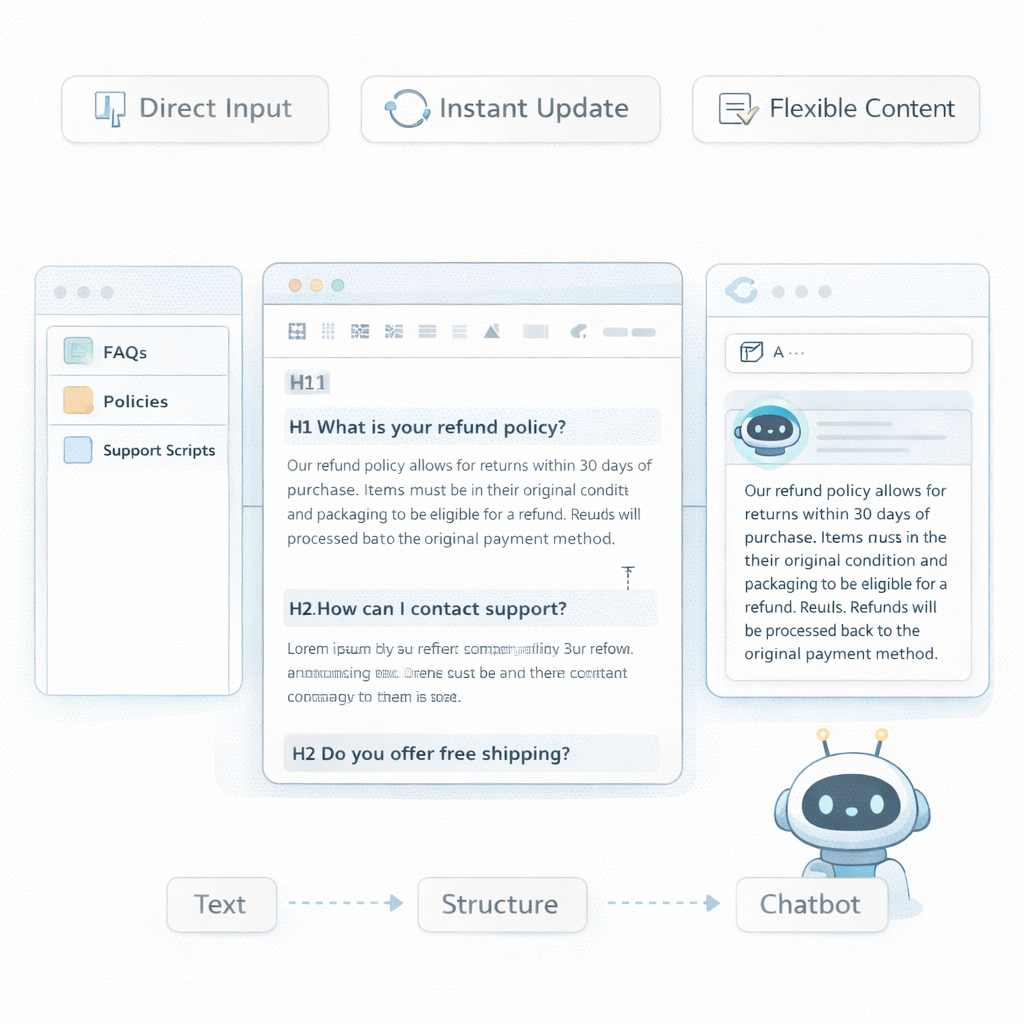
Direct Text Input
Add custom content directly into the system.
Flexible Content Creation
Create FAQs, answers, and structured content.
Lightweight & Fast
Quick setup without file uploads.
Instant Updates
Modify knowledge in real-time.
Centralized Knowledge Hub
Manage all text content in one place.
Custom Response Control
Fine-tune chatbot answers.
Frequently Asked Questions
Can I control responses?
Yes. You can define exact answers.
Is it fast to set up?
Yes. No file processing required.
Is it suitable for FAQs?
Yes. It is ideal for FAQ management.
Do I need to upload files?
No. You can directly input text.
Can I combine with other sources?
Yes. It works with PDFs, website data, and more.
What is a text knowledge base?
It allows you to manually add content for chatbot training.
Can I edit content anytime?
Yes. Updates can be made instantly.