
PDF Upload
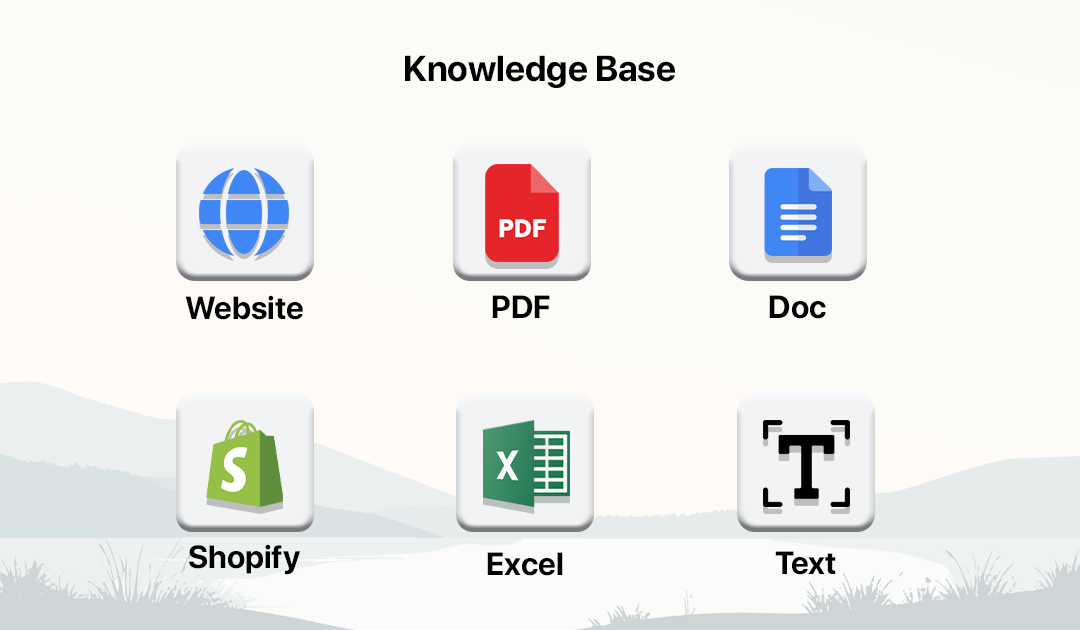
Upload PDFs to train your AI chatbot with structured knowledge from documents, manuals, brochures, and reports.
Smart Indexing
Large File Handling
Content Extraction
Fast Processing
Multi-PDF Support
Secure Storage
How PDF Upload Works
Upload your PDF documents and let the system automatically extract and use content for your chatbot.
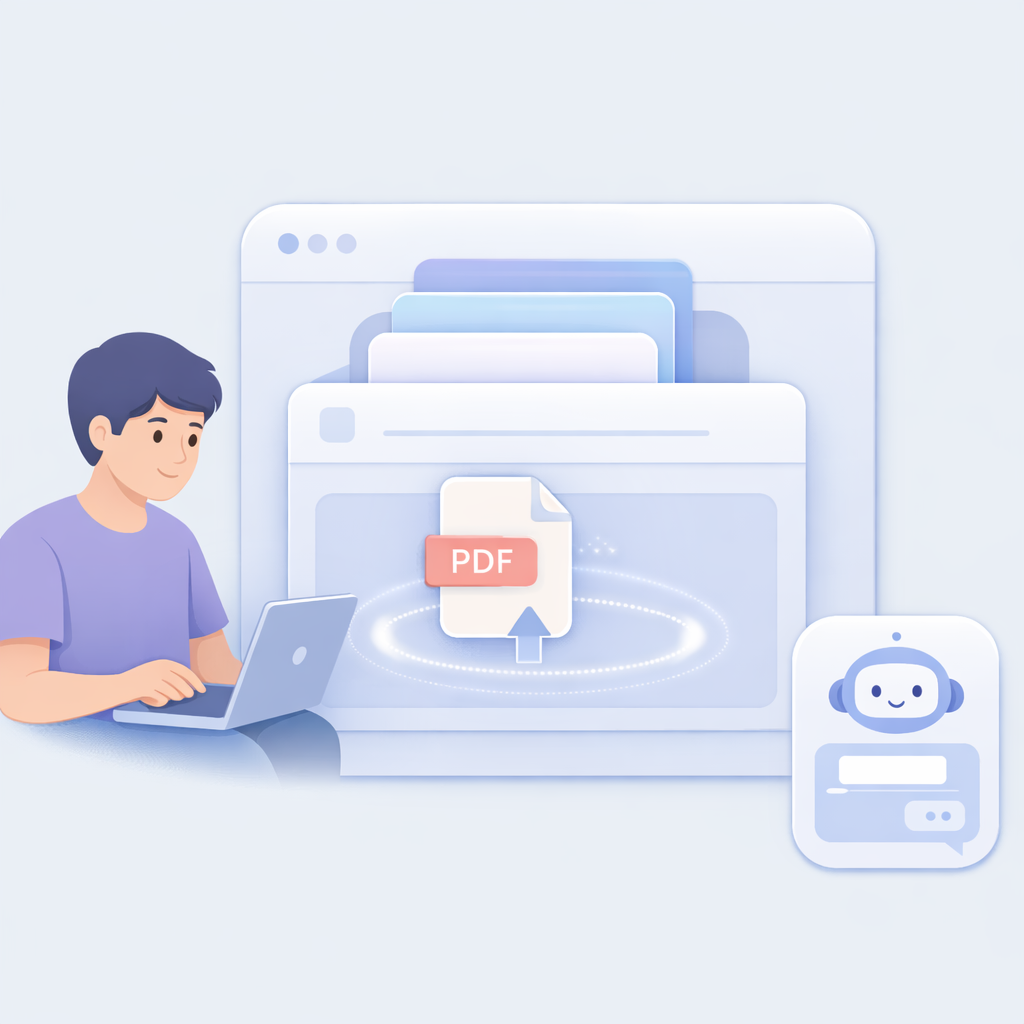
Go to Knowledge Base
Open Knowledge Base or access it from chatbot builder.
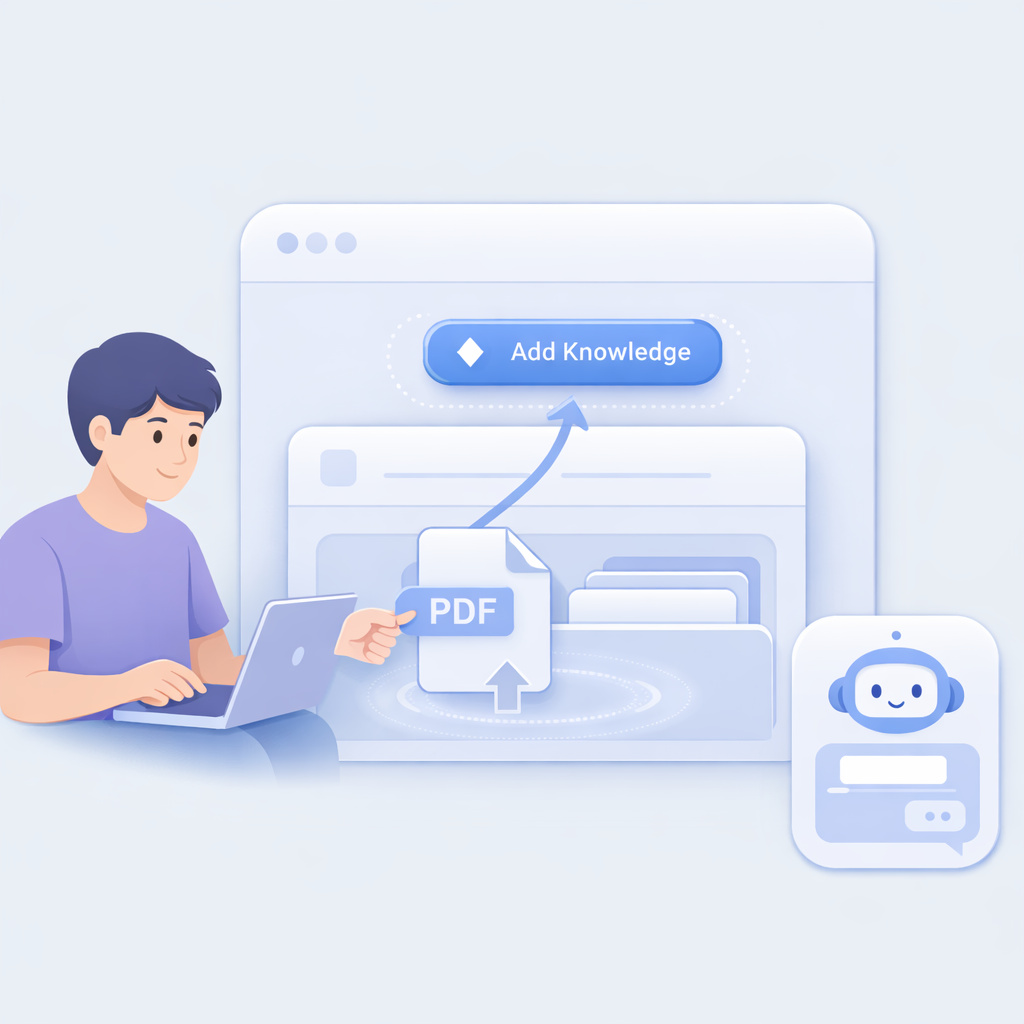
Click Add Knowledge
Click Add Knowledge Base to upload your document.
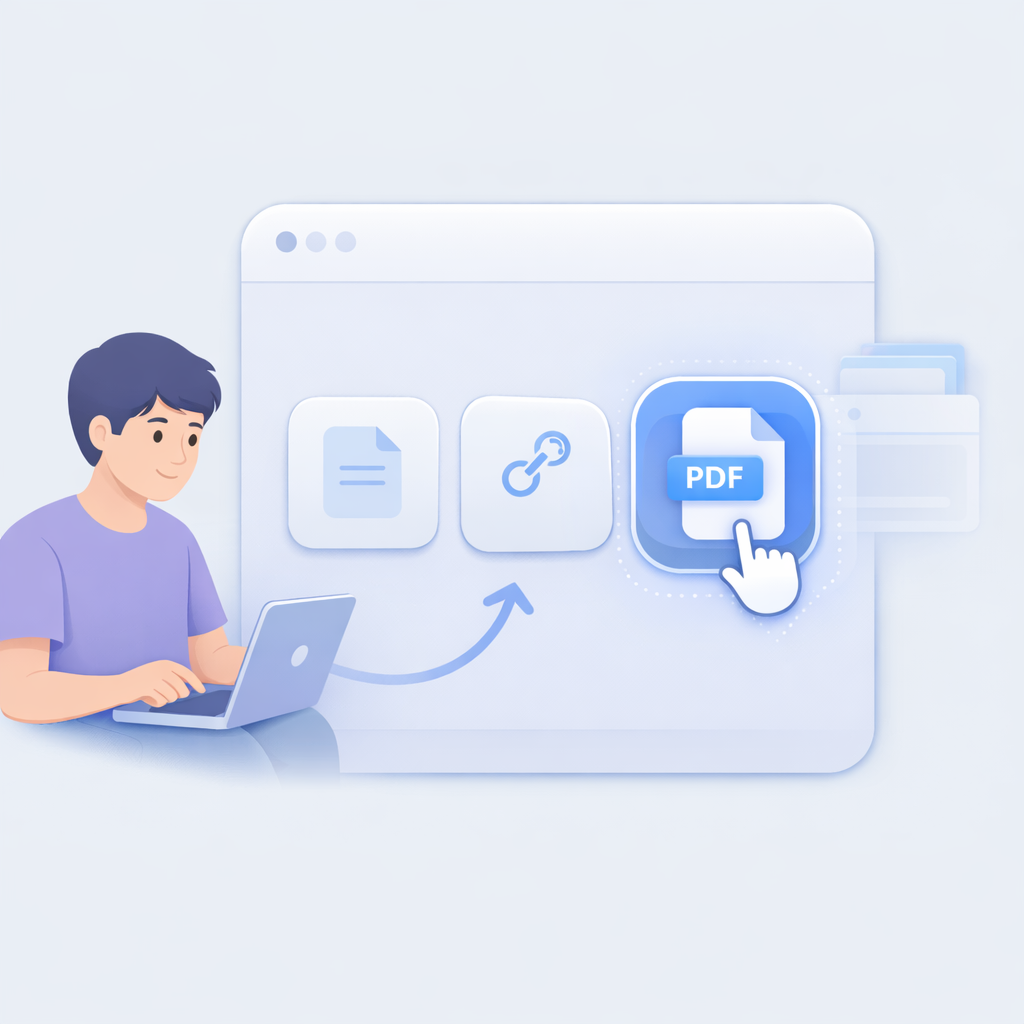
Select Document Option
Choose Document to upload PDF files.
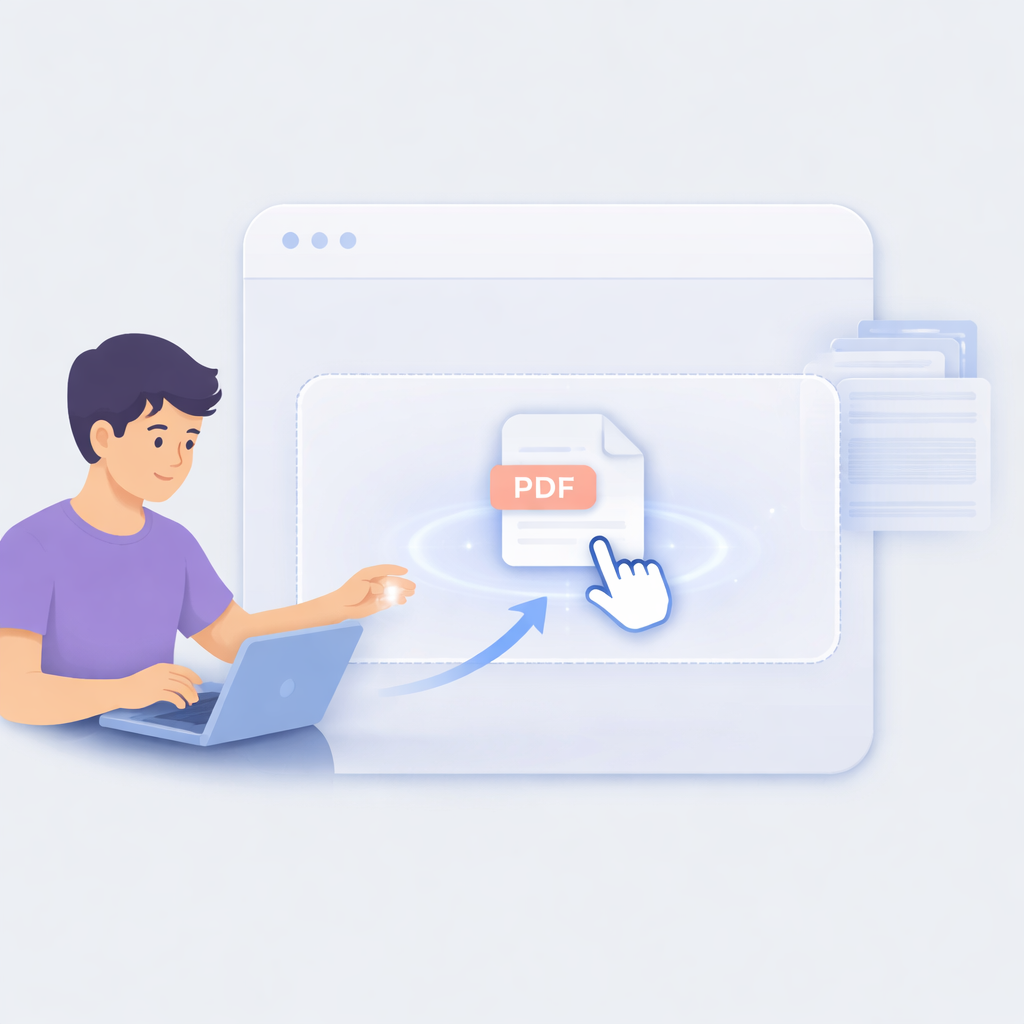
Upload PDF File
Drag and drop or select your PDF document.
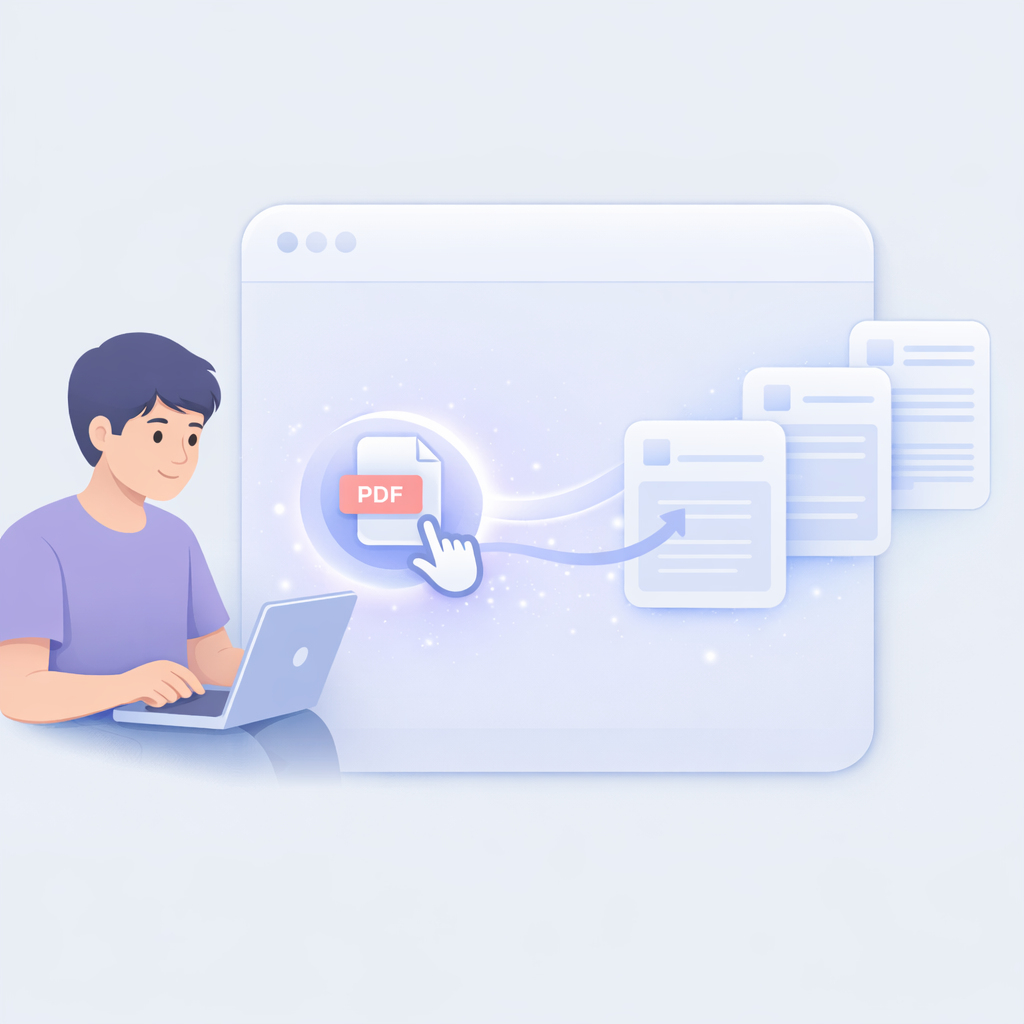
Process Content
AI extracts text and structures the content automatically.

Activate Knowledge
Chatbot uses the PDF content to answer user queries.
PDF Upload Features
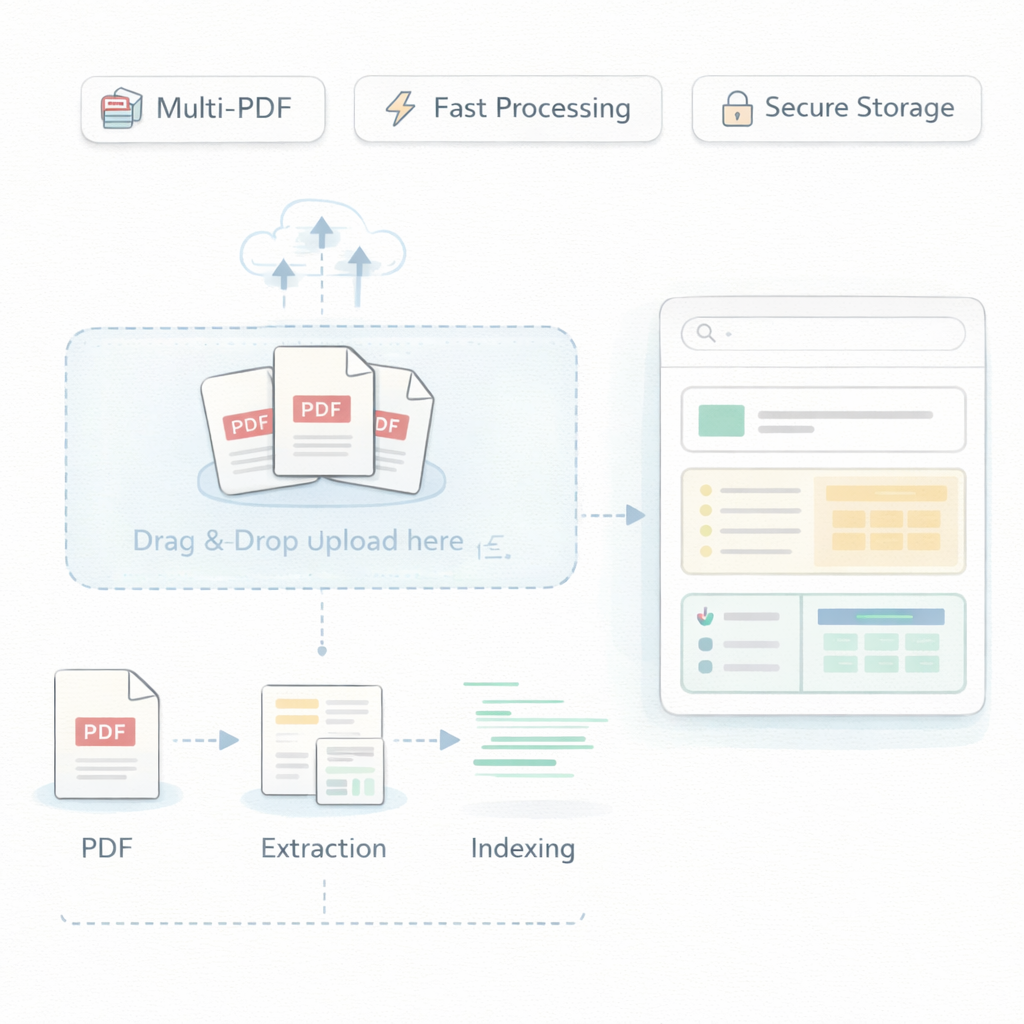
Content Extraction
Extract text, tables, and structured data from PDFs.
Large File Handling
Supports detailed and lengthy documents.
Multi-PDF Support
Upload and manage multiple PDF files.
Secure Storage
Ensure safe and private document handling.
Smart Indexing
Organize content for accurate responses.
Fast Processing
Quickly convert PDFs into searchable knowledge.
Frequently Asked Questions
Can chatbot answer from PDFs?
Yes. It uses uploaded PDFs as a knowledge base.
Does it understand tables?
Yes. It extracts structured data where possible.
What type of PDFs can I upload?
Any text-based PDF including manuals, reports, and brochures.
Is the data secure?
Yes. Files are stored securely.
Can I update or remove PDFs?
Yes. You can manage documents anytime.
Can I upload multiple PDFs?
Yes. You can manage multiple files.
Does it support large files?
Yes. It handles large documents efficiently.