
Website Crawling
Automatically fetch and understand content from your entire website. Keep your AI chatbot updated with accurate, real-time information.
Structured Data Understanding
Full Website Indexing
Smart Content Filtering
Multi-Page Coverage
Automatic Content Sync
SEO-Aware Parsing
How Website Crawling Works
Easily connect your website and let the system automatically extract and use content for your chatbot.
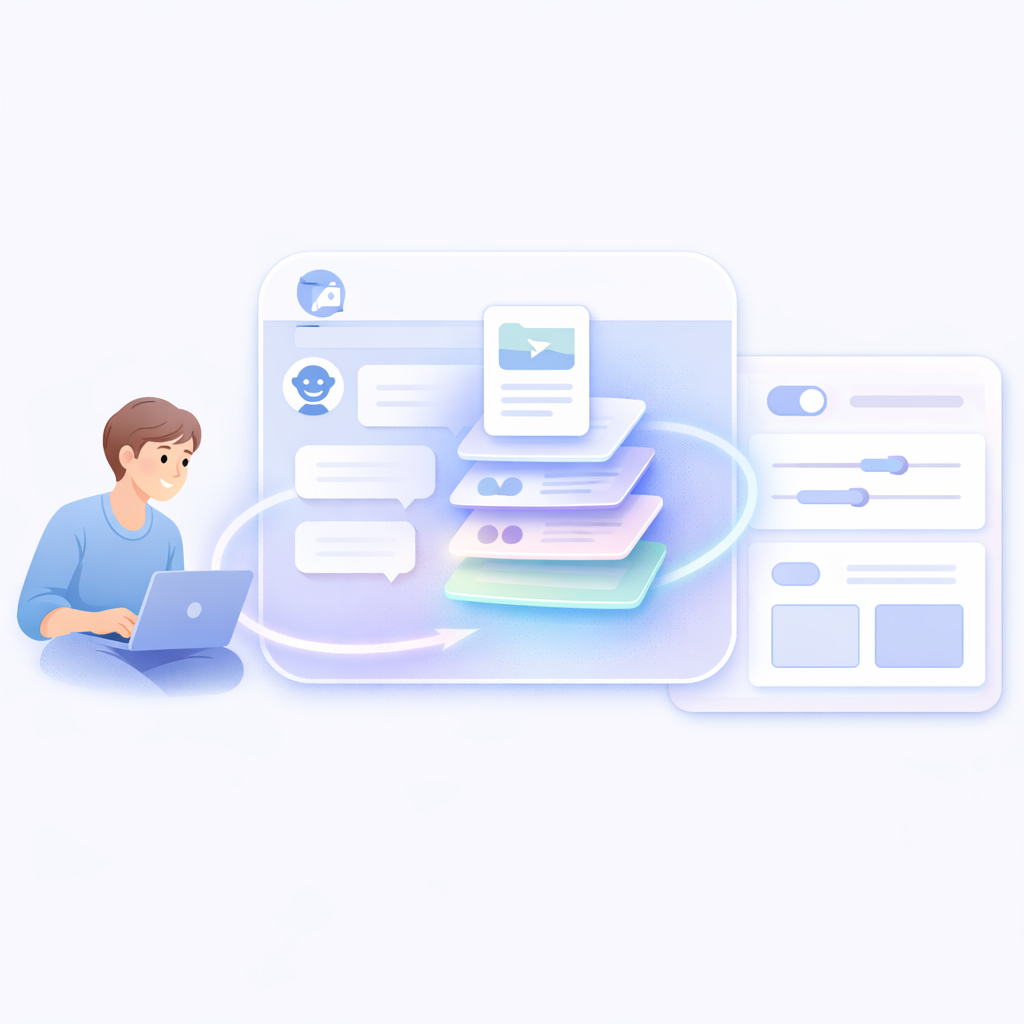
Go to Knowledge Base
Open Knowledge Base directly or access it from the chatbot builder.
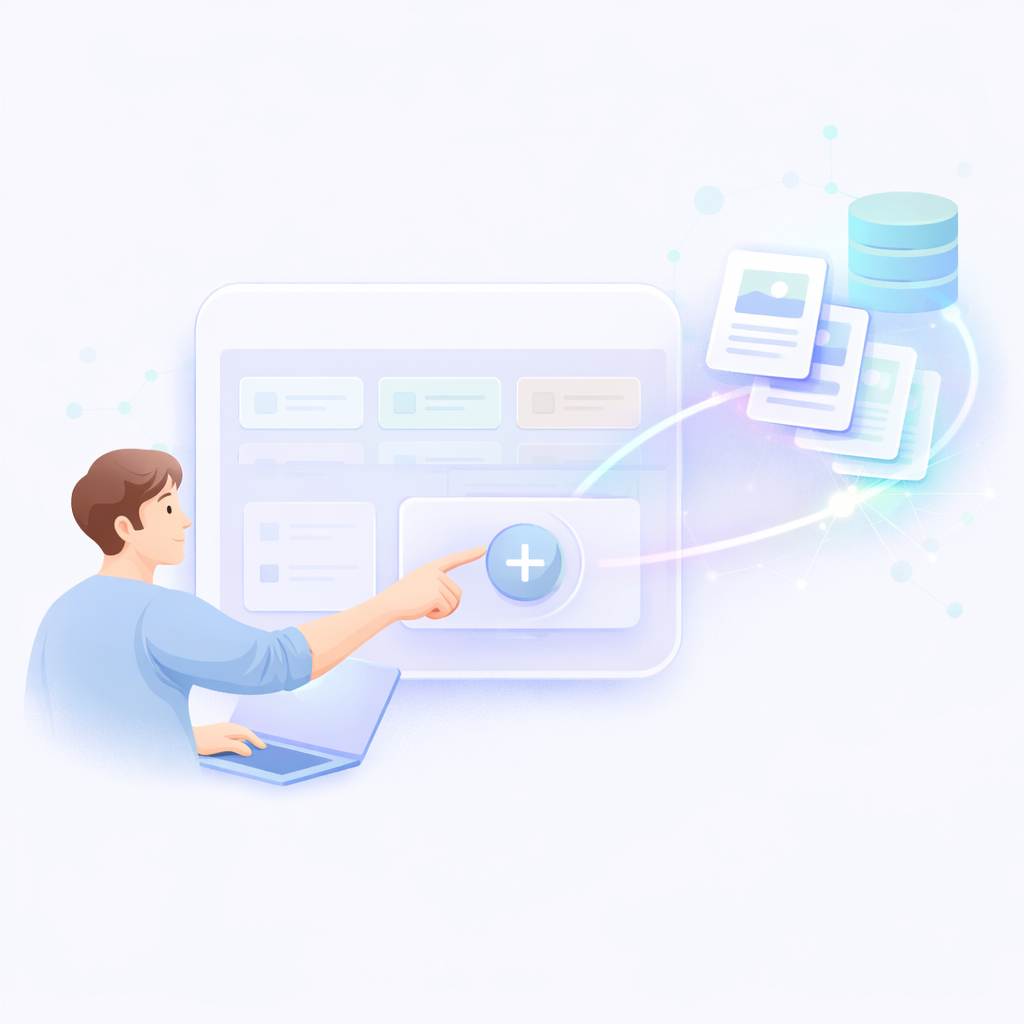
Click Add Knowledge
Click on Add Knowledge Base to start adding a new data source.
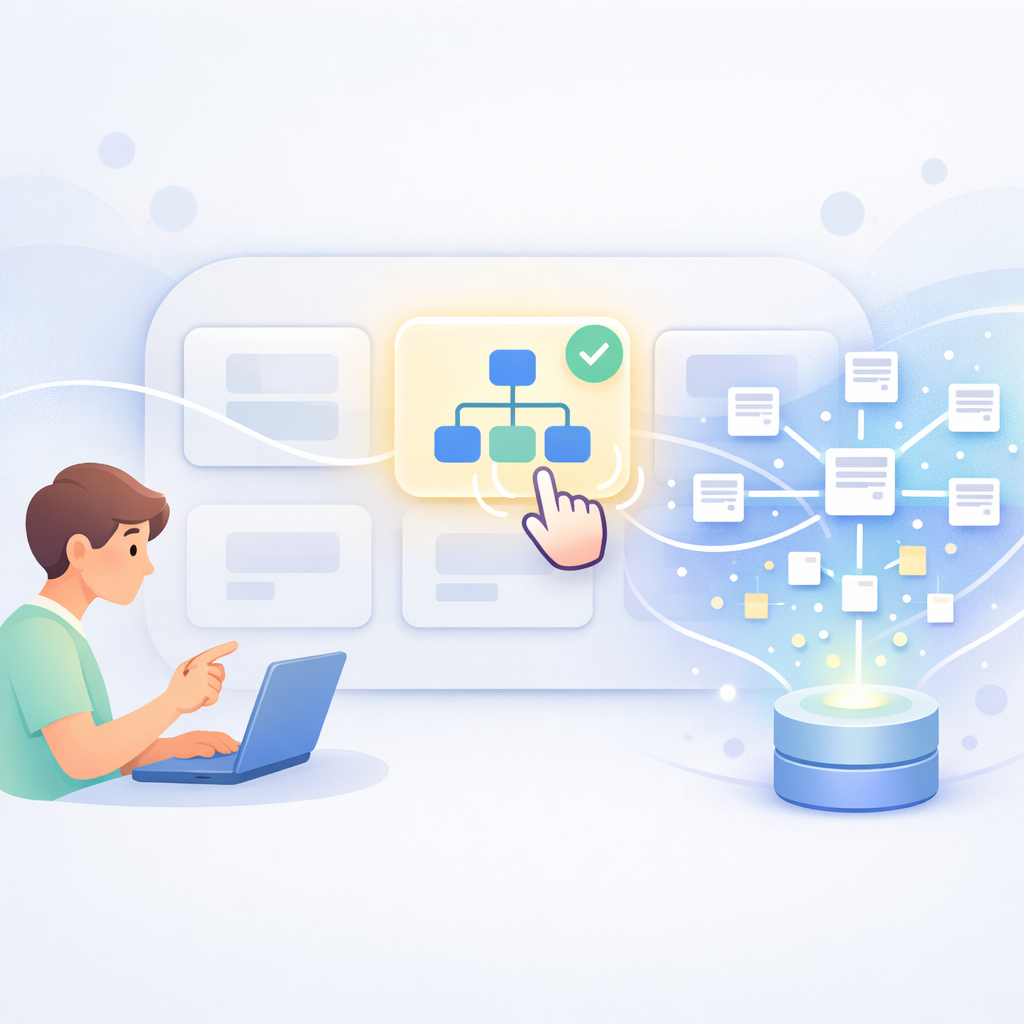
Select Sitemap Option
Choose Sitemap to enable website crawling and automatic data extraction.
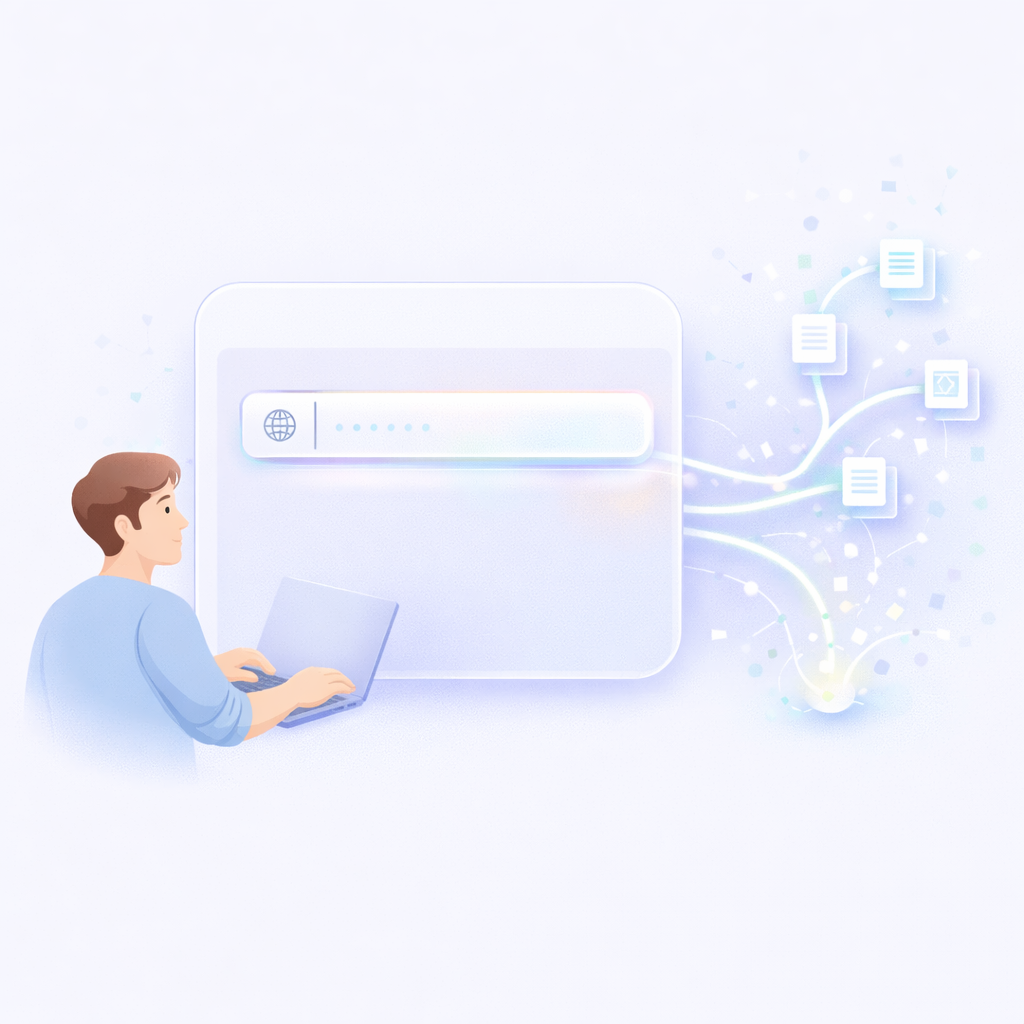
Enter Sitemap URL
Provide your sitemap.xml URL to define the pages to be crawled.
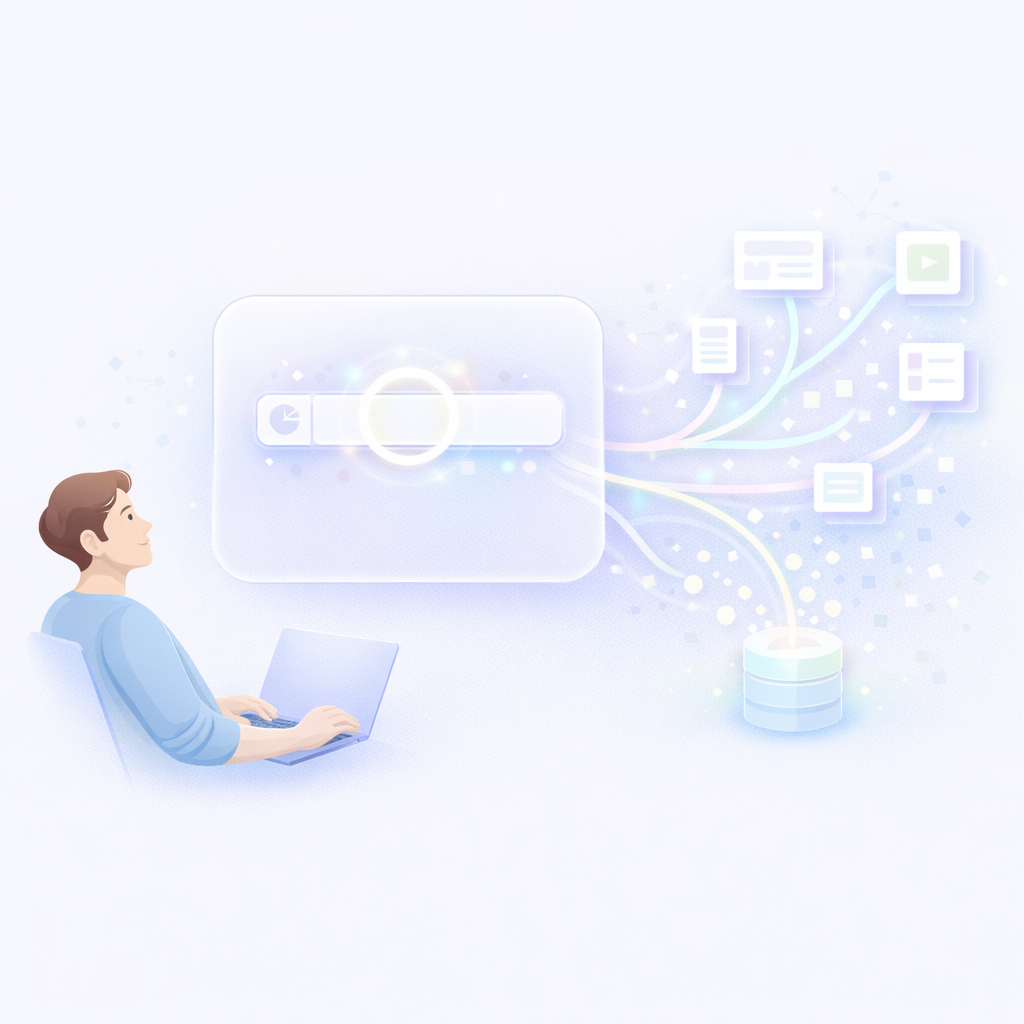
Start Crawling
System scans and extracts content from all pages automatically.

Use in Chatbot
Your chatbot is now ready to answer queries using website data.
Website Crawling Features
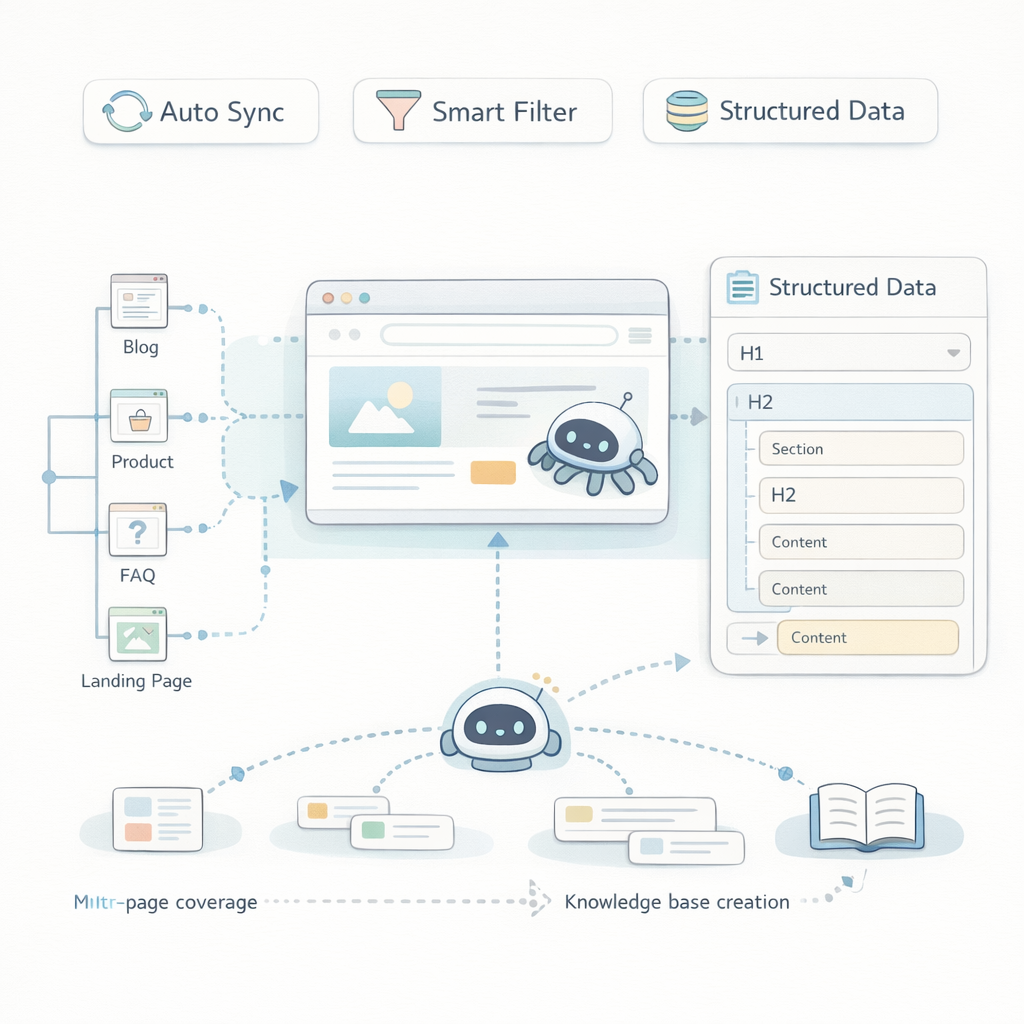
Multi-Page Coverage
Crawl blogs, product pages, FAQs, and landing pages.
Smart Content Filtering
Exclude irrelevant or duplicate pages.
Auto Content Sync
Keep chatbot knowledge updated as your website changes.
SEO-Aware Parsing
Leverage structured tags like H1, H2 for better responses.
Structured Data Extraction
Understand headings, sections, and page hierarchy.
Full Website Indexing
Scan and extract content from all pages of your website.
Frequently Asked Questions
Will it affect my website performance?
No. Crawling is done externally and safely.
How often is data updated?
It can be refreshed manually or automatically.
Can I select specific pages?
Yes. You can include or exclude pages.
Can it handle large websites?
Yes. It supports multi-page and large-scale websites.
What is website crawling?
It extracts and processes content from your website for chatbot use.
Do I need to upload data manually?
No. The system automatically fetches data from your website.