
Turn website chats into WhatsApp leads
Engage visitors, capture leads, and automate conversations directly on your website
Real-time visitor engagement
Lead capture and qualification
AI-powered responses
No-code chatbot setup
CRM and integrations
Customizable chat widget
How to create a website chatbot
Set up, customize, and launch your chatbot on your website
Create your chatbot
Enter your chatbot name, description, and select Website as your platform to begin.
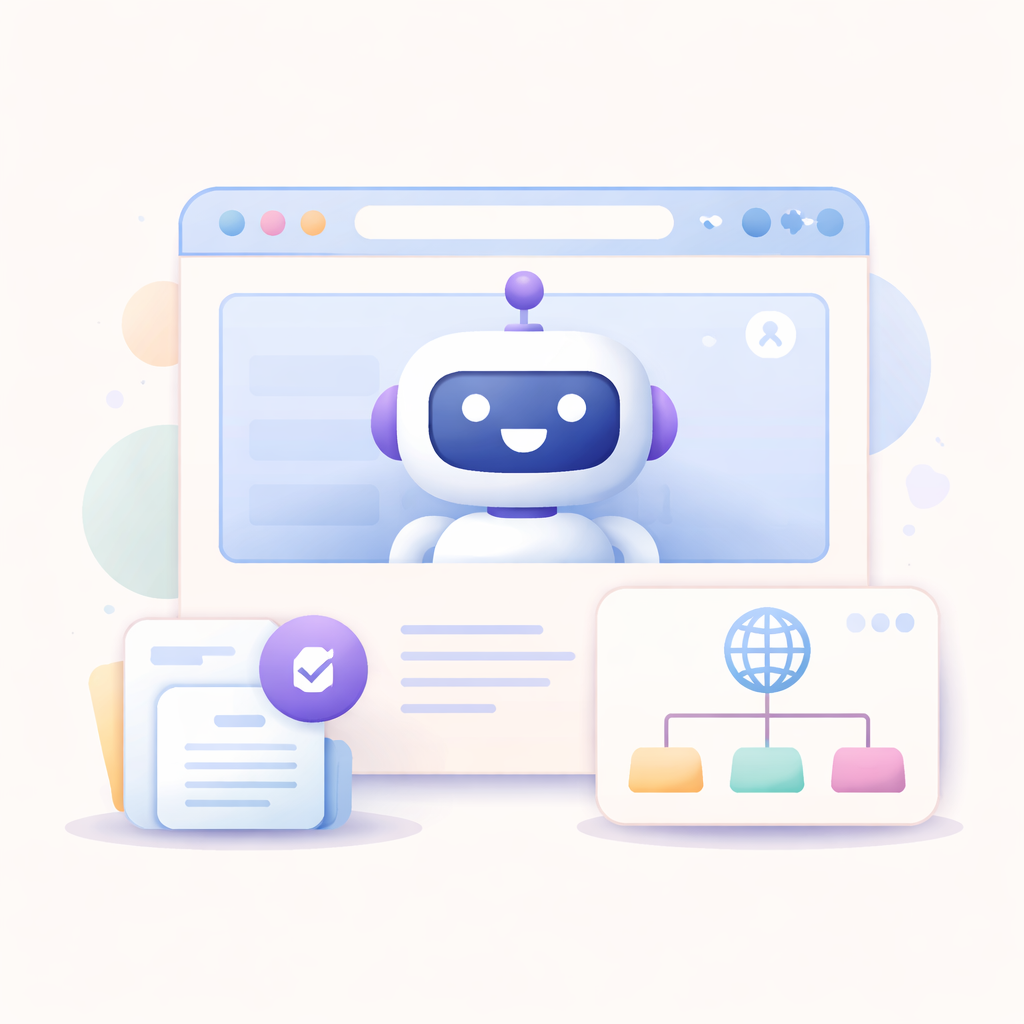
Add website URL and knowledge sources
Provide your website URL and enhance your chatbot's knowledge by adding a sitemap, uploading documents, or selecting from existing knowledge bases.
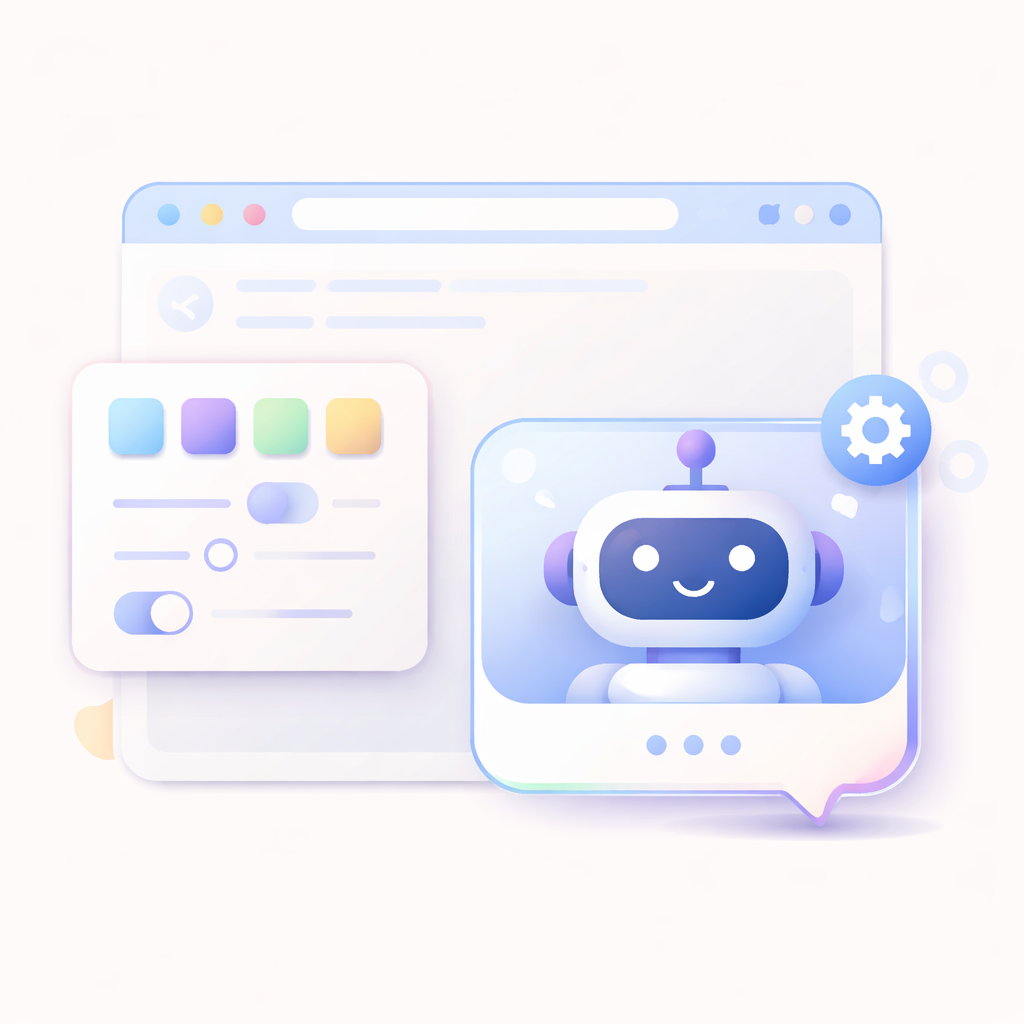
Customize your chatbot widget
Adjust the chatbot's appearance, colors, position, and behavior to match your website branding.
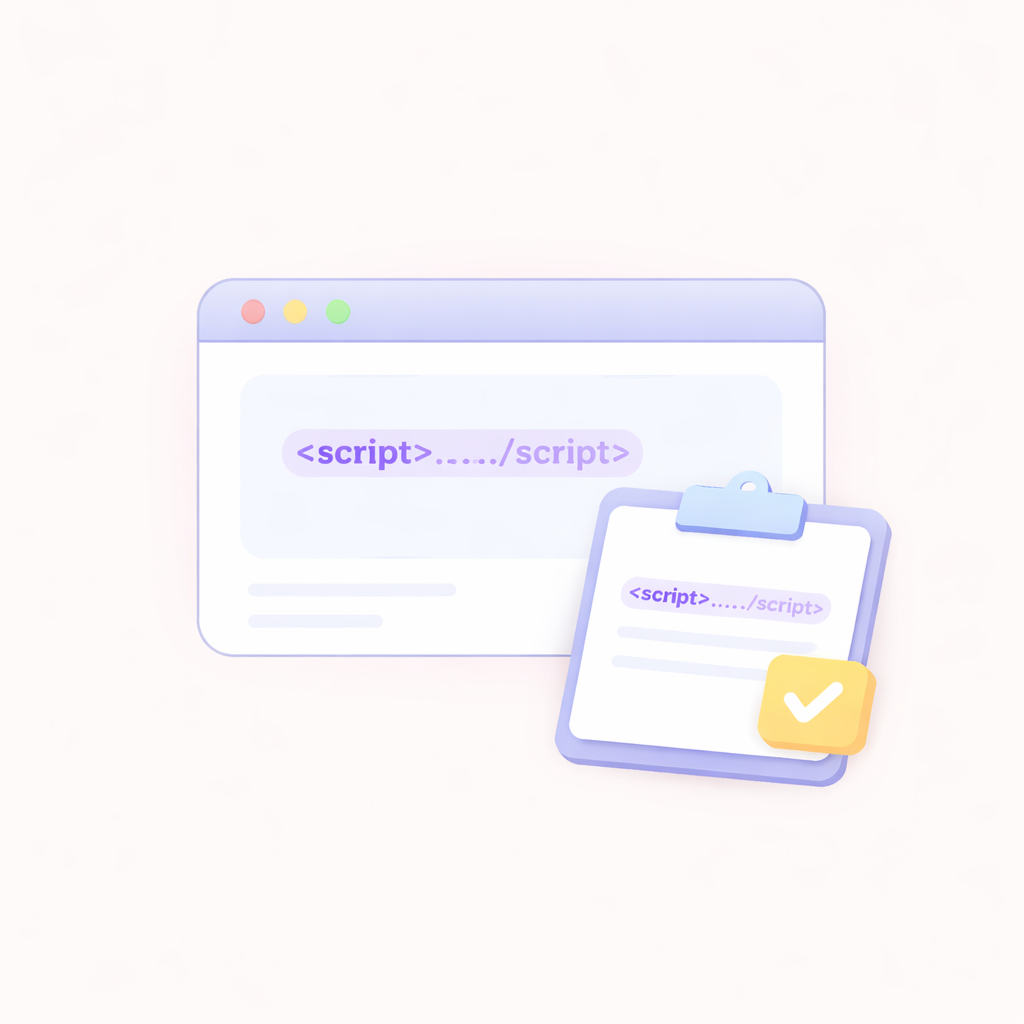
Add the script to your website
Copy the provided script tag and paste it into your website's code to install the chatbot.
Start engaging visitors
Once installed, your chatbot is live and ready to interact with visitors, answer questions, and capture leads.
Convert website visitors into customers
Automate conversations, capture leads, and provide instant support directly on your website.
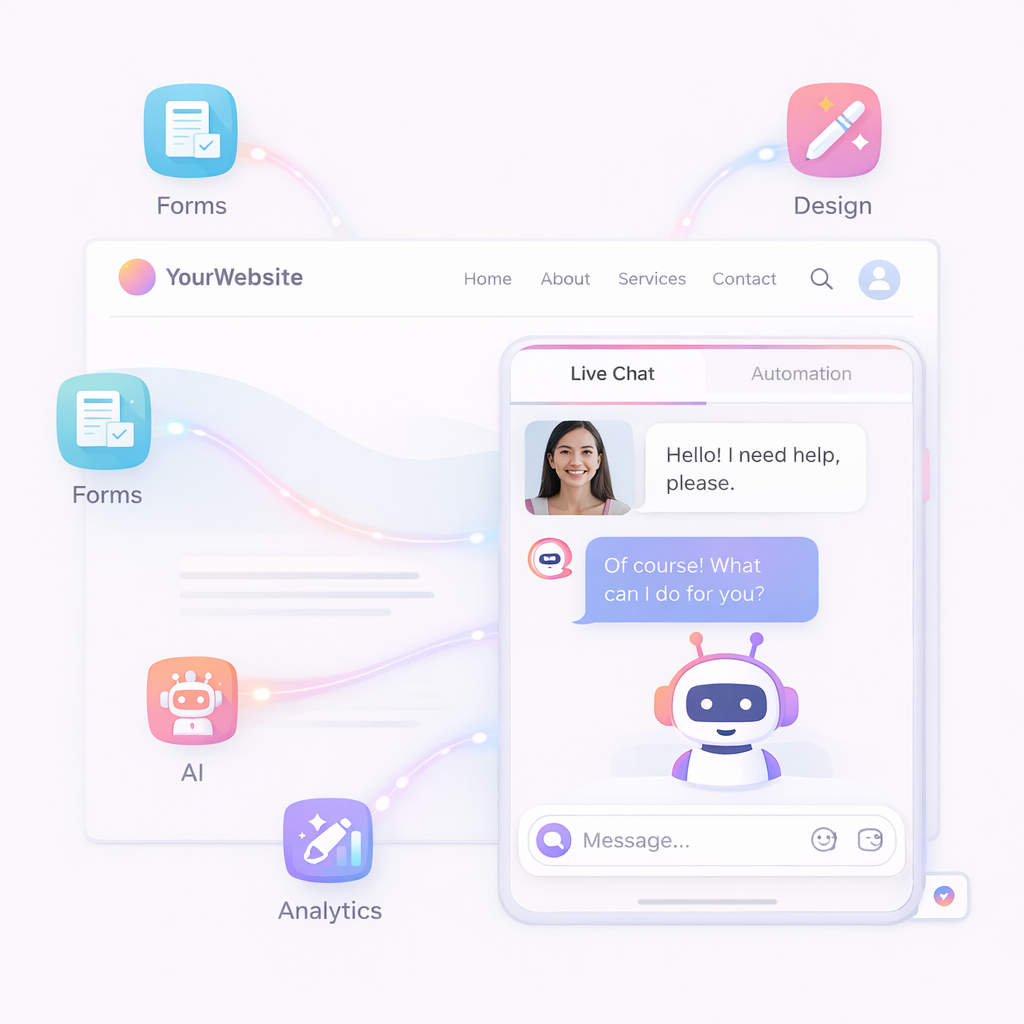
Lead Capture Forms
Collect visitor information and qualify leads automatically.
Visitor Engagement Triggers
Engage users based on behavior, time, or actions.
Live Chat + Automation
Combine automated responses with human support when needed.
Custom Widget Design
Match the chatbot design with your website branding.
Smart AI Responses
Answer customer queries instantly using AI-powered responses.
Analytics and Insights
Track chatbot performance and optimize conversations.
Frequently Asked Questions
Can I customize the chatbot design?
Yes, you can fully customize the chatbot's appearance to match your brand.
Does it work on all websites?
Yes, the chatbot can be added to any website using a simple script integration.
Do I need coding skills to install it?
No, you just need to copy and paste a script tag into your website.
How long does setup take?
You can set up and launch your website chatbot within minutes.
What is a website chatbot?
A website chatbot is an automated assistant that interacts with visitors on your website to answer questions and capture leads.
Can it capture leads?
Yes, the chatbot can collect user information and qualify leads automatically.