
Lead Management
Organize, track, and manage your leads efficiently with a visual pipeline. Monitor lead progress, schedule follow-ups, and convert prospects into customers.
Visual Lead Pipeline
Customizable Lead Stages
Centralized Lead Profiles
Smart Follow-up Reminders
Notes & Activity Tracking
Lead Search & Filtering
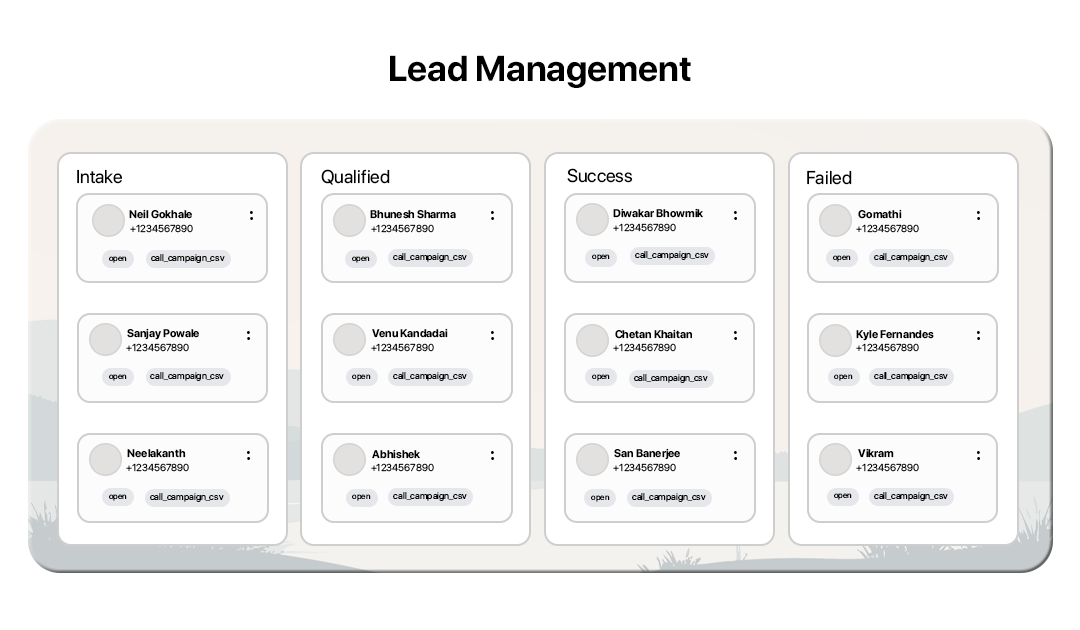
How Lead Management Works
Track and organize leads through your sales pipeline and manage follow-ups to close deals faster.

Open Lead Dashboard
Go to the CRM section and open the Leads dashboard to view all incoming leads.
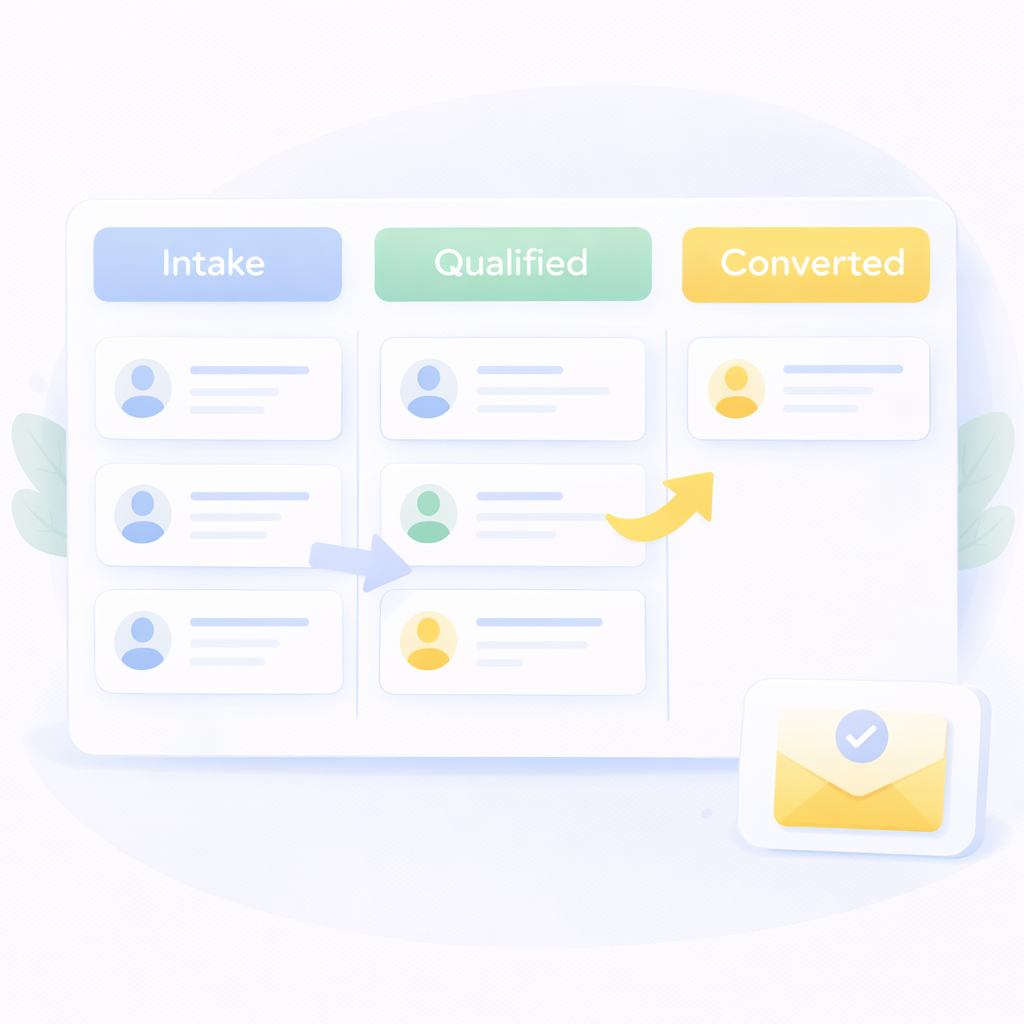
Organize Leads in Pipeline
Place leads into stages such as Intake, Qualified, or Converted to track progress.

View Lead Details
Open a lead profile to view contact information, labels, and communication history.

Add Notes & Labels
Add notes, tags, and important information to keep your team updated on lead status.
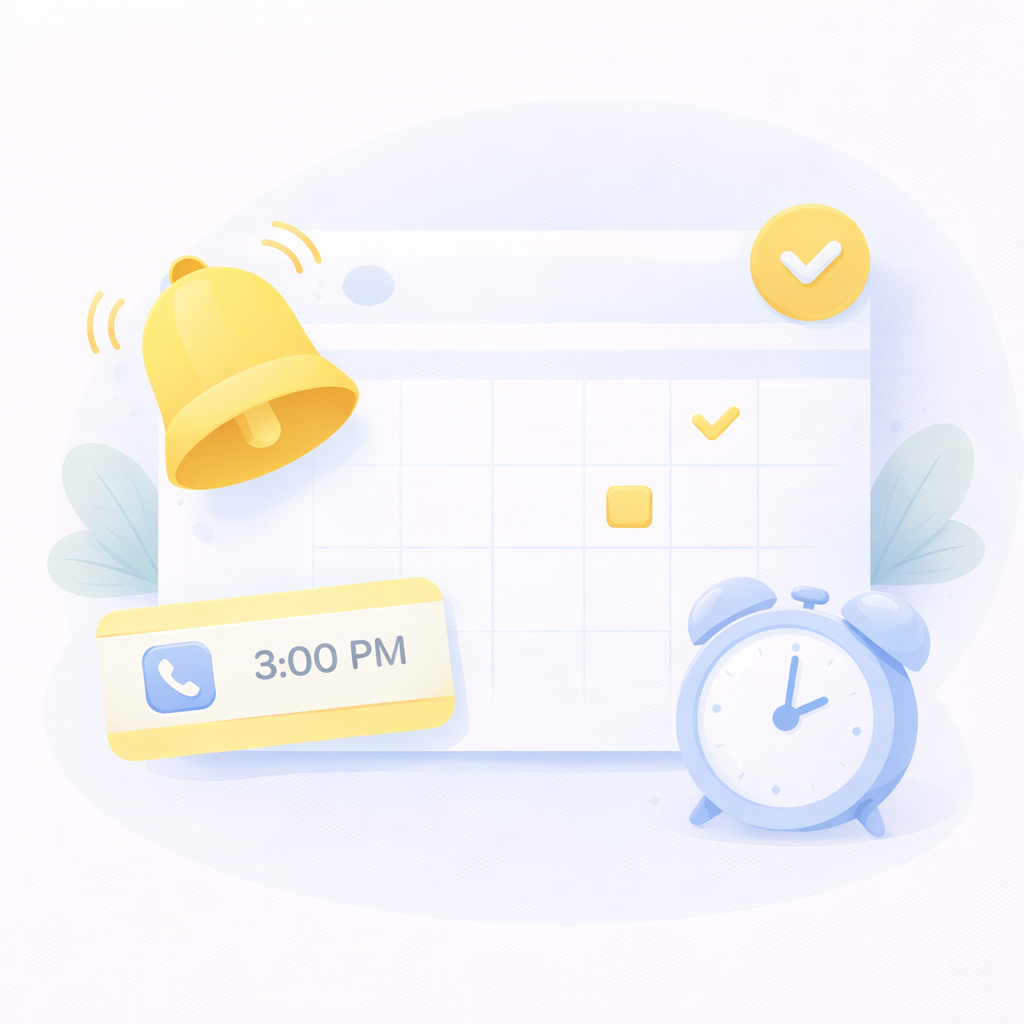
Schedule Follow-ups
Set reminders for calls, meetings, or follow-ups so no opportunity is missed.

Convert Leads
Move leads through stages until they become paying customers.
Powerful Tools to Manage Your Leads
Simplify lead tracking and sales management with a complete lead management system designed for teams.
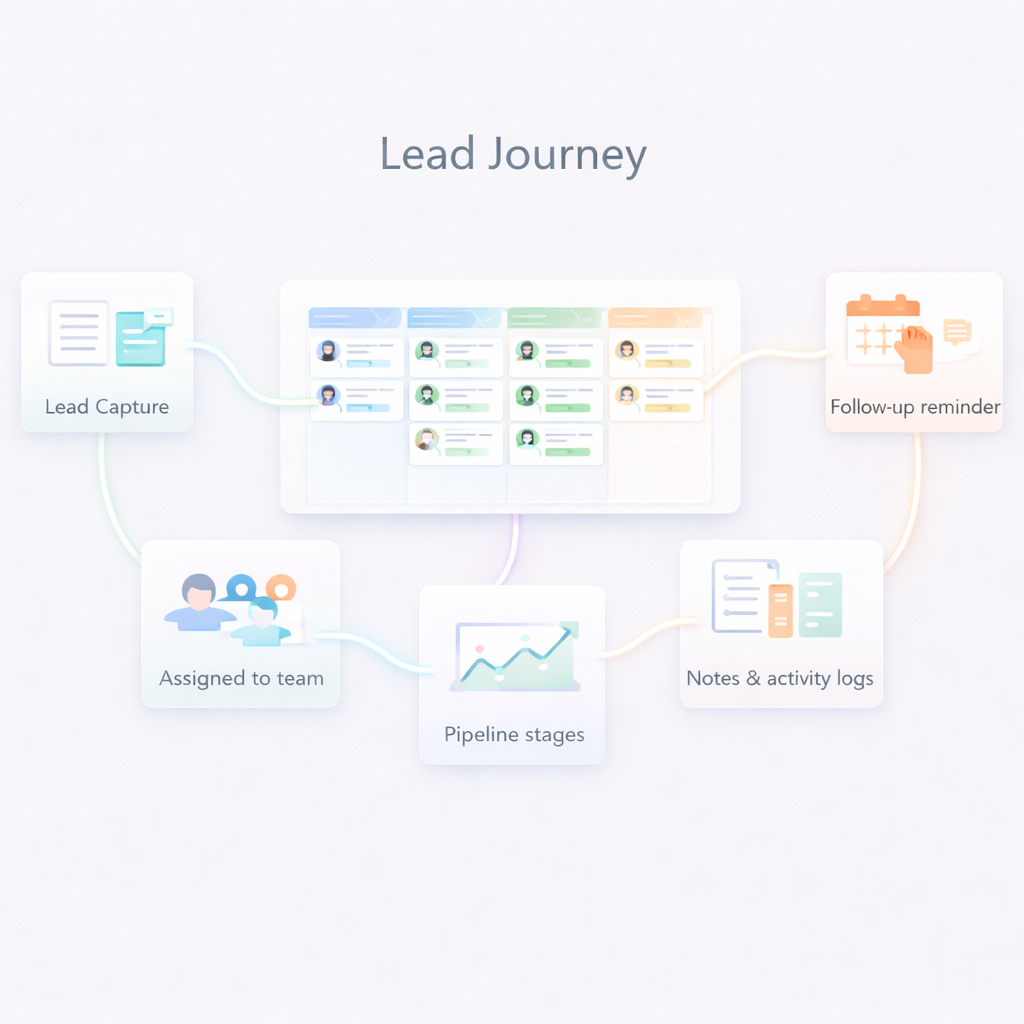
Pipeline Management
Visualize your entire sales pipeline and track how leads move through each stage.
Lead Capture
Automatically collect leads from campaigns, forms, and integrations in one centralized system.
Notes and Activity Logs
Keep track of conversations, updates, and important lead information with notes and activity history.
Follow-up Reminders
Schedule reminders for calls, demos, and follow-ups to maintain consistent engagement with prospects.
Lead Tracking
Track lead progress across pipeline stages and monitor how prospects move toward conversion.
Lead Assignment
Assign leads to team members to ensure faster response and better lead handling.
Frequently Asked Questions
What is lead management?
Lead management is the process of capturing, tracking, and nurturing potential customers until they convert into paying customers.
Can I set reminders for follow-ups?
Yes. The system allows you to schedule reminders for calls, meetings, and other follow-up tasks.
Can I create custom lead stages?
Yes. You can create and customize stages to match your sales workflow.
Can I track lead conversions?
Yes. Lead management tools allow you to track how leads move through stages and convert into customers.
What is a lead pipeline?
A lead pipeline is a visual system that organizes leads into stages, helping sales teams track progress and manage opportunities.
Can I add notes for each lead?
Yes. You can add notes and track interactions to maintain complete lead information.